Web Hosting & DirectAdmin
Find your web hosting panel and sign in with your service credentials.
Sign in to your web hosting panel
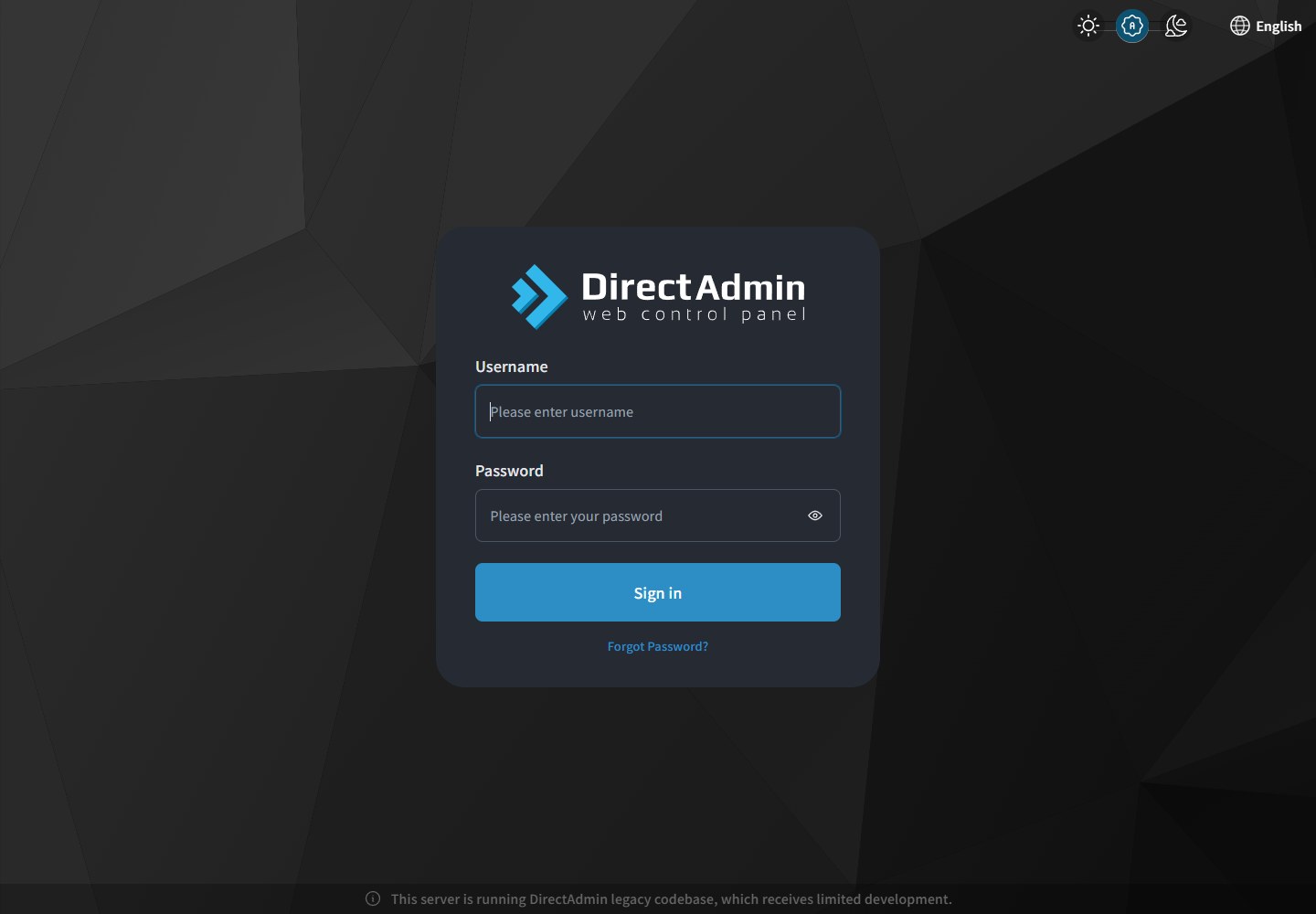
Actual screenshot; labels depend on the selected interface language. Click the image to view it at full size.
After the service is provisioned, open the DirectAdmin URL in your welcome email or Store service details. The current D7 endpoint is d7.my-control-panel.com:2222. Use the hosting username and password provided for your own service; the Store email and Minecraft panel credentials are separate.
If login fails or the welcome email is missing, contact support with the service ID and error, without passwords. Once signed in, use your own domain’s document root shown by File Manager for website files, and use the DNS/nameservers specified in the welcome email. Back up before replacing a site. Domain registration, DNS changes and application deployment are separate steps; logging in alone does not publish a website.