Introduction
Understand the Store and Panel, then follow purchasing, startup, connection and maintenance guides.
Illustrated procedure
Screenshots show the current application with demonstration data. Use your own service details; click an image to inspect it at full size.
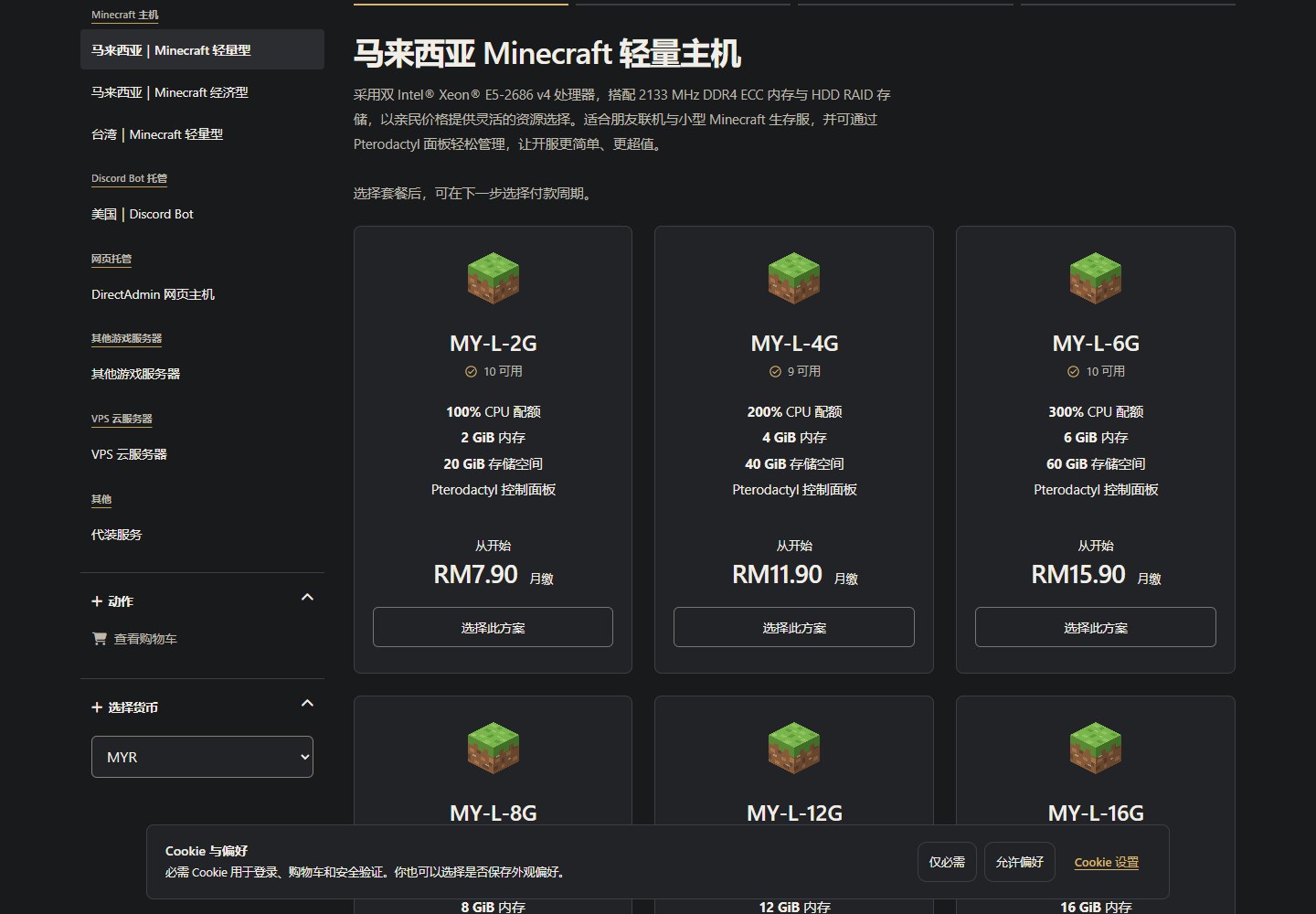
Compare plans
Open the Store and check the product, region, CPU, memory, disk and current availability.
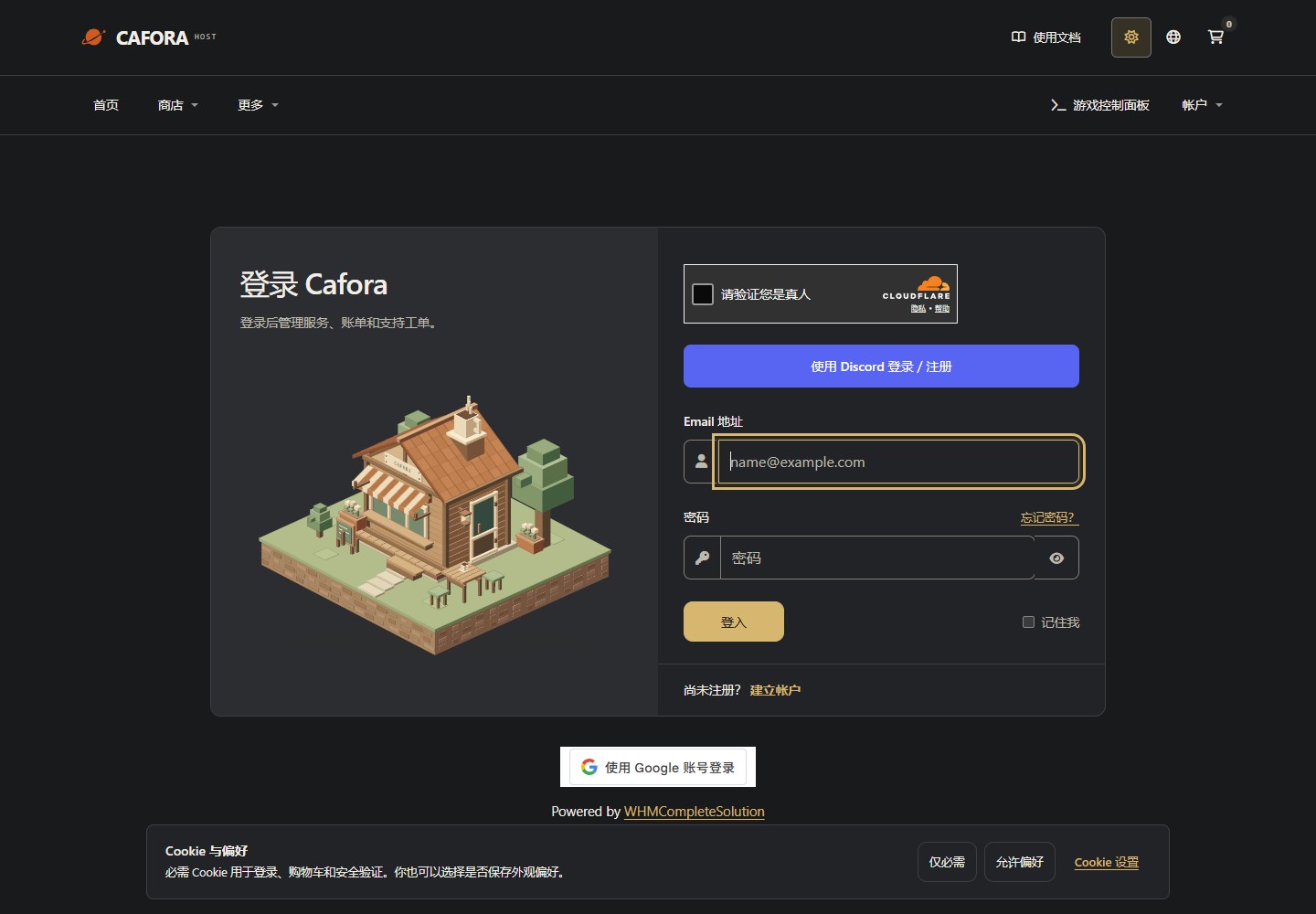
Sign in to the Store
Open the Store client area. Use your own account for orders, invoices and service requests; this is separate from game Panel.
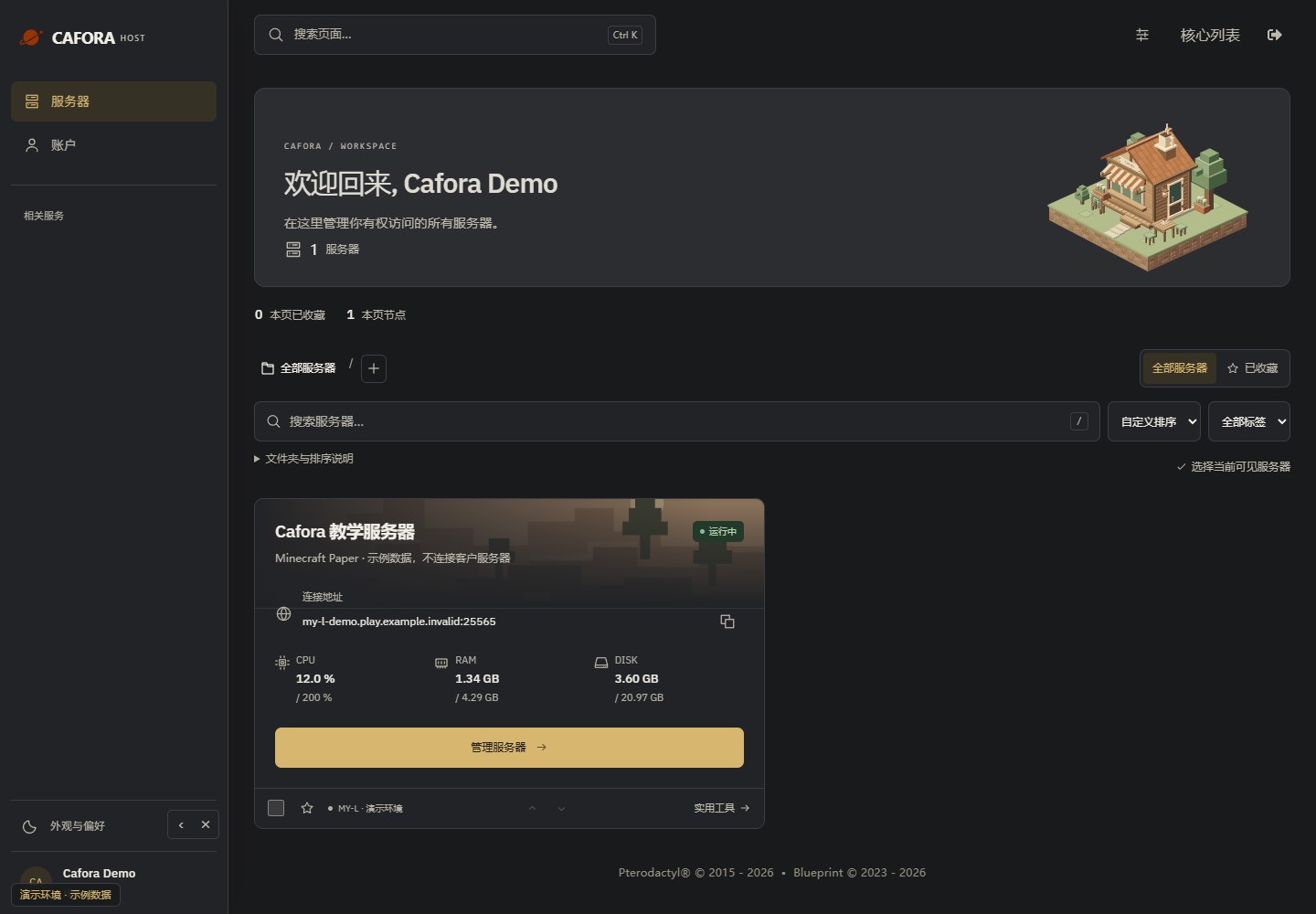
Select your own server
Find the correct server in the workspace and select Manage server. The server shown here is an isolated example, not your connection address.
Check the console
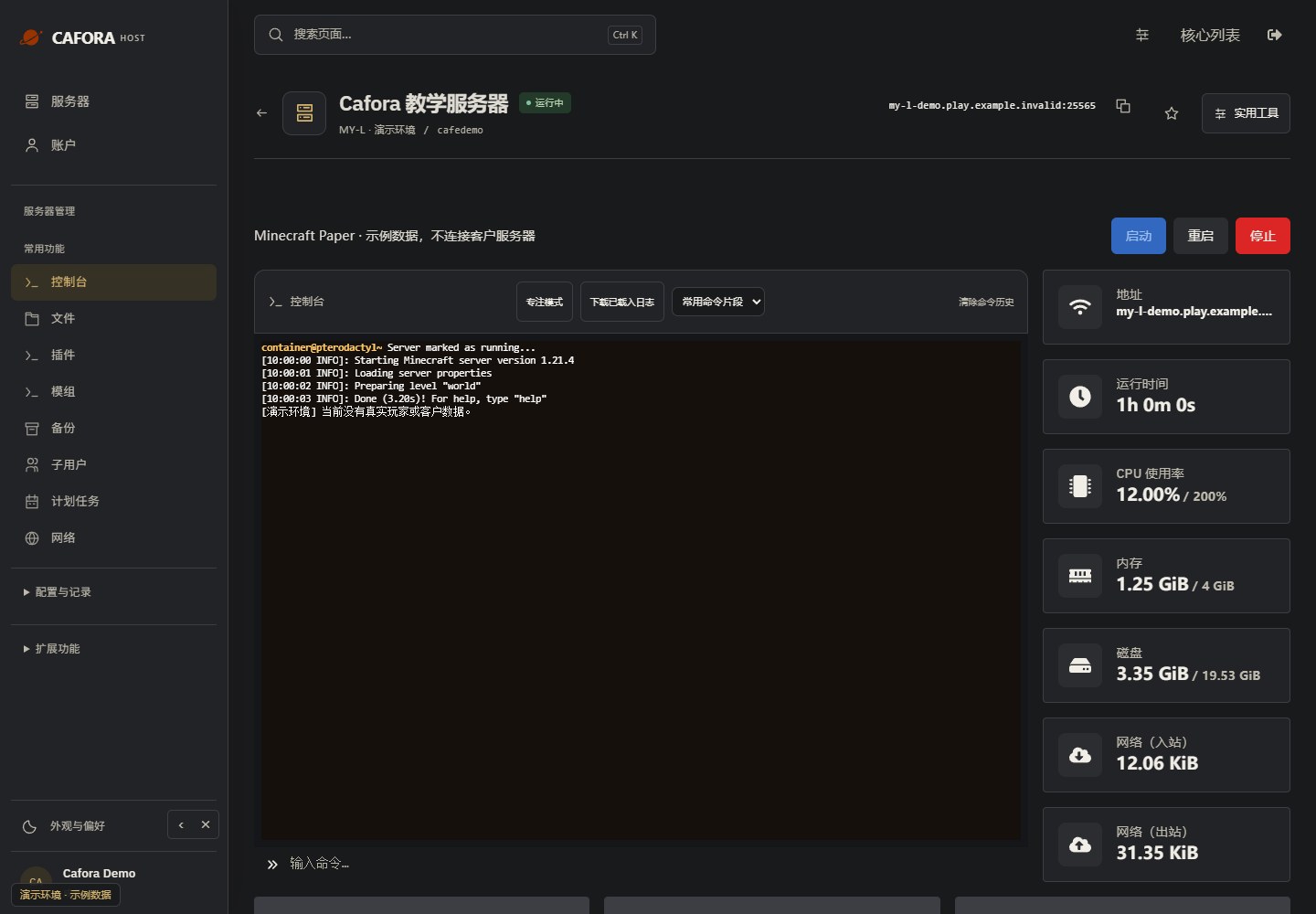
Open Essentials → Console. Check the current state, startup output and errors before making changes. Wait for Done or your software’s ready message before joining.