Backup overview
Check backup limits, exclusions and completion, then choose manual, scheduled or off-server copies.
A backup helps recover after updates, configuration mistakes or missing files. First establish that it contains the required data and can be retained and restored independently.
Check your service's backup limit
Open Backups and check the total limit, existing entries and your permissions. A limit of zero does not establish access to Panel backups; ask about plan support or keep an off-server copy.
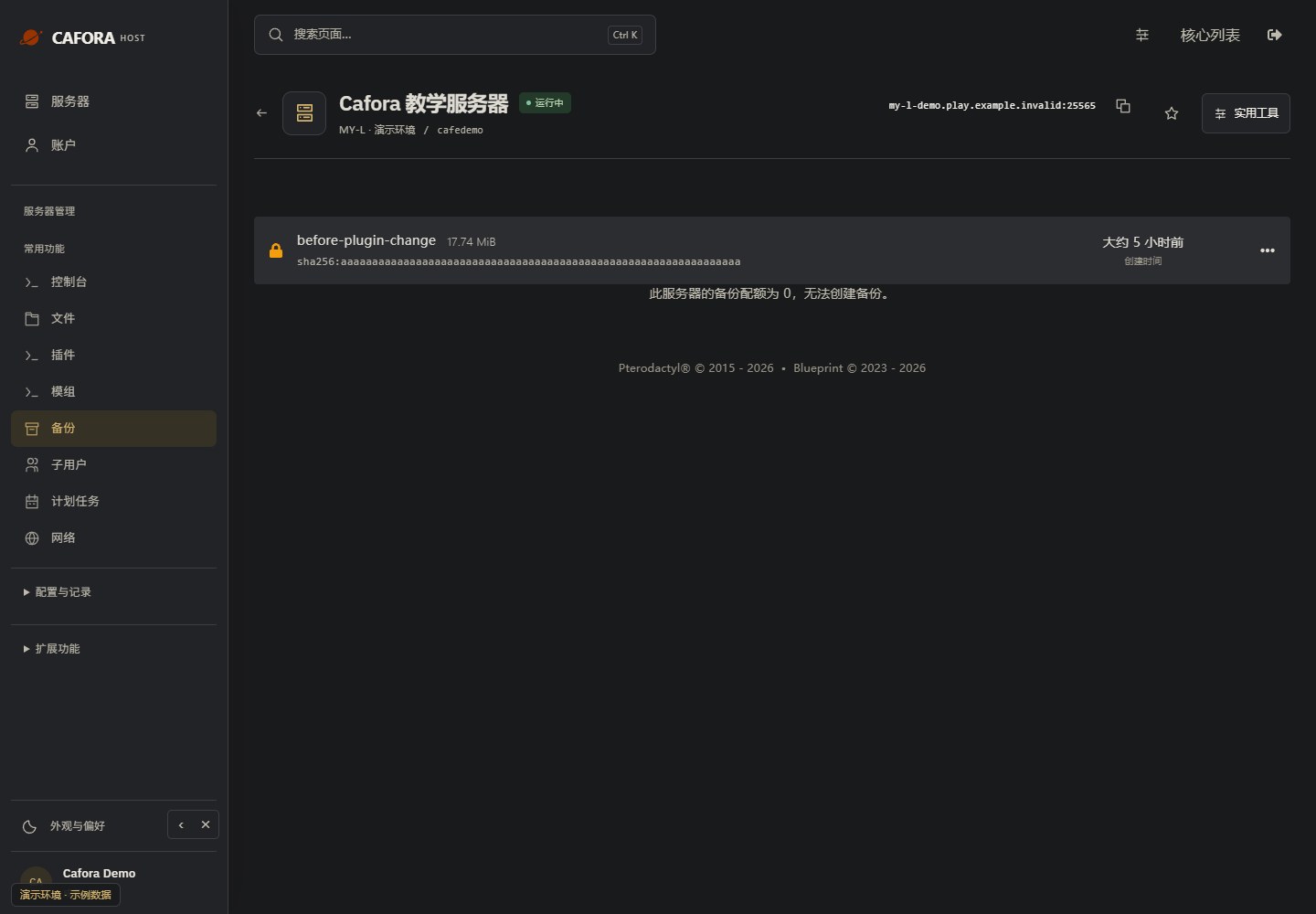
Choose a method
| Method | When to use it | What to check afterward |
|---|---|---|
| Manual backup | Before changing software, plugins, configuration or worlds | The entry is complete, its name and time are correct, and it has not failed |
| Scheduled backup | Repeated protection at set times | The schedule is enabled, contains a backup action and produces a valid backup entry |
| Archive download or SFTP | Limited quota, migration or additional off-server retention | Stop the server, copy the required data off the node and verify its contents |
What is included?
Creation-time exclusions and .pteroignore affect the file set. A successful backup does not establish that every world, plugin dataset or external database is included. Confirm the directories and dependencies, and separately retain data outside the server directory.
A submitted backup request is not a completed archive. Wait for completion and retain the required copies before starting operations that may overwrite data.
Before restoring
Read Restore a backup and confirm the target server, timestamp and option to remove existing files. Save the current state first and follow Backup best practices to verify copies periodically.