Restore from a backup
Updated steps and current-interface reference for restore from a backup.
Illustrated procedure
Screenshots show the current application with demonstration data. Use your own service details; click an image to inspect it at full size.
Check the backup allowance and entries
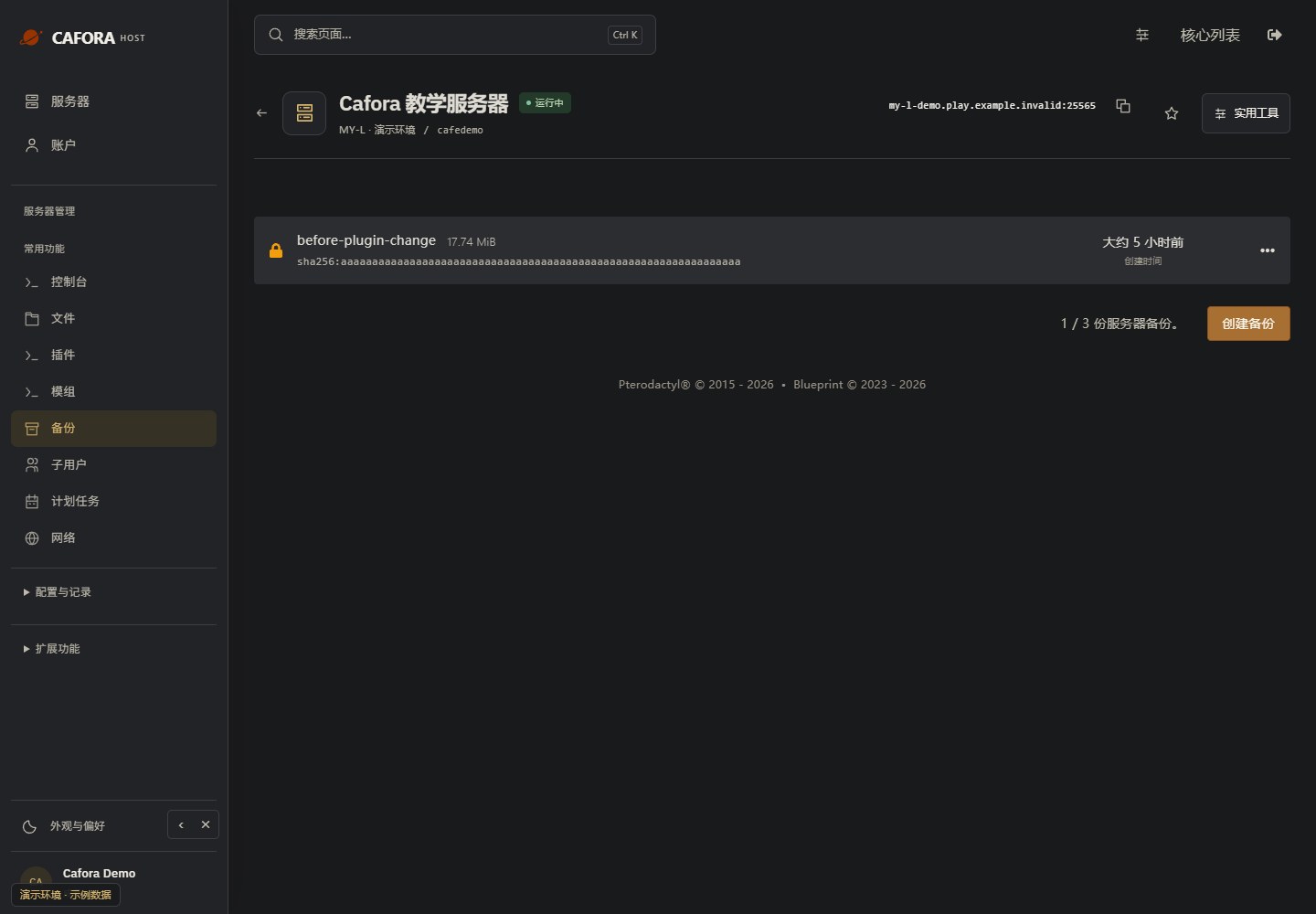
Open Backups and inspect the available allowance, names, dates and completion status. Use the limit of your own service; the example’s allowance is not a plan guarantee.
Select the intended restore point
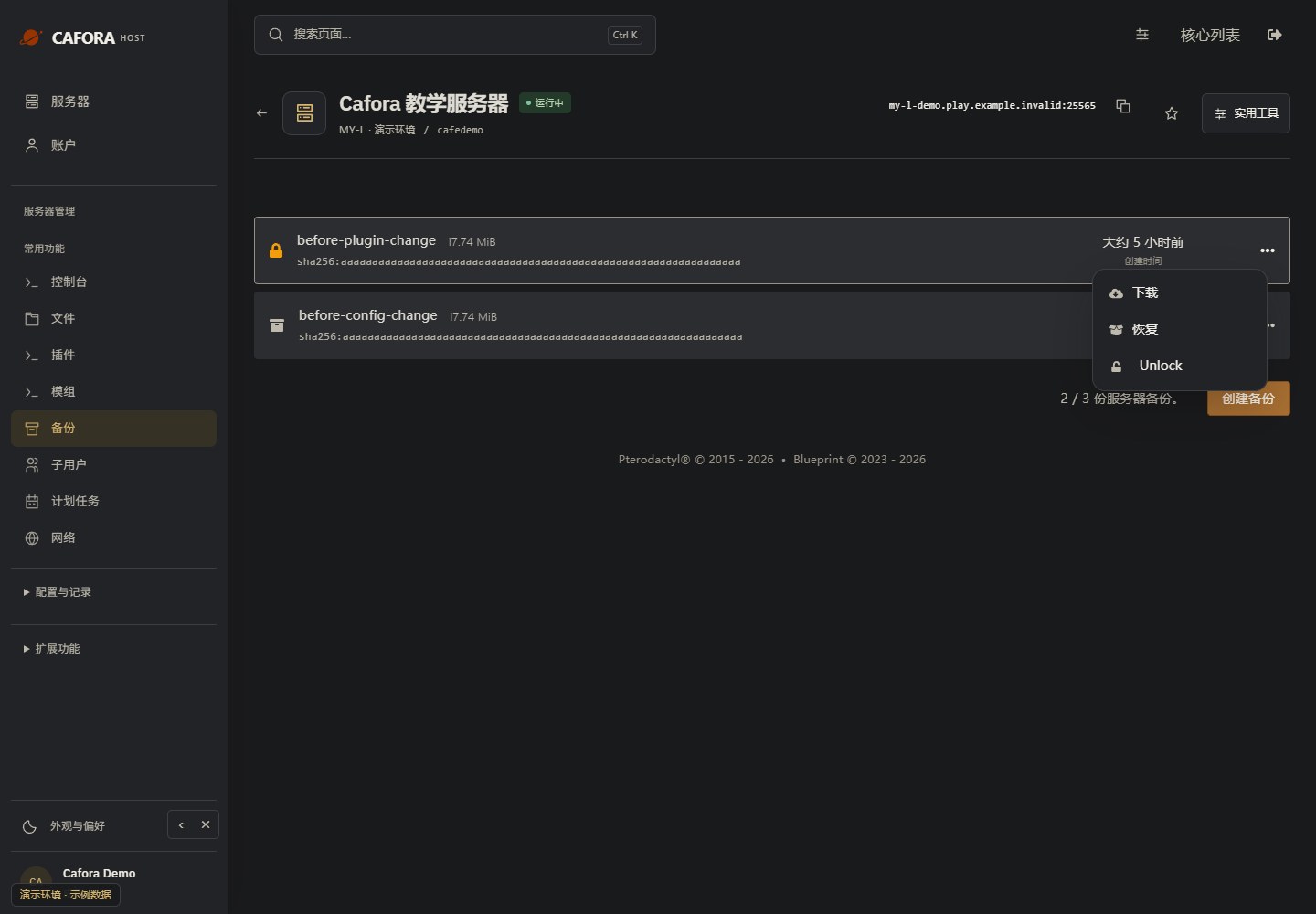
Open the actions menu for the correct completed backup. Preserve the current data before selecting Restore. Do not choose a restore point only by its position in the list.
Review restoration before confirming
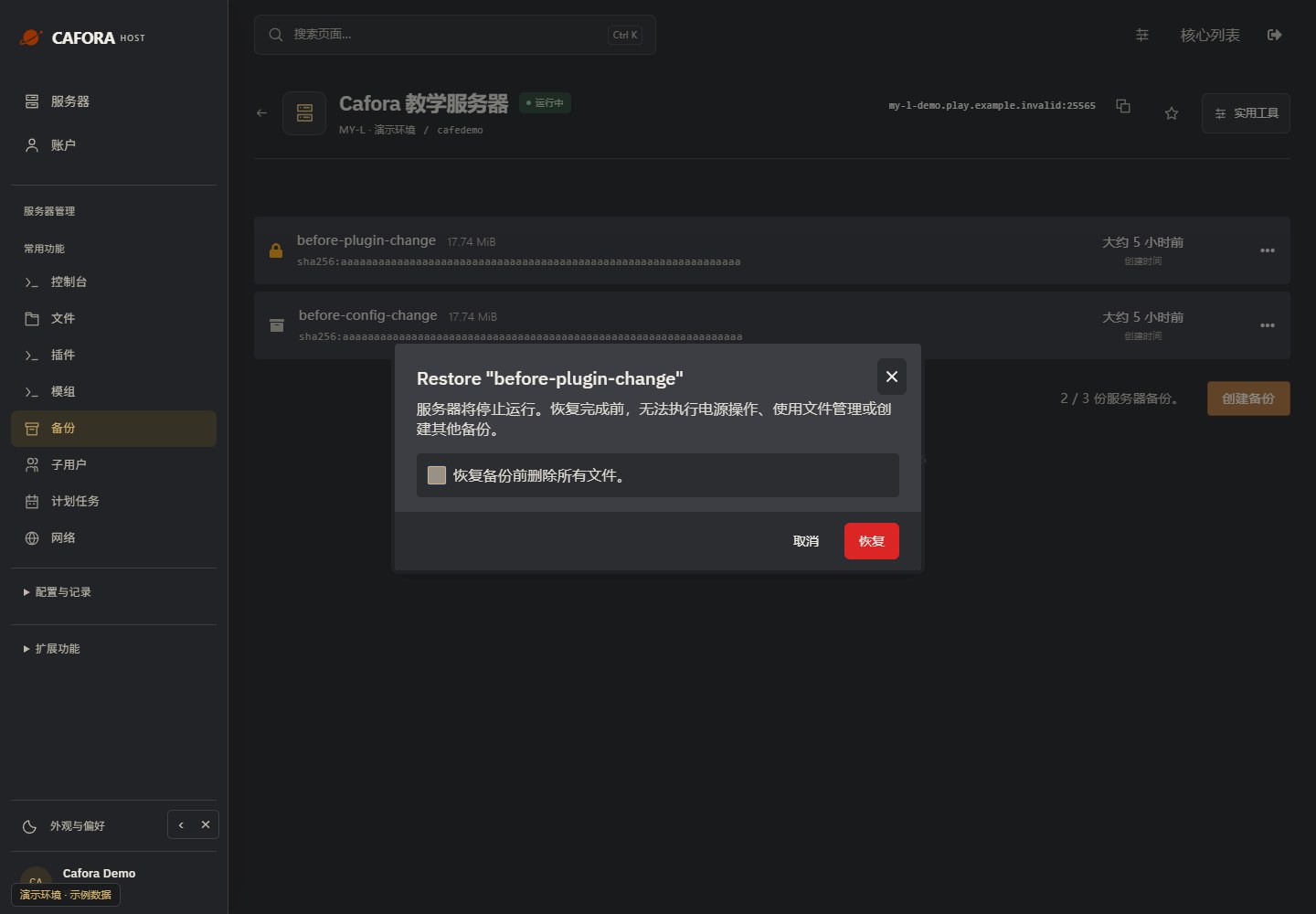
Review Delete all files before restoring carefully. Enabling it removes current files first; disabling it may leave newer files in place. Confirm only after checking the intended state, then wait and verify before starting.
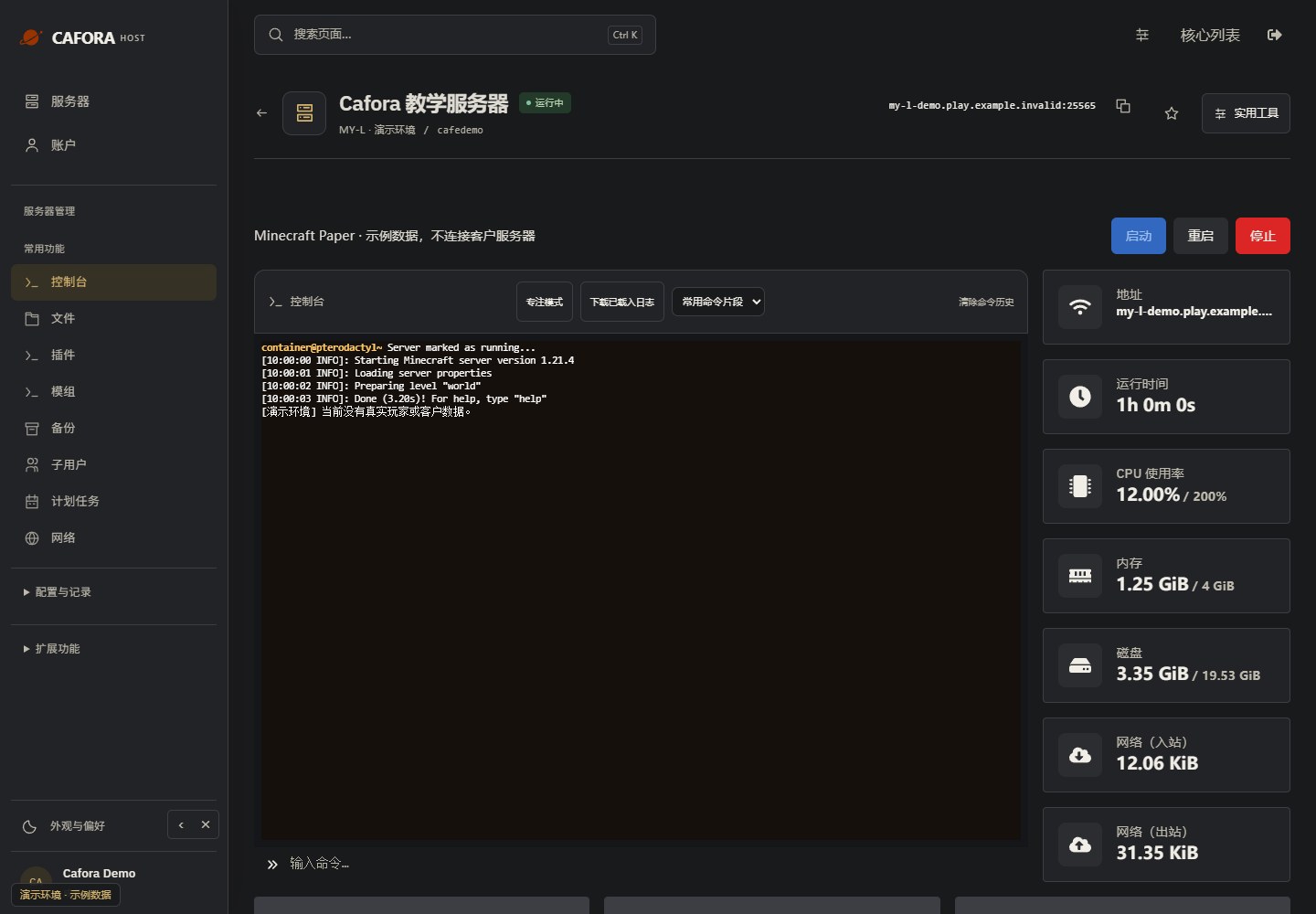
Start and verify readiness
Choose Start for an offline server. Read the startup output and confirm readiness before reconnecting players. Check the log if startup fails rather than repeatedly restarting.