Manual backups
Updated steps and current-interface reference for manual backups.
Illustrated procedure
Screenshots show the current application with demonstration data. Use your own service details; click an image to inspect it at full size.
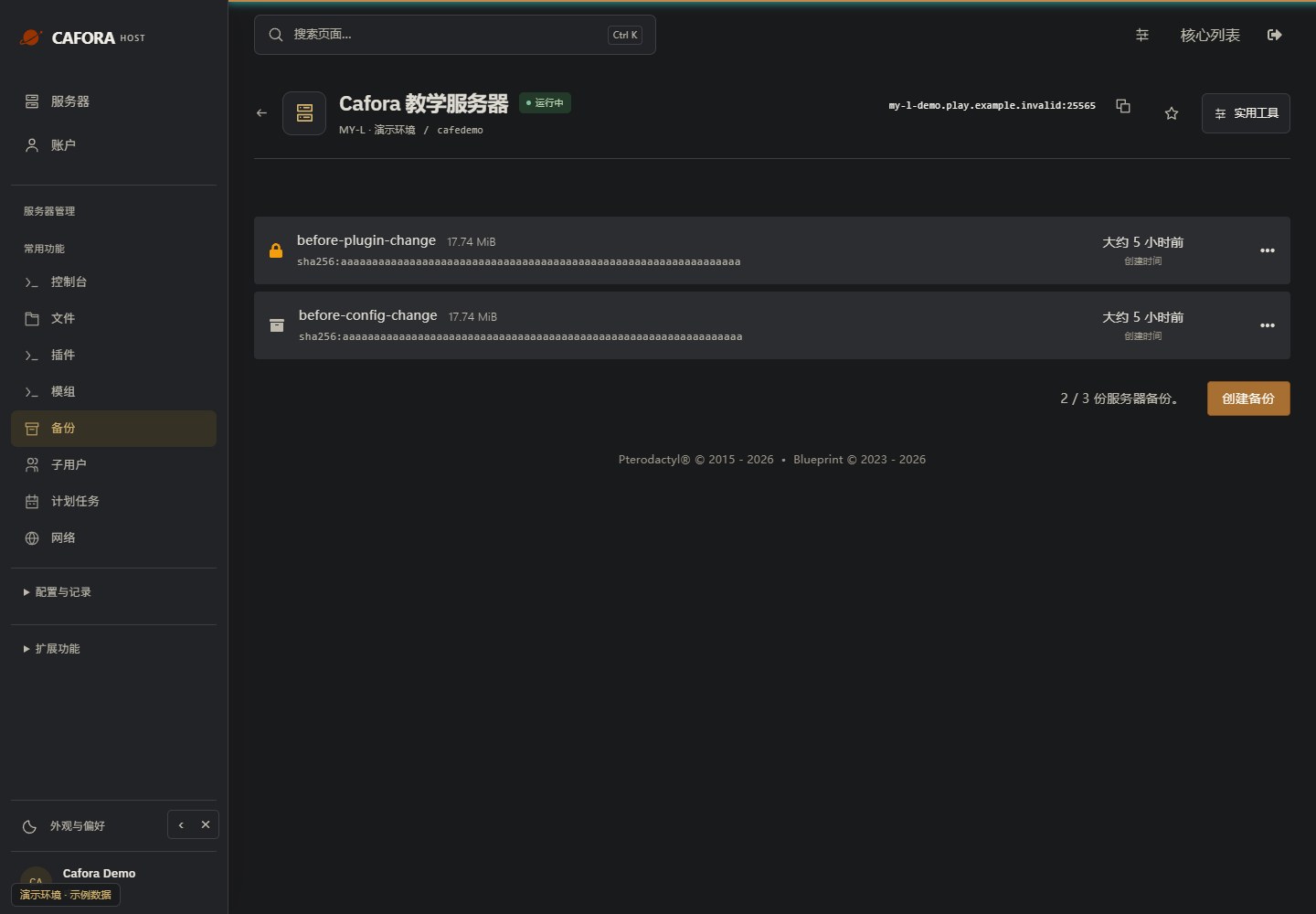
Check the backup allowance and entries
Open Backups and inspect the available allowance, names, dates and completion status. Use the limit of your own service; the example’s allowance is not a plan guarantee.
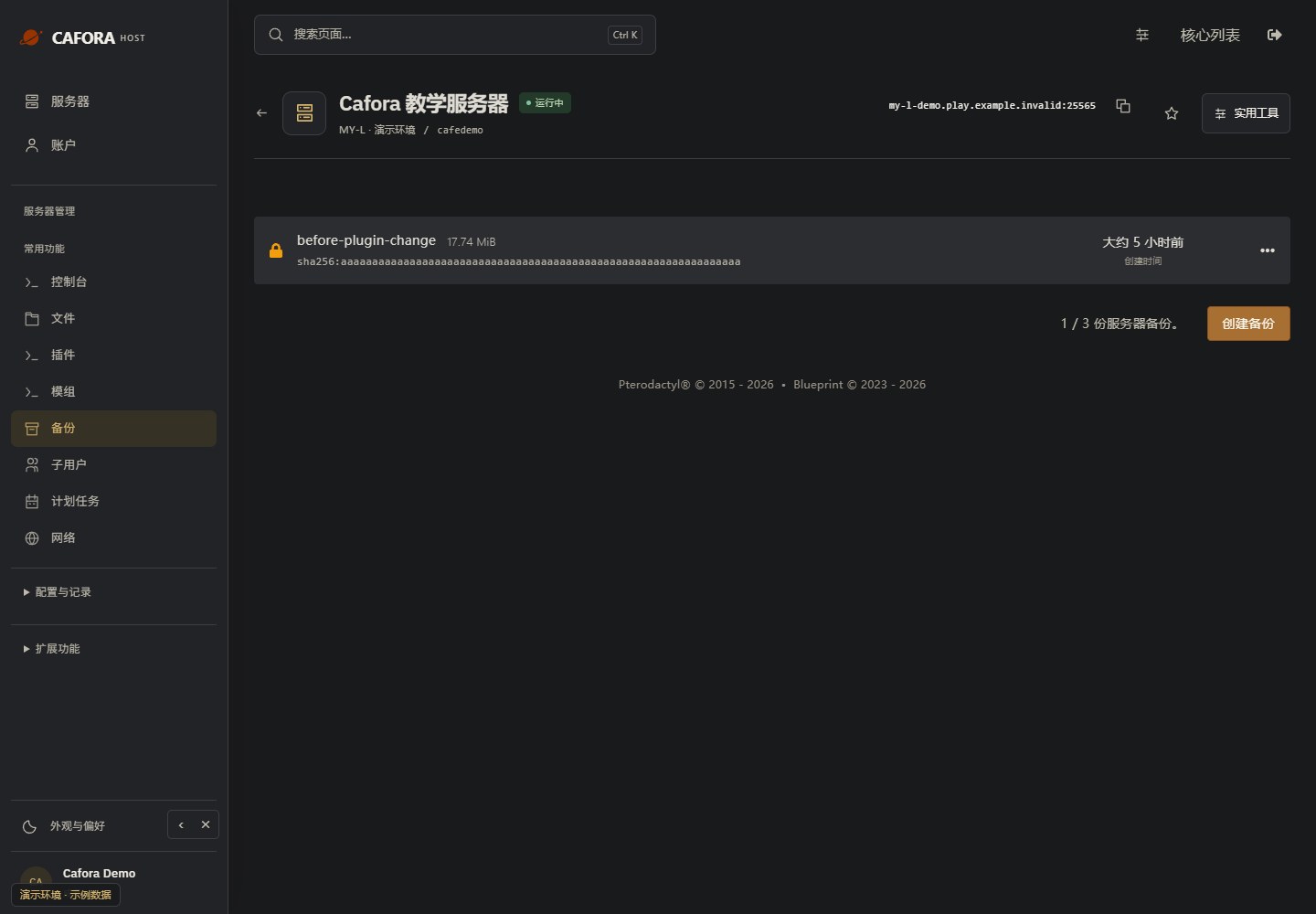
Open the backup form
Choose Create backup. Review ignored paths before proceeding; excluded world or configuration files will not be protected. A blank field may use .pteroignore.
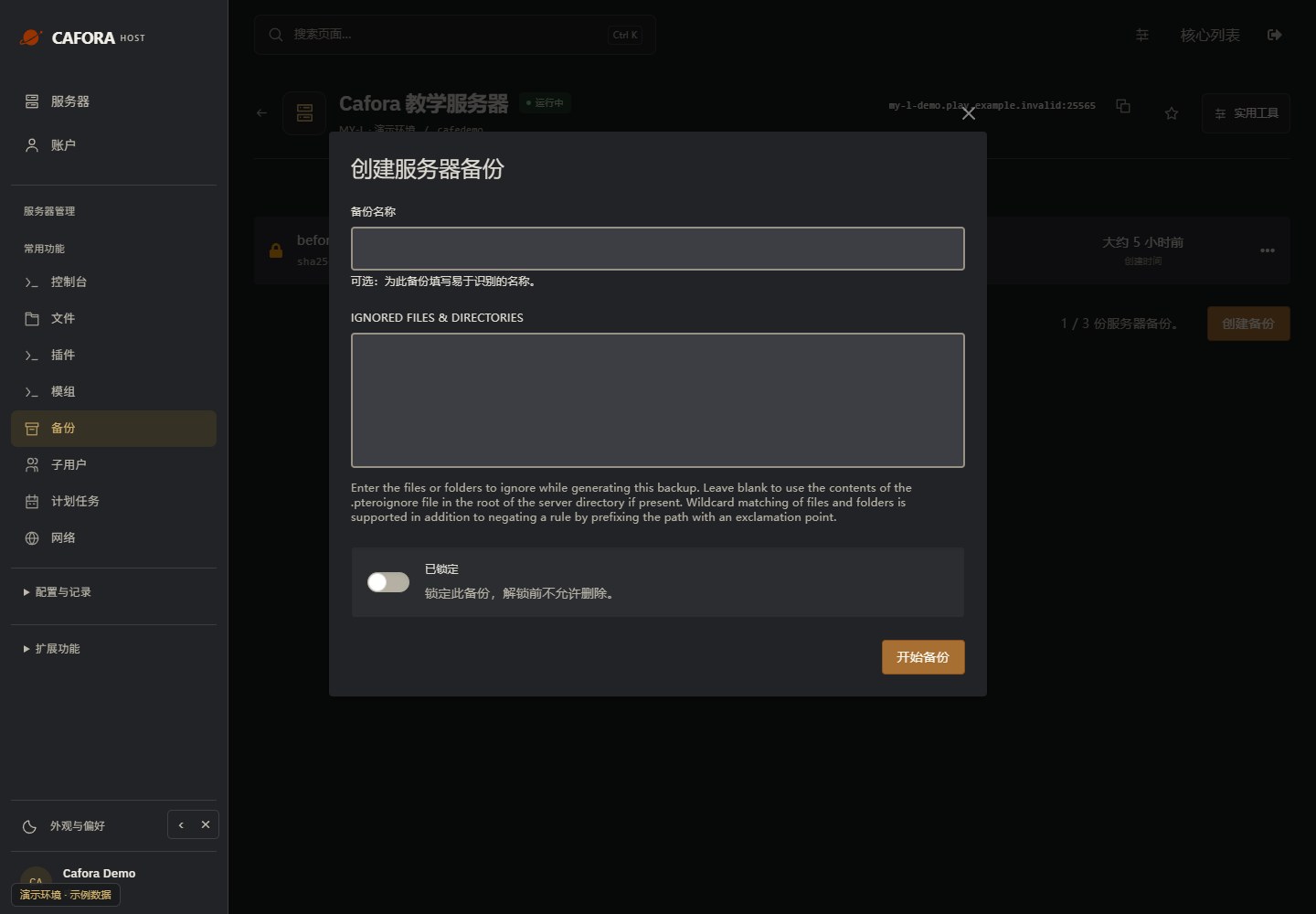
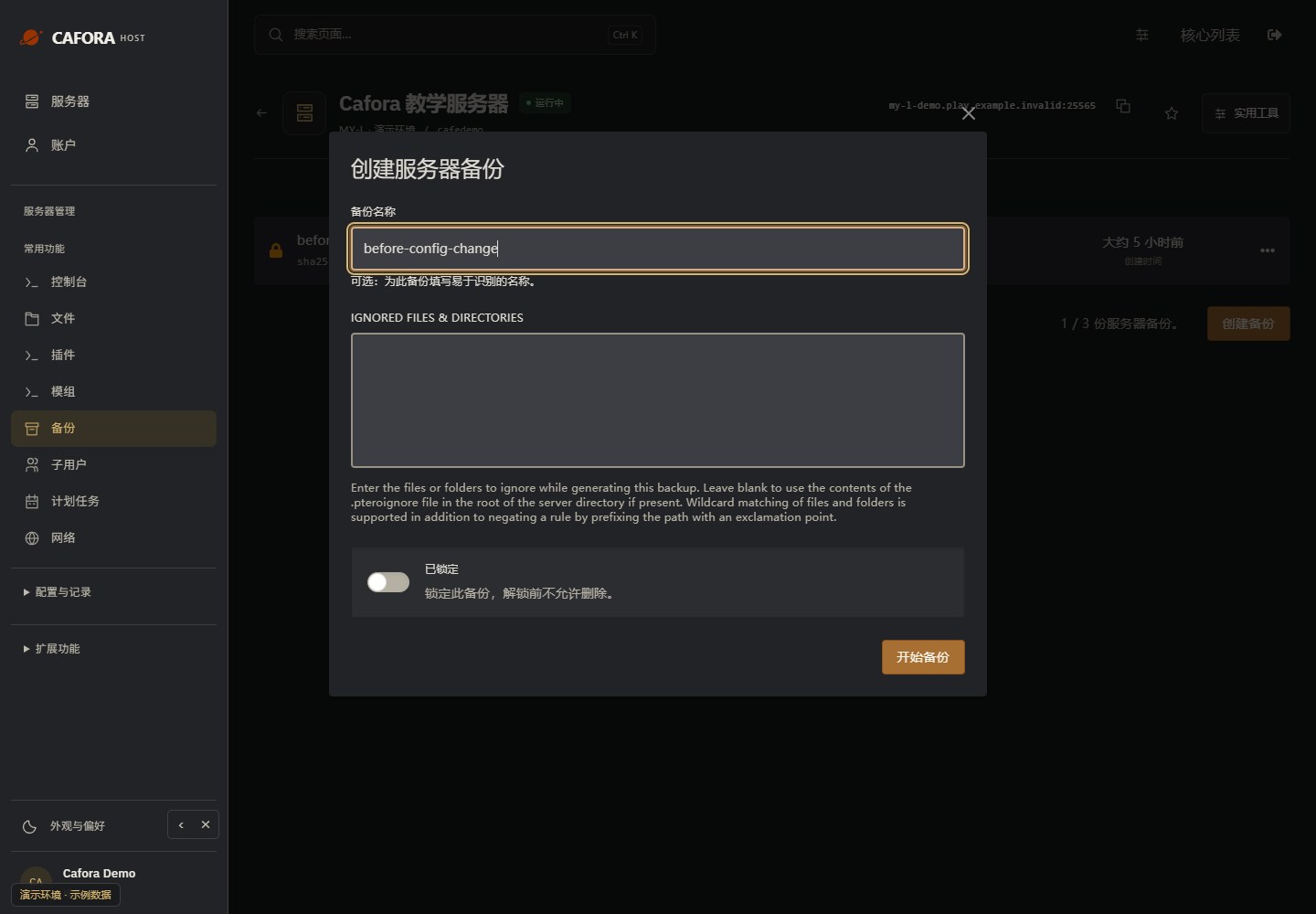
Name and create the backup
Enter a meaningful name, review the lock option and exclusions, then choose Start backup. Stop first when your software requires a consistent offline copy.
Confirm successful completion
Wait for a successful completed entry and check its name, date and size. Keep a separate download and periodically test recovery; an accepted request alone is not a usable backup.