Server Management
Read and share logs
Updated steps and current-interface reference for read and share logs.
Illustrated procedure
Screenshots show the current application with demonstration data. Use your own service details; click an image to inspect it at full size.
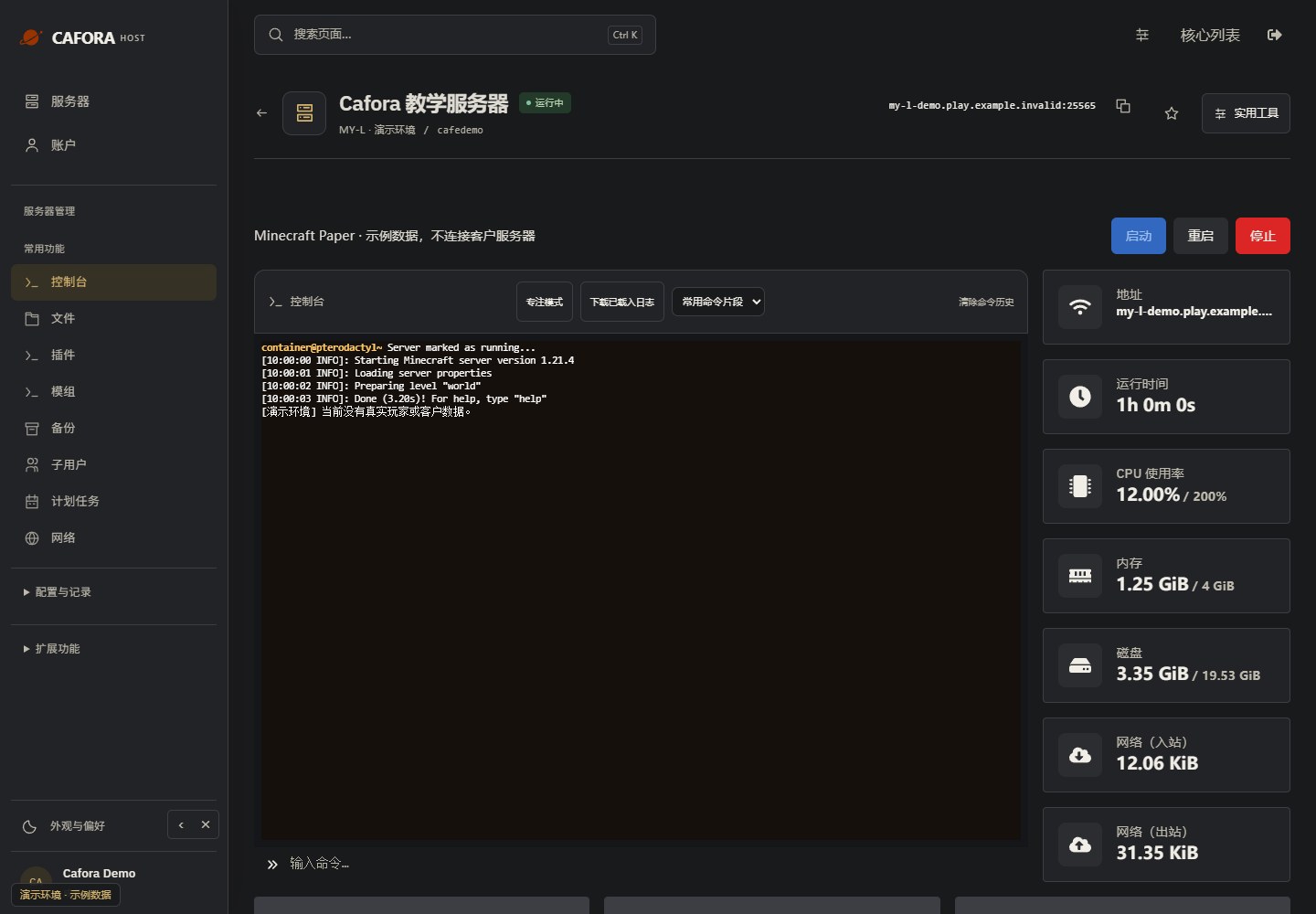
Check the console
Open Essentials → Console. Check the current state, startup output and errors before making changes. Wait for Done or your software’s ready message before joining.
Locate the file log
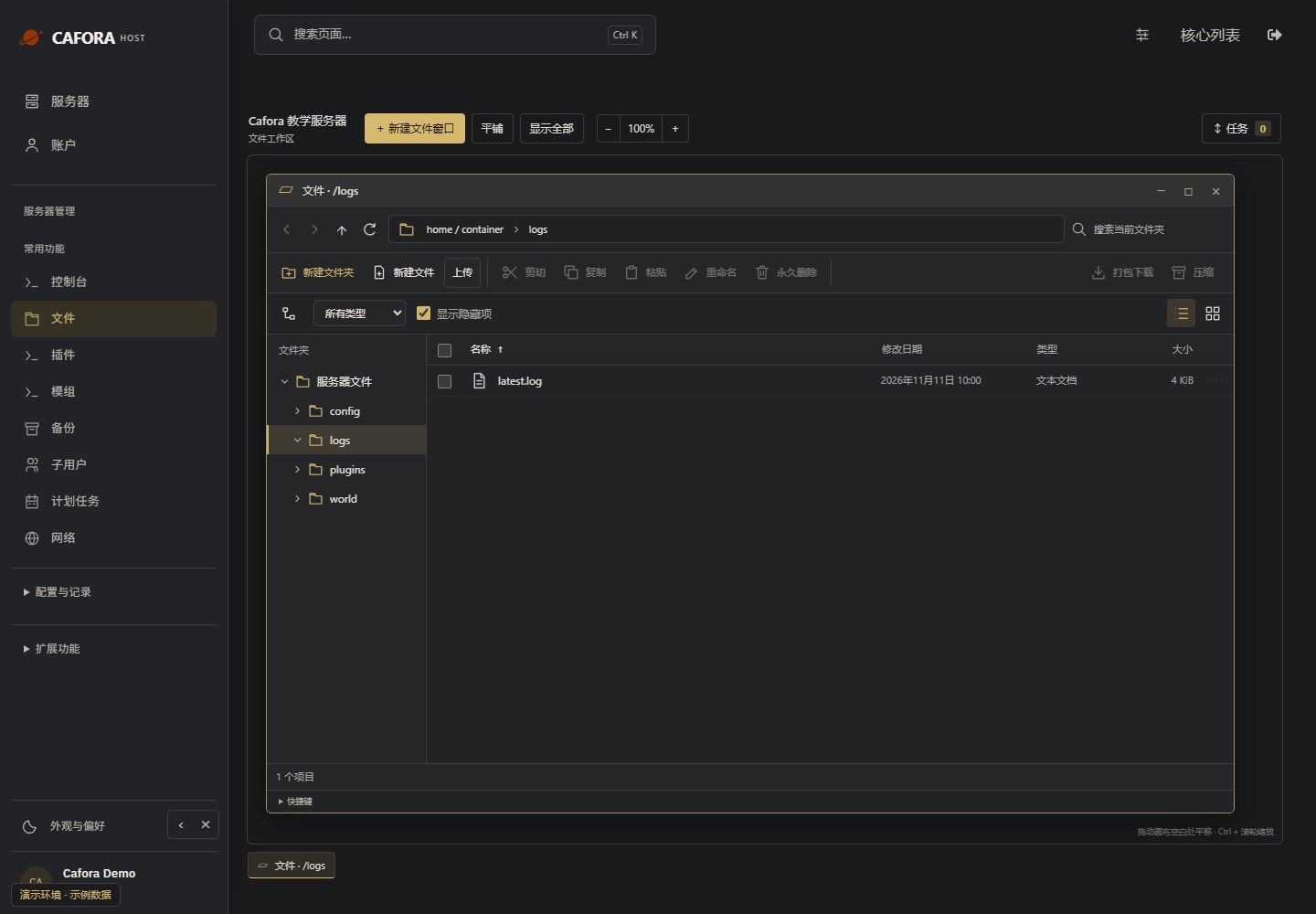
Under Files, double-click logs and locate latest.log. Check modification times. Preserve the relevant file before a restart replaces or rotates it.
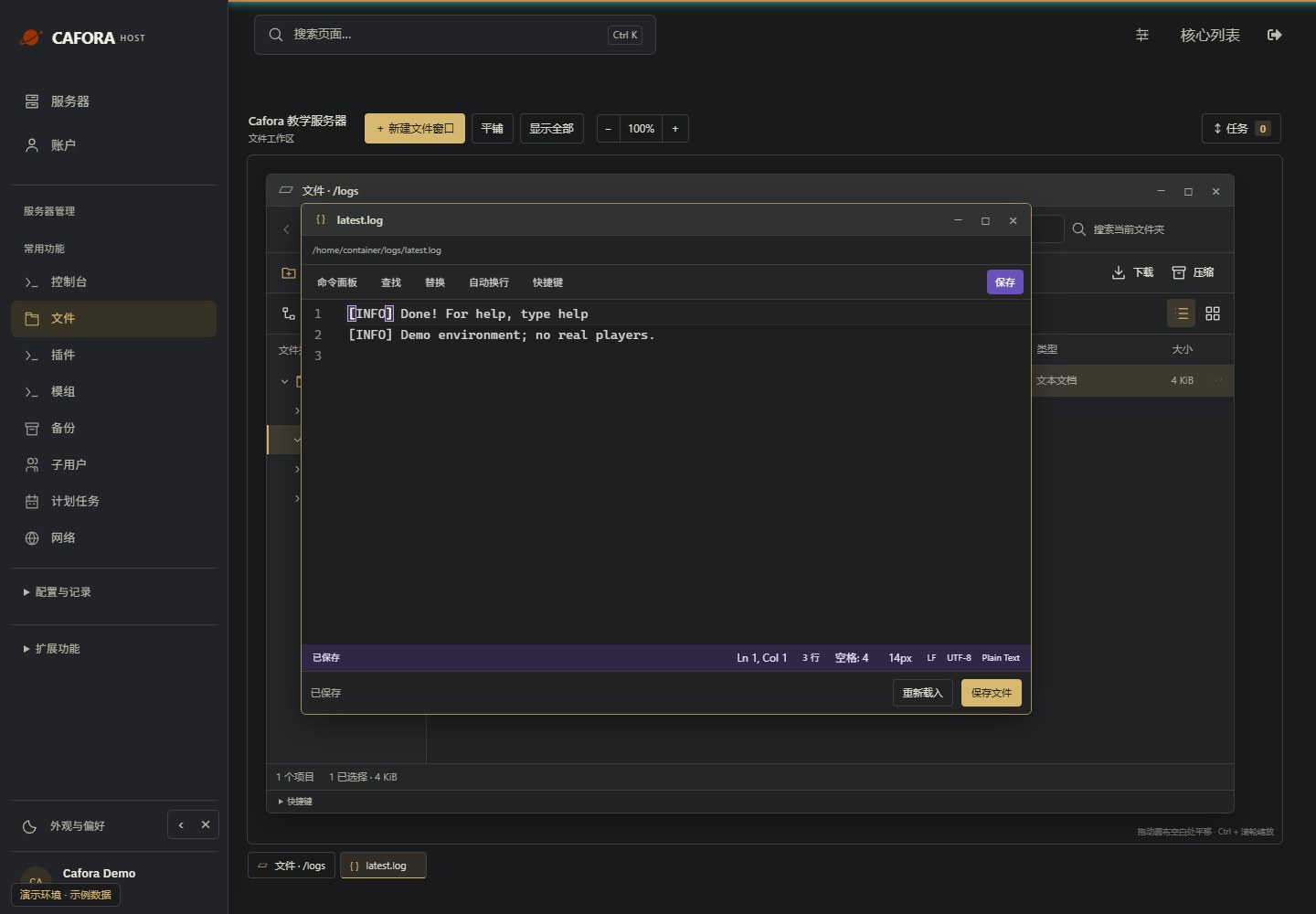
Read the complete error context
Open the log in the editor and inspect the earliest relevant error and surrounding lines. Remove tokens, passwords and private player details before sharing. Do not diagnose from the last line alone.