Server Management
Restart
Restart your Minecraft server safely on Cafora Host.
Illustrated procedure
Screenshots show the current application with demonstration data. Use your own service details; click an image to inspect it at full size.
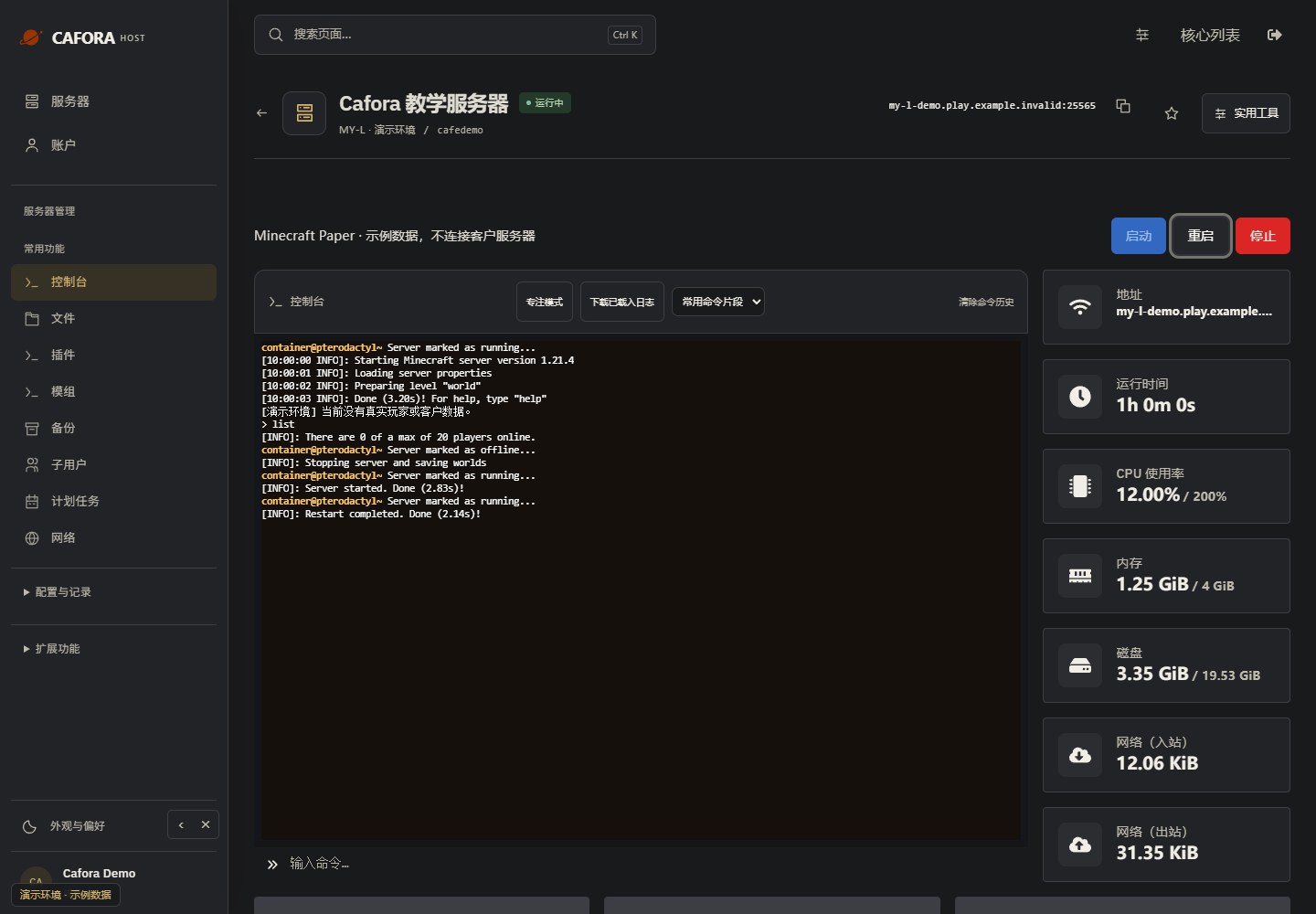
Check the console
Open Essentials → Console. Check the current state, startup output and errors before making changes. Wait for Done or your software’s ready message before joining.
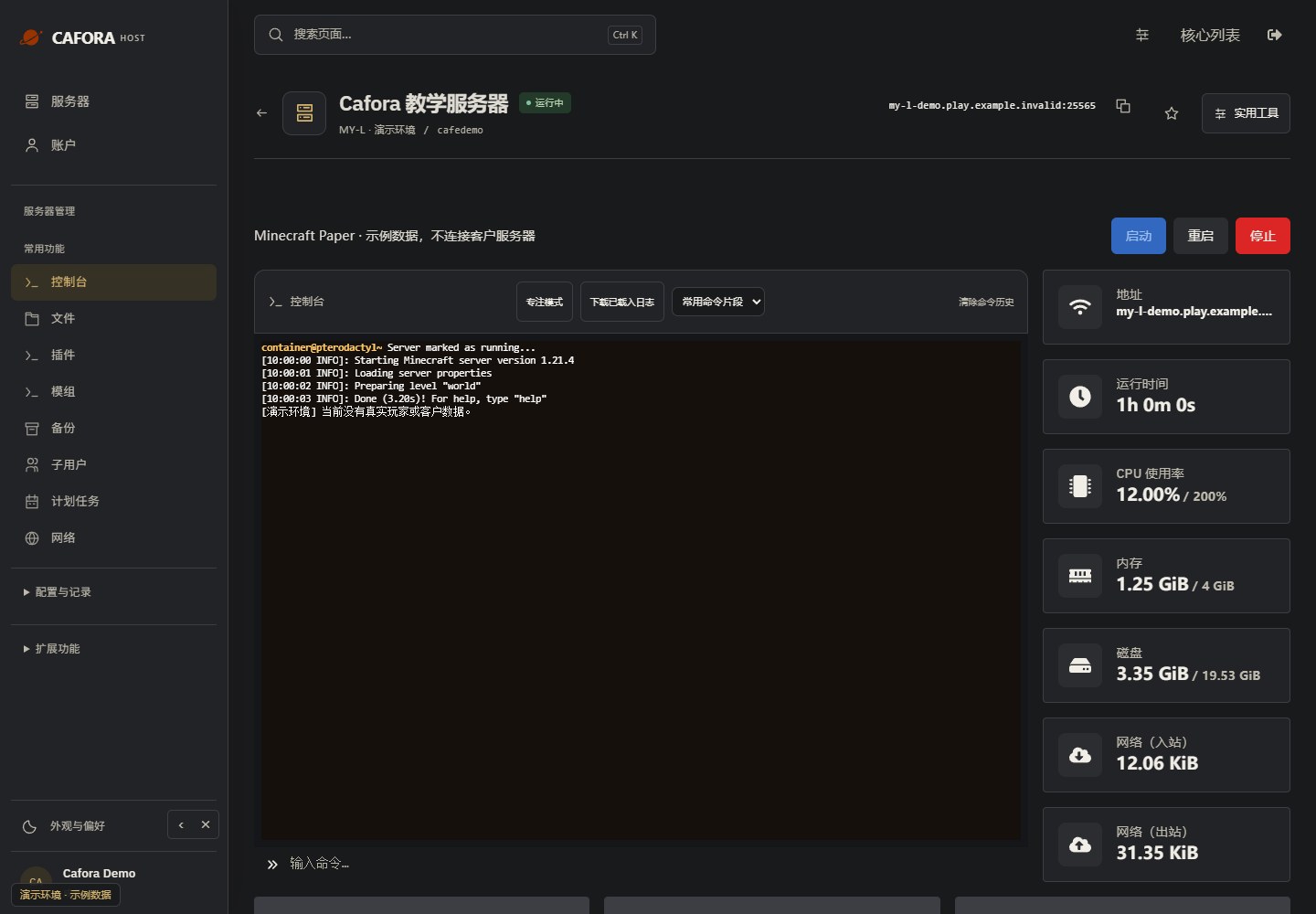
Restart and verify the result
Choose Restart, then wait for the process to stop and start. Recheck the console and affected feature. A restart does not change the billing or cancellation status.