Edit text files
Updated steps and current-interface reference for edit text files.
Illustrated procedure
Screenshots show the current application with demonstration data. Use your own service details; click an image to inspect it at full size.
Open the file workspace
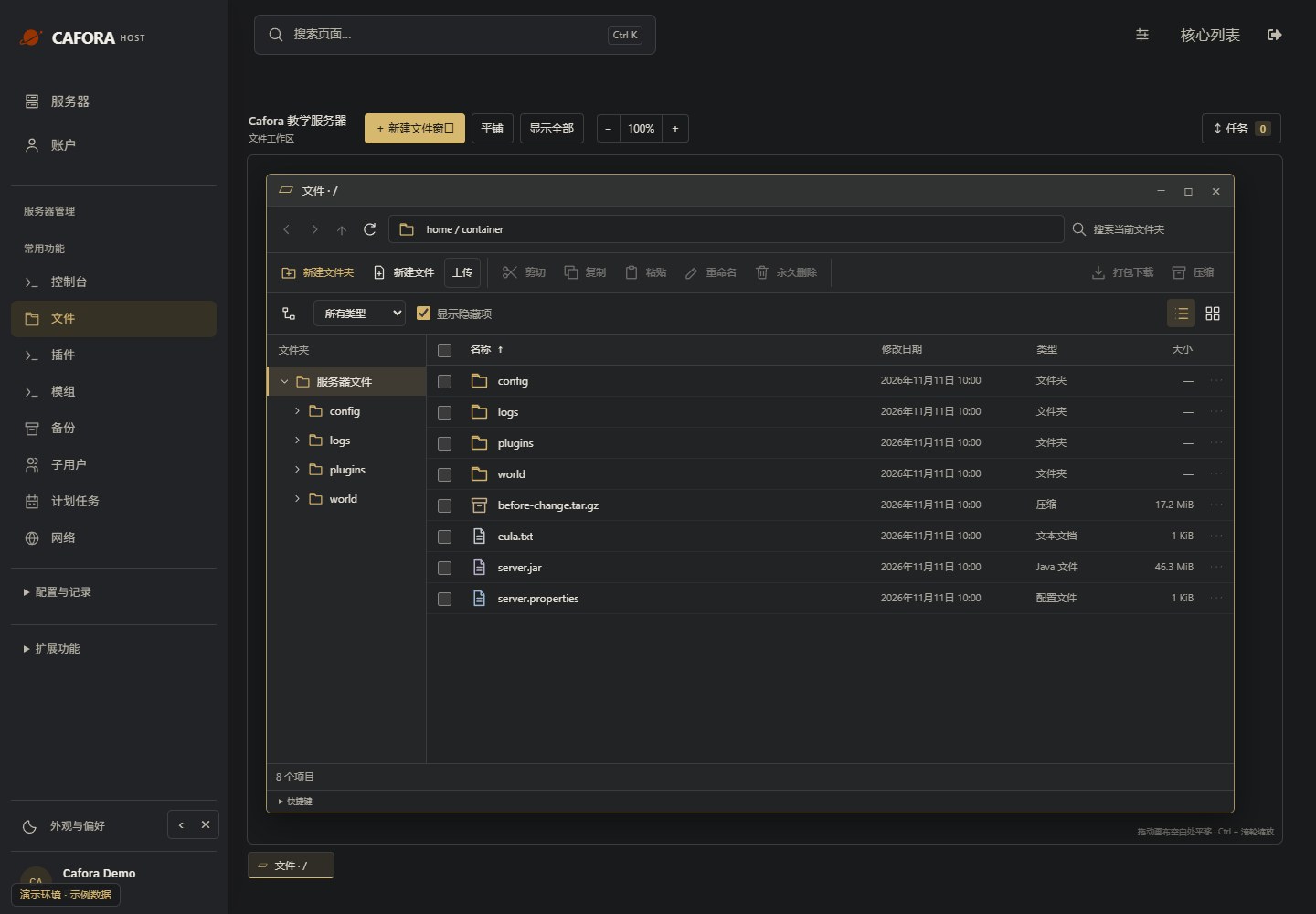
Choose Essentials → Files. The root is /home/container. Double-click a folder or editable file; a single click selects it. Work windows can remain open independently.
Open the existing text file
Double-click the original server.properties or another supported text file. Check its full path in the editor window; a JAR or binary world file is not a text configuration.
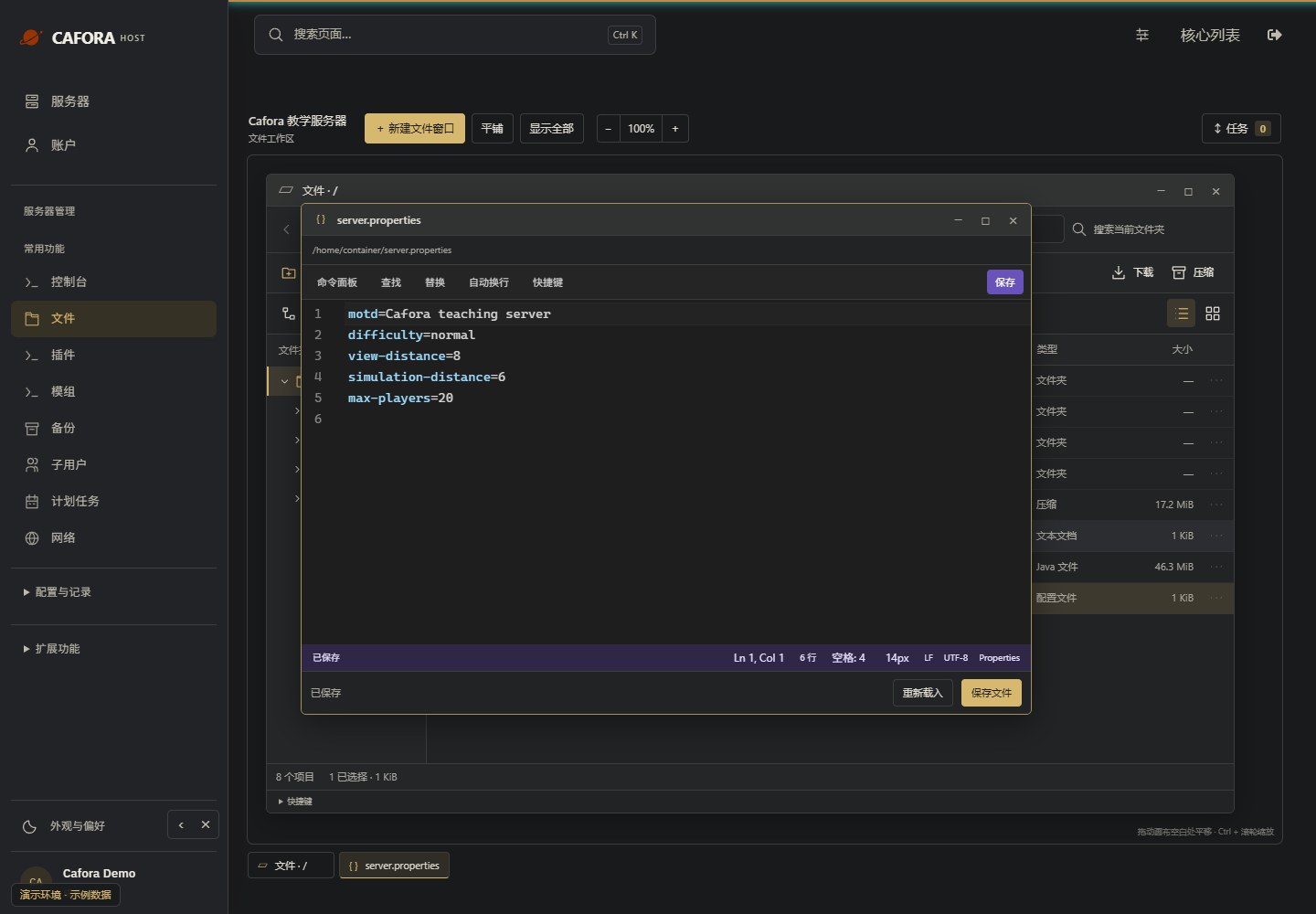
Make the required edit
Change only the setting you understand. Preserve YAML indentation, JSON punctuation and encoding. Keep a backup and avoid putting credentials in public screenshots.
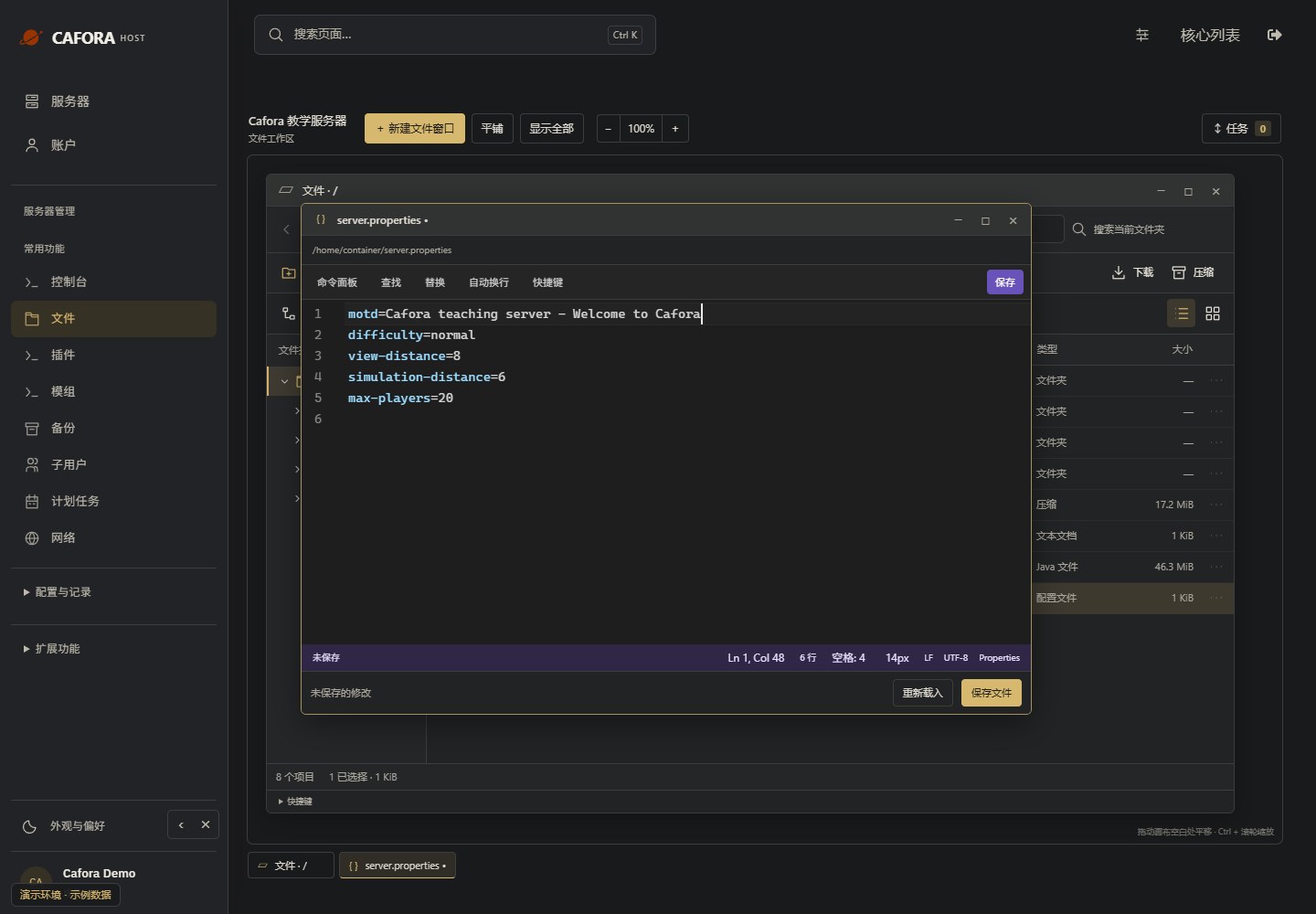
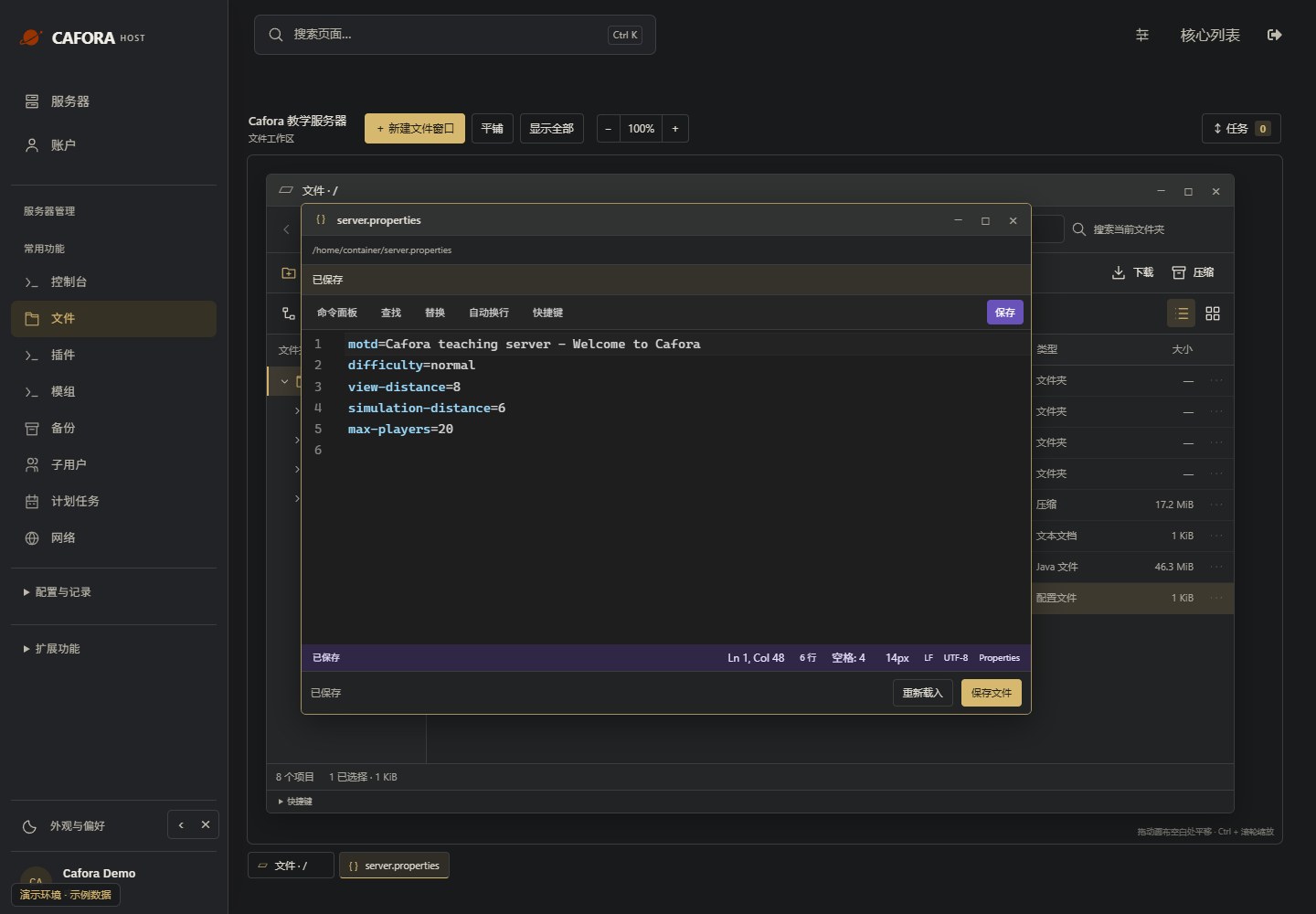
Save and confirm the status
Choose Save or the displayed shortcut and wait for Saved. If saving fails, preserve your edits before closing the window. Restart when the setting requires it and check the result.