Server Management
Tasks
Add command, power or backup actions to a schedule and understand offsets and failure handling.
Illustrated procedure
Screenshots show the current application with demonstration data. Use your own service details; click an image to inspect it at full size.
Open the schedule’s detail page
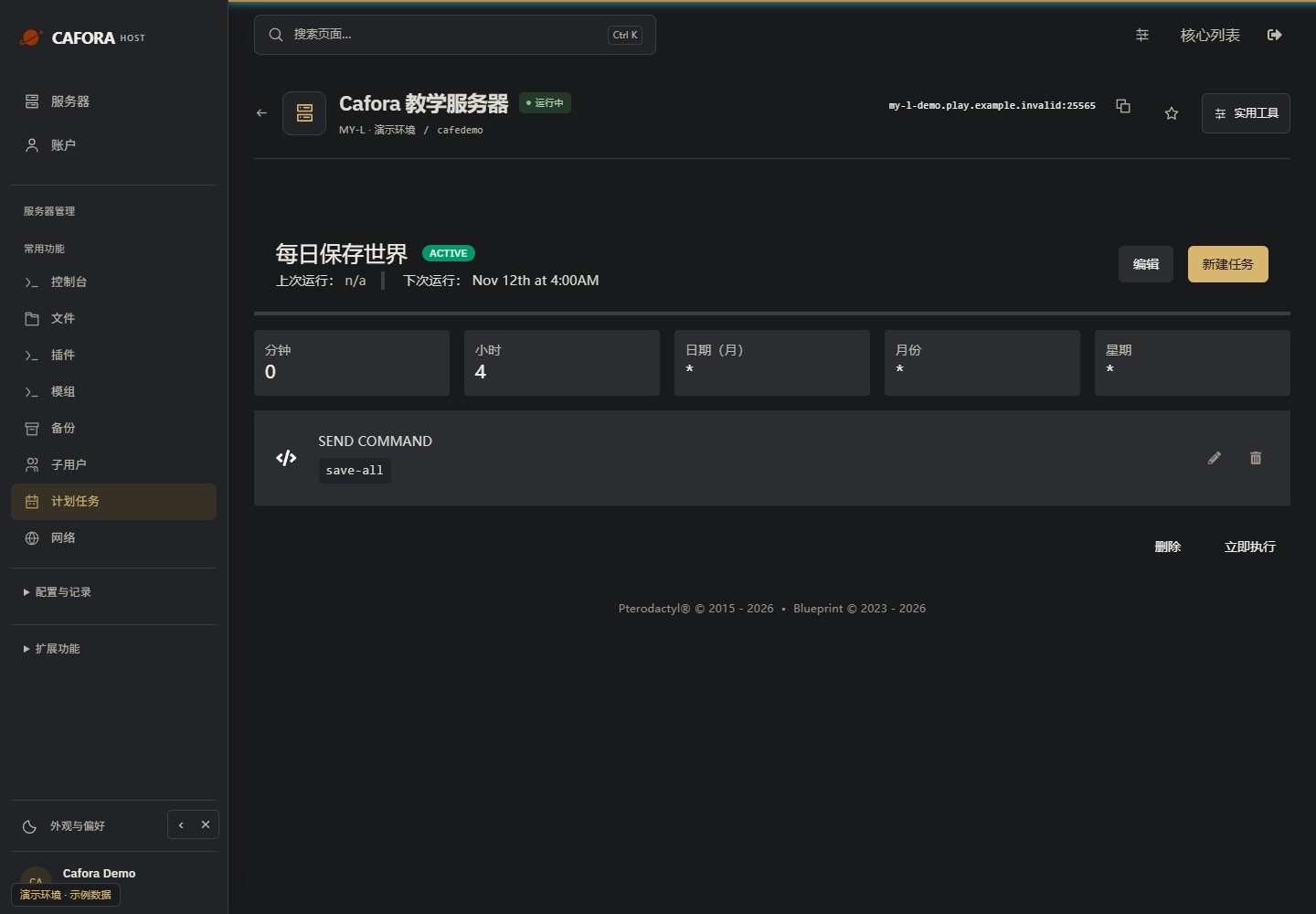
Save the schedule, then open its detail page. A time definition without action tasks does not restart, save or back up anything.
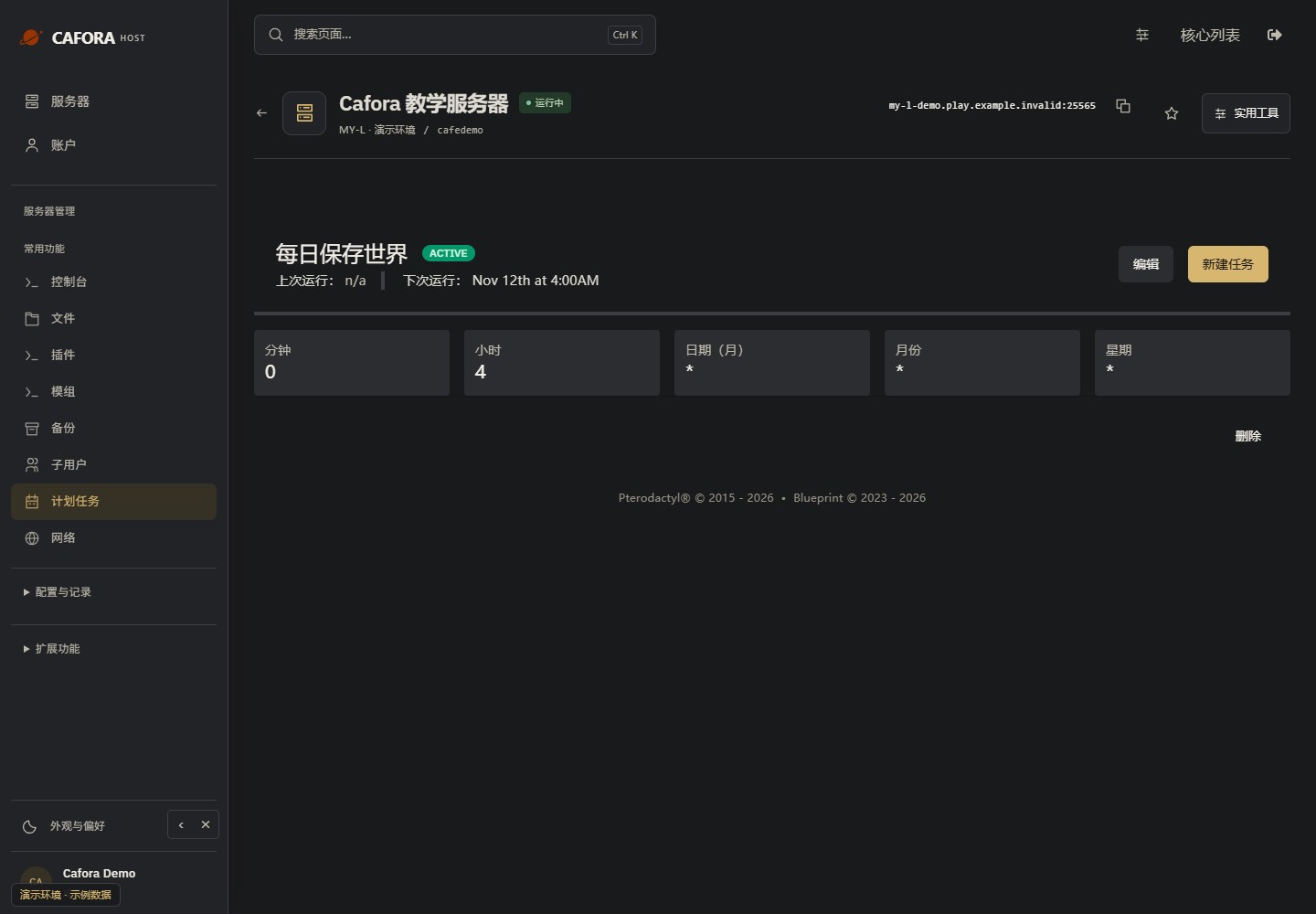
Add a concrete task
Choose New Task, select a command, power or backup action, then check Payload, Time offset and Continue on Failure. save-all is an example command; a backup action still needs quota and permission.
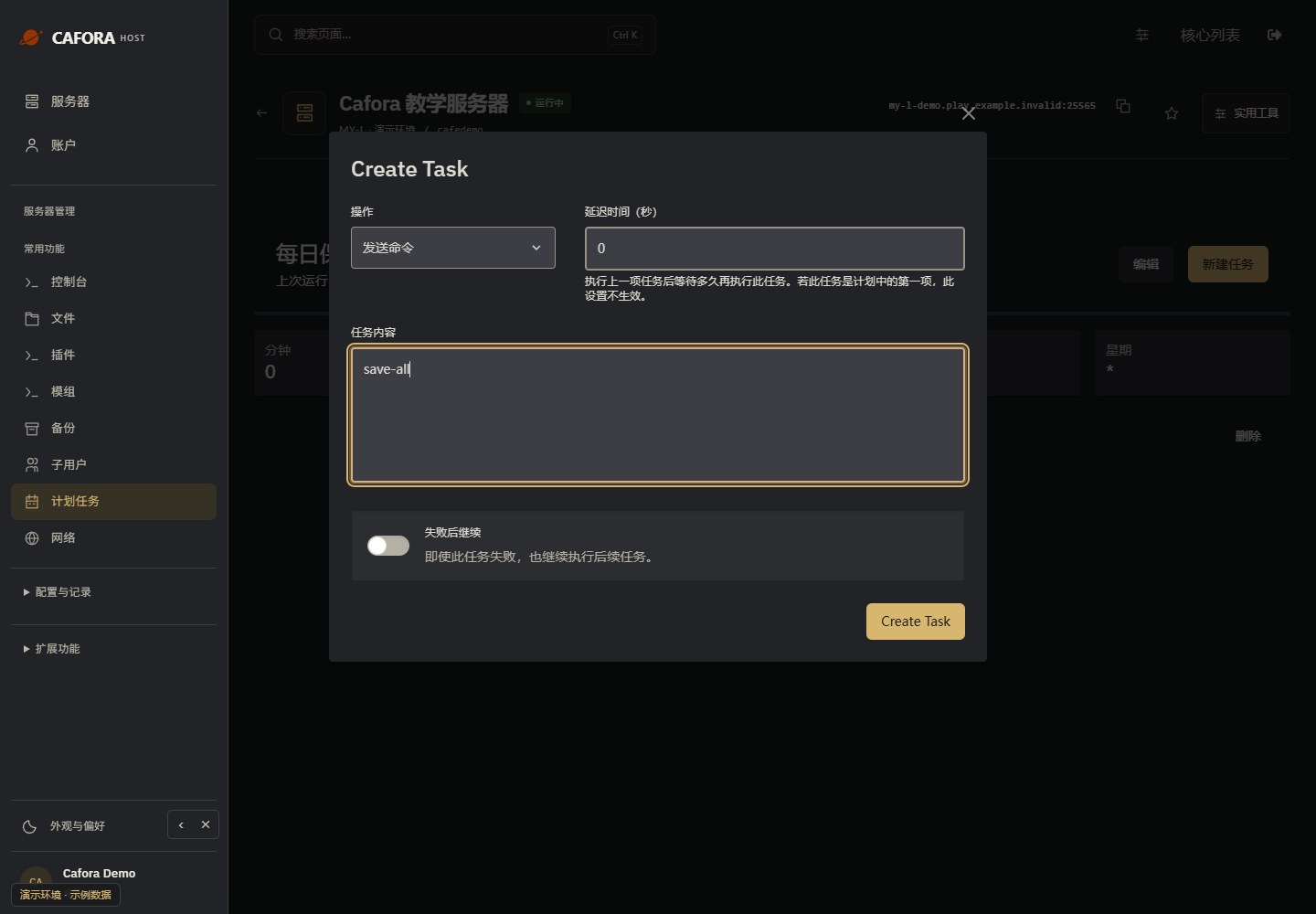
Verify the saved task sequence
Save the task and check task order, enabled state and next run time. After the first run, inspect the console and resulting backup or process state.