MSPT (Milliseconds Per Tick)
Understanding MSPT and how each server tick time affects performance.
Illustrated procedure
Screenshots show the current application with demonstration data. Use your own service details; click an image to inspect it at full size.
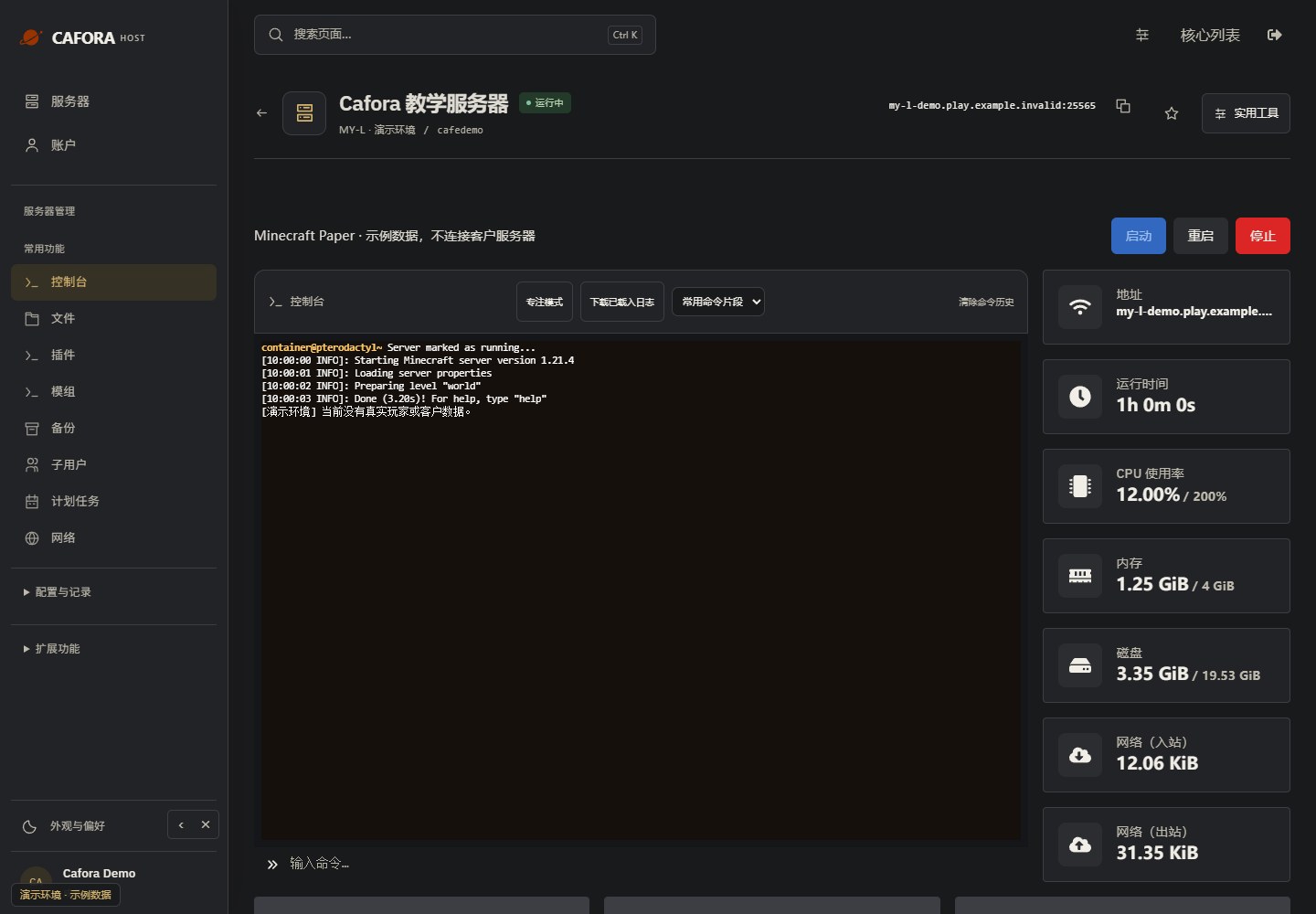
Check the console
Open Essentials → Console. Check the current state, startup output and errors before making changes. Wait for Done or your software’s ready message before joining.
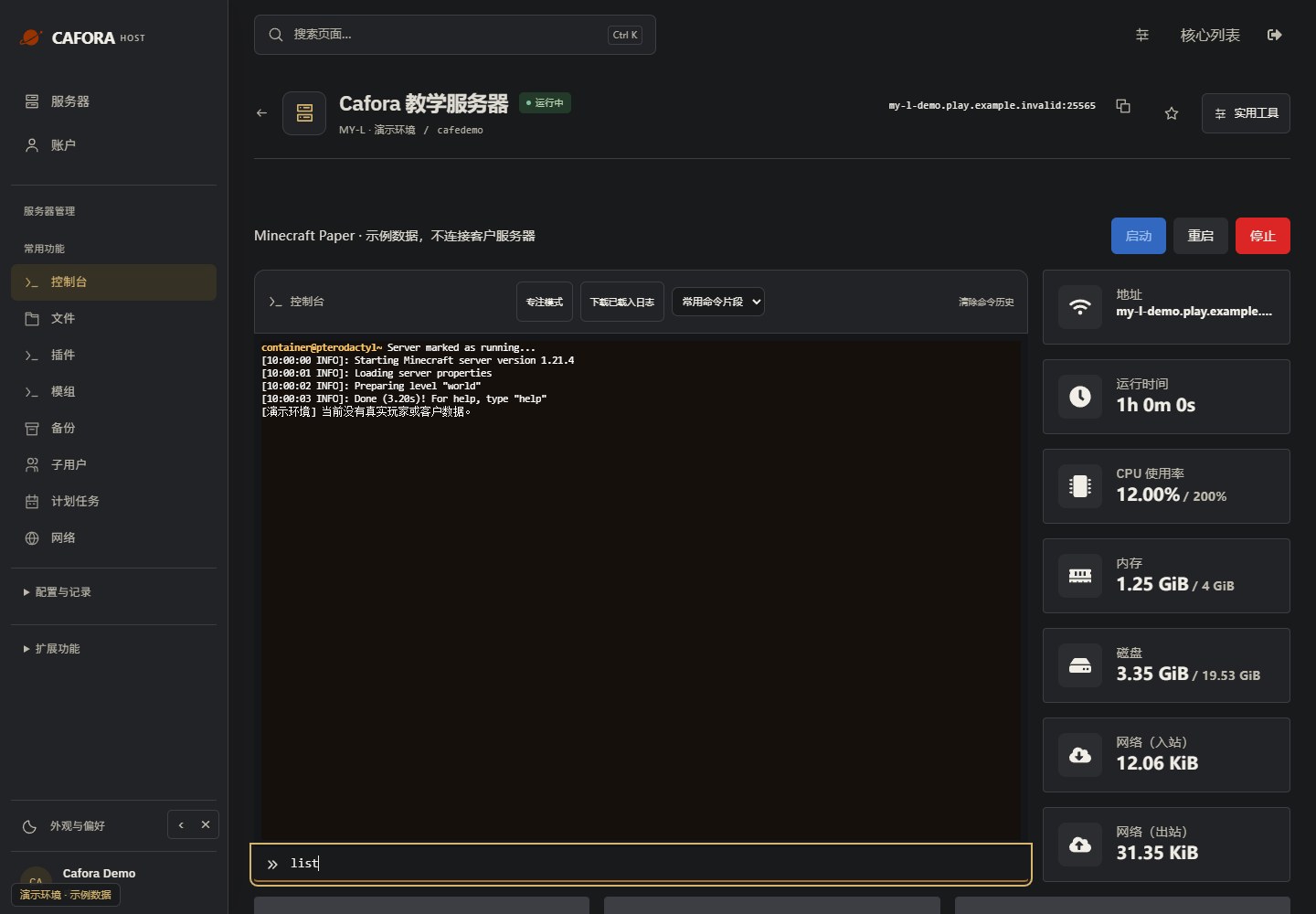
Enter a supported command
Use the command field beneath the console. Panel console commands normally omit the leading slash. This example uses the read-only command list; use commands supported by your core or plugin.
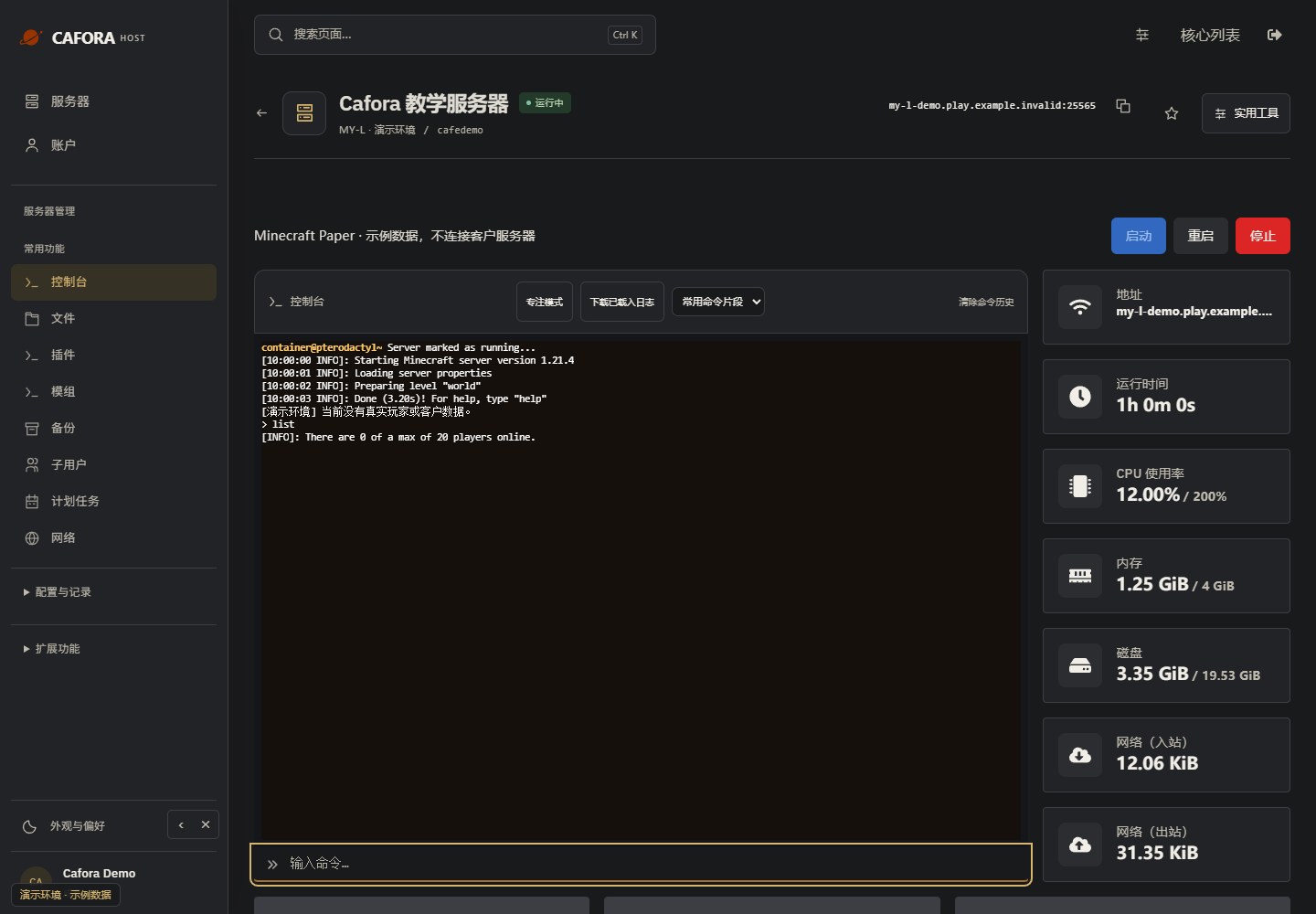
Check the command response
Press Enter once, then read the response in the console. Confirm the target and effect before sending an administrative command. Example output is not a performance measurement.
MSPT and TPS
The relationship between MSPT and TPS:
- MSPT ≤ 50ms: 20 TPS (optimal)
- MSPT 50-55ms: ~18-20 TPS (slight lag)
- MSPT 55-65ms: ~15-18 TPS (noticeable lag)
- MSPT > 65ms: < 15 TPS (significant lag)
How MSPT Works
The server has a 50ms window for each tick. If processing takes longer than 50ms:
- The tick spills over into the next tick time slot
- The server skips ticks to catch up
- Players experience lag; blocks do not break, entities stutter
Checking MSPT
Paper/Purpur
Use Spark profiler: /spark profiler --timeout 60
Viewing Results
After profiling, Spark provides a detailed breakdown of what consumed tick time:
- Game logic
- Entity processing
- Plugin execution
- Chunk operations
Reducing MSPT
- Optimize your server configuration
- Reduce or replace heavy plugins
- Lower entity activation range in config
- Use Aikar JVM flags