CPU Performance
Understanding CPU allocation and optimizing processor usage.
Illustrated procedure
Screenshots show the current application with demonstration data. Use your own service details; click an image to inspect it at full size.
Check the console
Open Essentials → Console. Check the current state, startup output and errors before making changes. Wait for Done or your software’s ready message before joining.
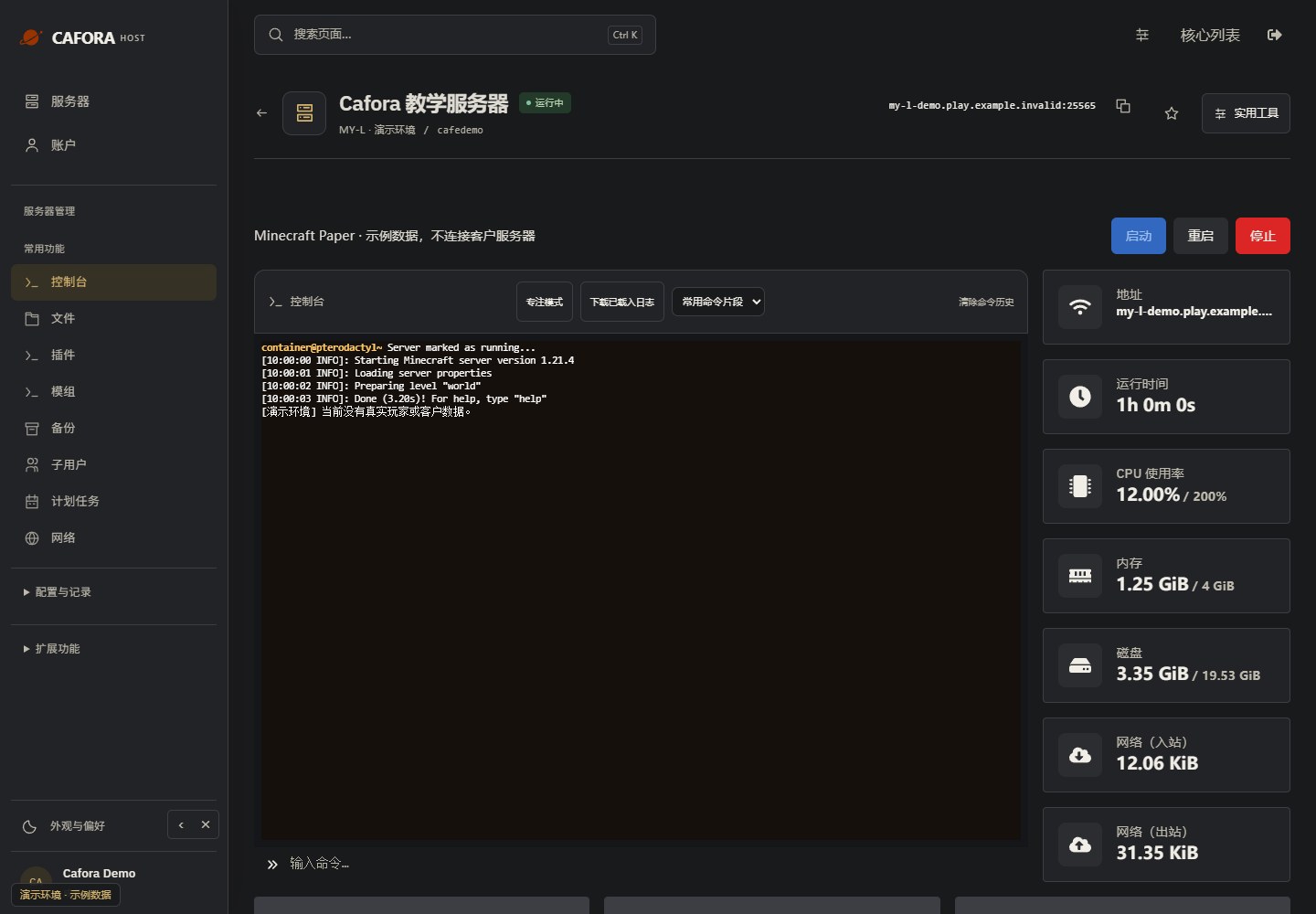
Enter a supported command
Use the command field beneath the console. Panel console commands normally omit the leading slash. This example uses the read-only command list; use commands supported by your core or plugin.
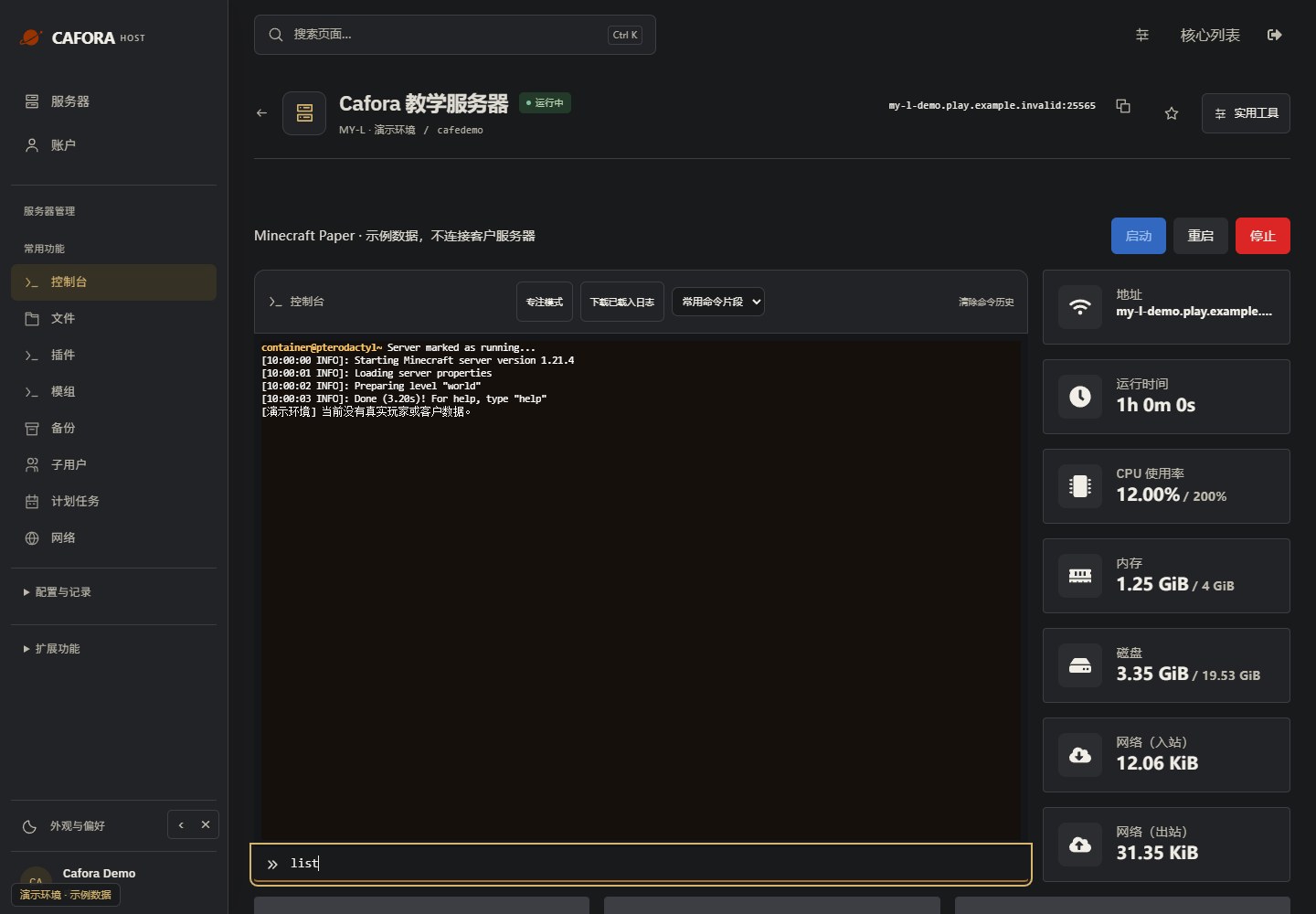
Check the command response
Press Enter once, then read the response in the console. Confirm the target and effect before sending an administrative command. Example output is not a performance measurement.
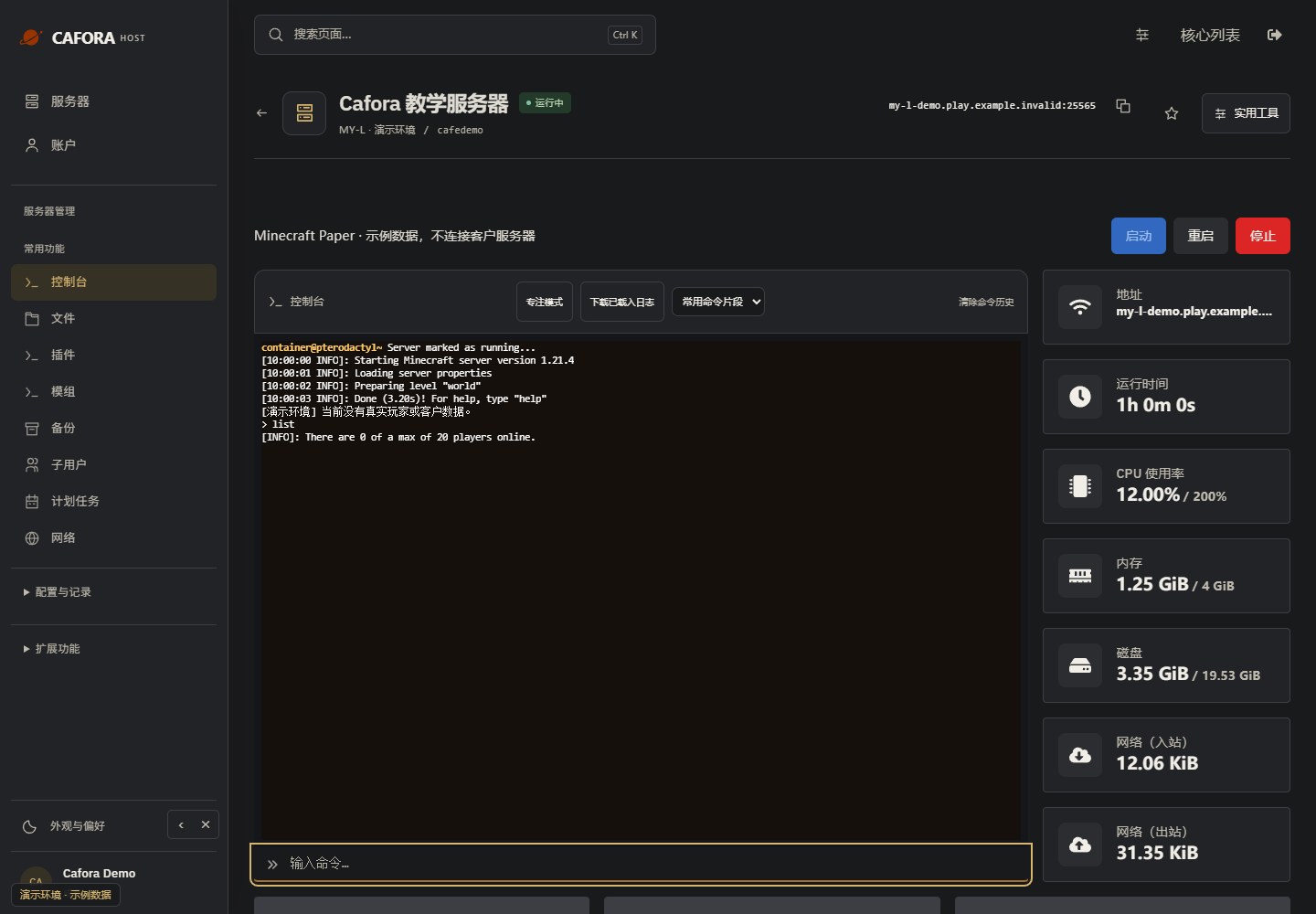
Understanding CPU Allocation
Your plan specifies a CPU quota. A quota alone does not promise exclusive physical cores; confirm any dedicated-core guarantee separately.
MY-L servers receive allocated CPU resources suitable for small-to-medium player counts with moderate plugin/mod usage.
CPU vs. Core Count
Minecraft's main game loop (the server tick) runs on a single thread. This means:
- Single-core performance matters more than core count
- Most plugins and mods run on the main thread
- Some operations (chunk generation, networking) use additional threads
Monitoring CPU Usage
View CPU usage in the Pterodactyl Panel resource graphs.
CPU usage shown in the panel is measured against a single thread: 100% means one thread (core) fully used. If your plan allocates multiple threads, usage can exceed 100% (e.g. 200% means two threads fully used).
Sustained CPU usage near your plan's allocated limit indicates:
- Too many entities or players
- Inefficient plugins or mods
- Excessive chunk generation from exploration
- Complex redstone contraptions
Reducing CPU Load
- Use Paper or Purpur for better optimization
- Limit view distance in server.properties
- Reduce entity counts (mobs, item frames, armor stands)
- Pre-generate your world to avoid runtime chunk generation
- Optimize redstone clocks and contraptions
Sustained usage at your plan's allocated CPU limit means your server has outgrown the current plan. Consider optimizing or upgrading.