Server management
Find console, files, backups, schedules and permissions in the current grouped sidebar.
Select your server in Panel, then use the grouped sidebar. Sections are organized into Essentials, Configuration & Records and Extensions. Visible features depend on your service and subuser permissions.
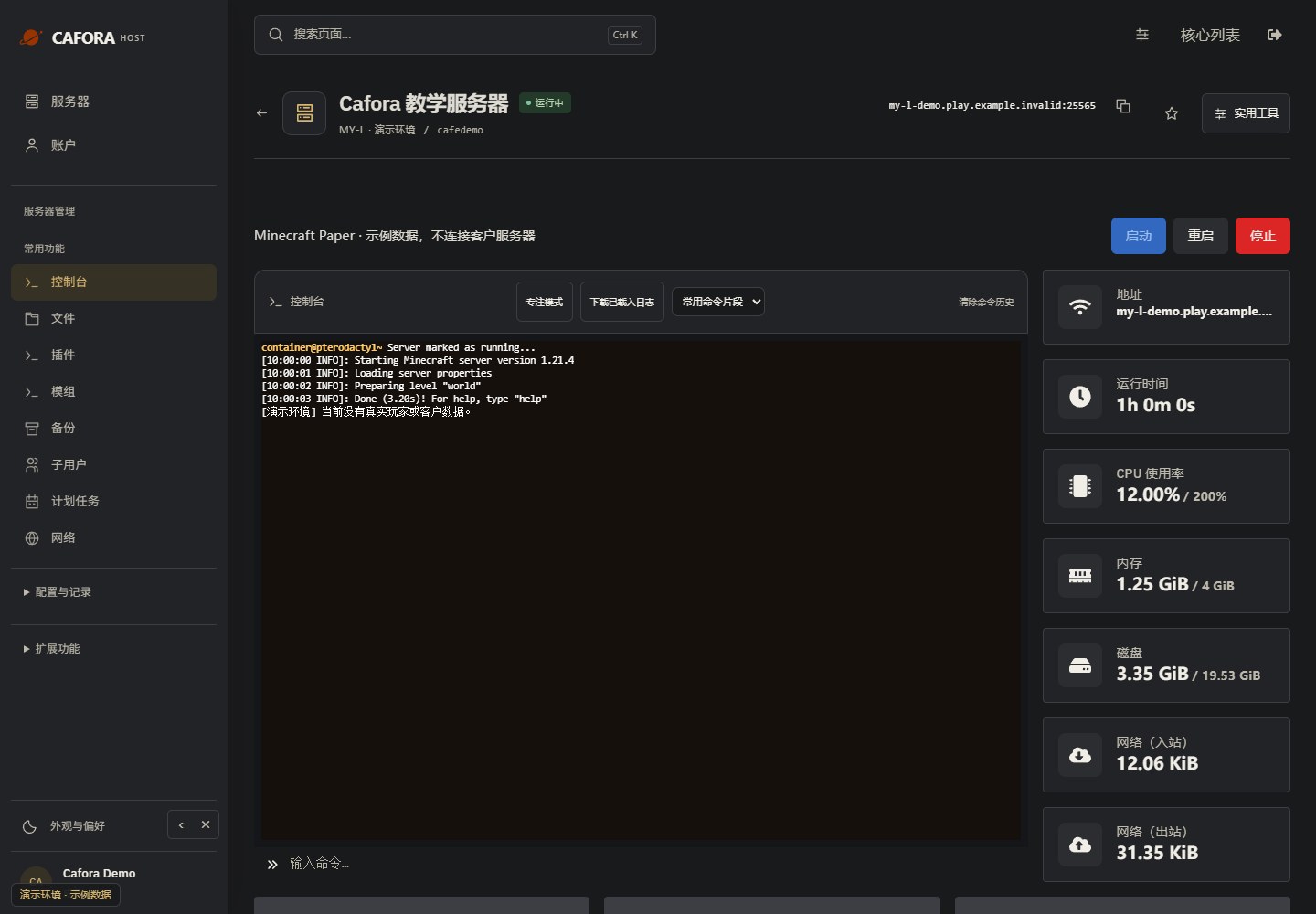
Find the task you need
Startup, commands and logs
Check startup, run console commands and locate errors.
Upload and edit files
Manage directories, upload files and save configuration.
Back up and restore
Check limits, create copies and understand restoration.
Schedules and tasks
Choose trigger times, then add concrete actions.
Subuser permissions
Give collaborators the Panel permissions they need.
Addresses and SFTP
Distinguish game endpoints from file-transfer connection details.
Startup configuration
Review Java images, startup variables and software compatibility.
Content library
Filter plugins or mods and inspect installation plans and compatibility.
Before making changes
Check the server name and address to avoid working on the wrong service. Back up before replacing worlds, software or many files. When stopping, wait for saving and shutdown to finish. If a control is missing, check service status and permissions rather than inferring your limits from demonstration data.