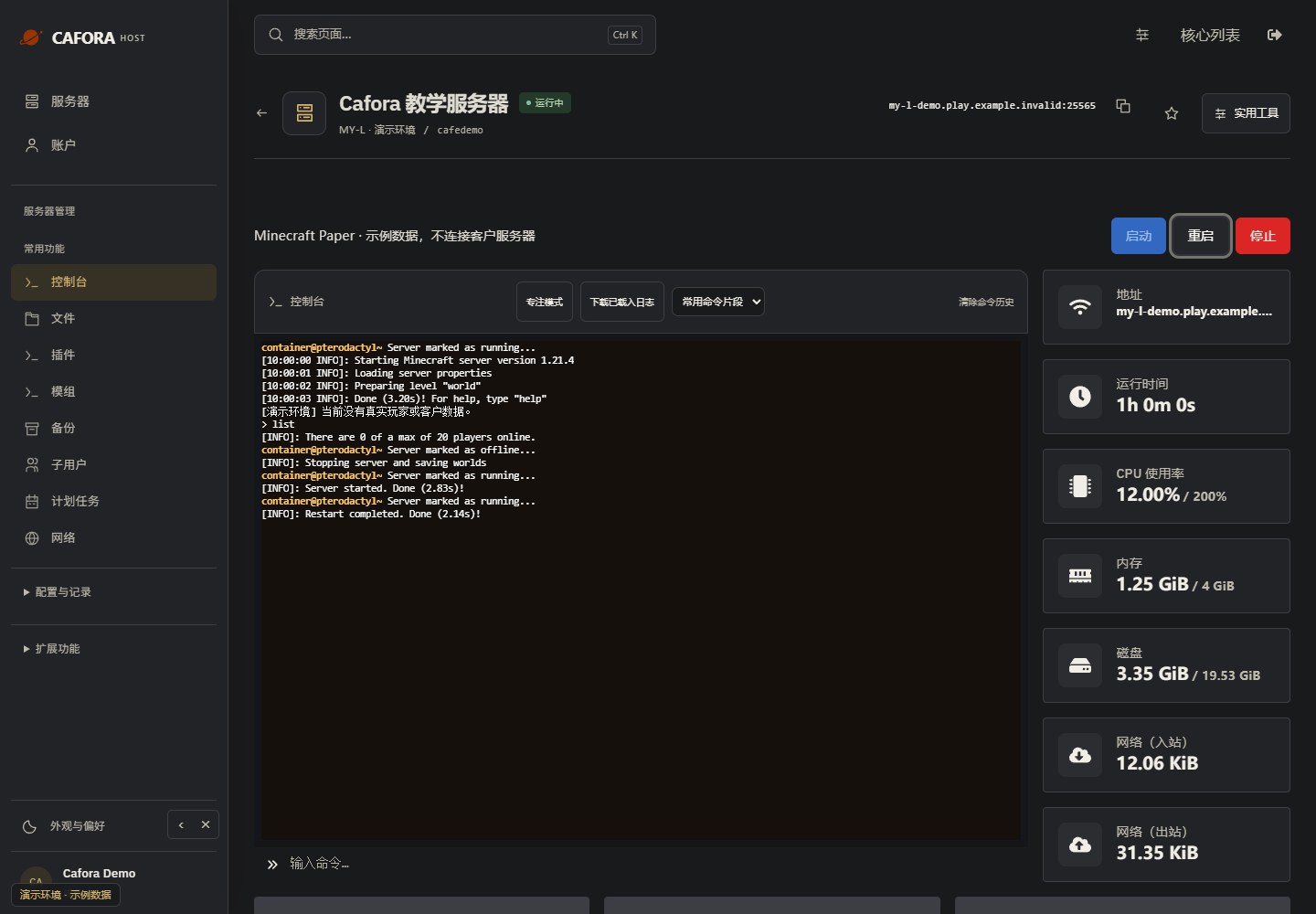
Install and manage plugins
Updated steps and current-interface reference for install and manage plugins.
Illustrated procedure
Screenshots show the current application with demonstration data. Use your own service details; click an image to inspect it at full size.
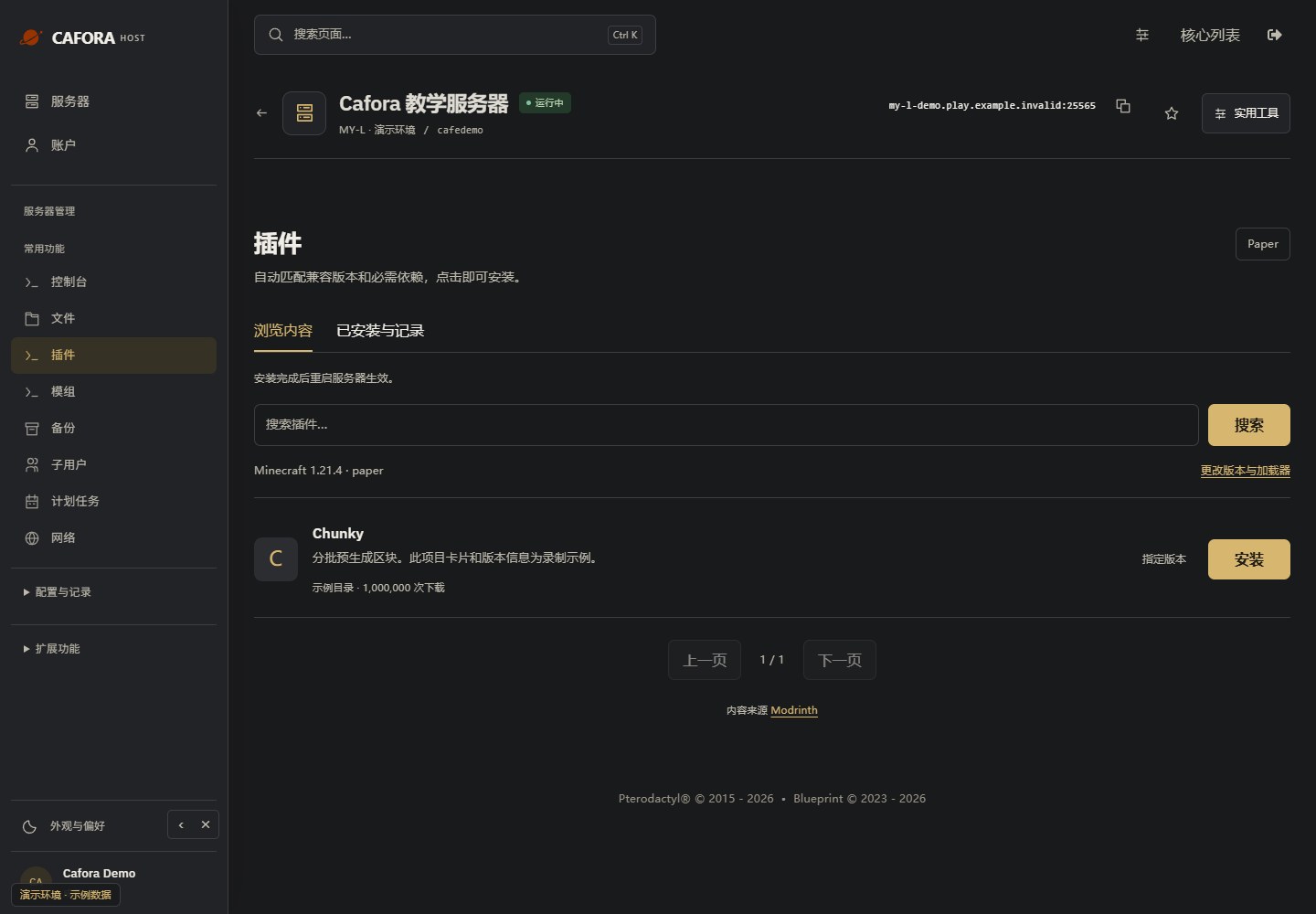
Open the plugin catalog
Use Essentials → Plugins. Match the Minecraft version and core before searching. For mods, use the separate Mods page with a matching loader. The catalog does not change your core.
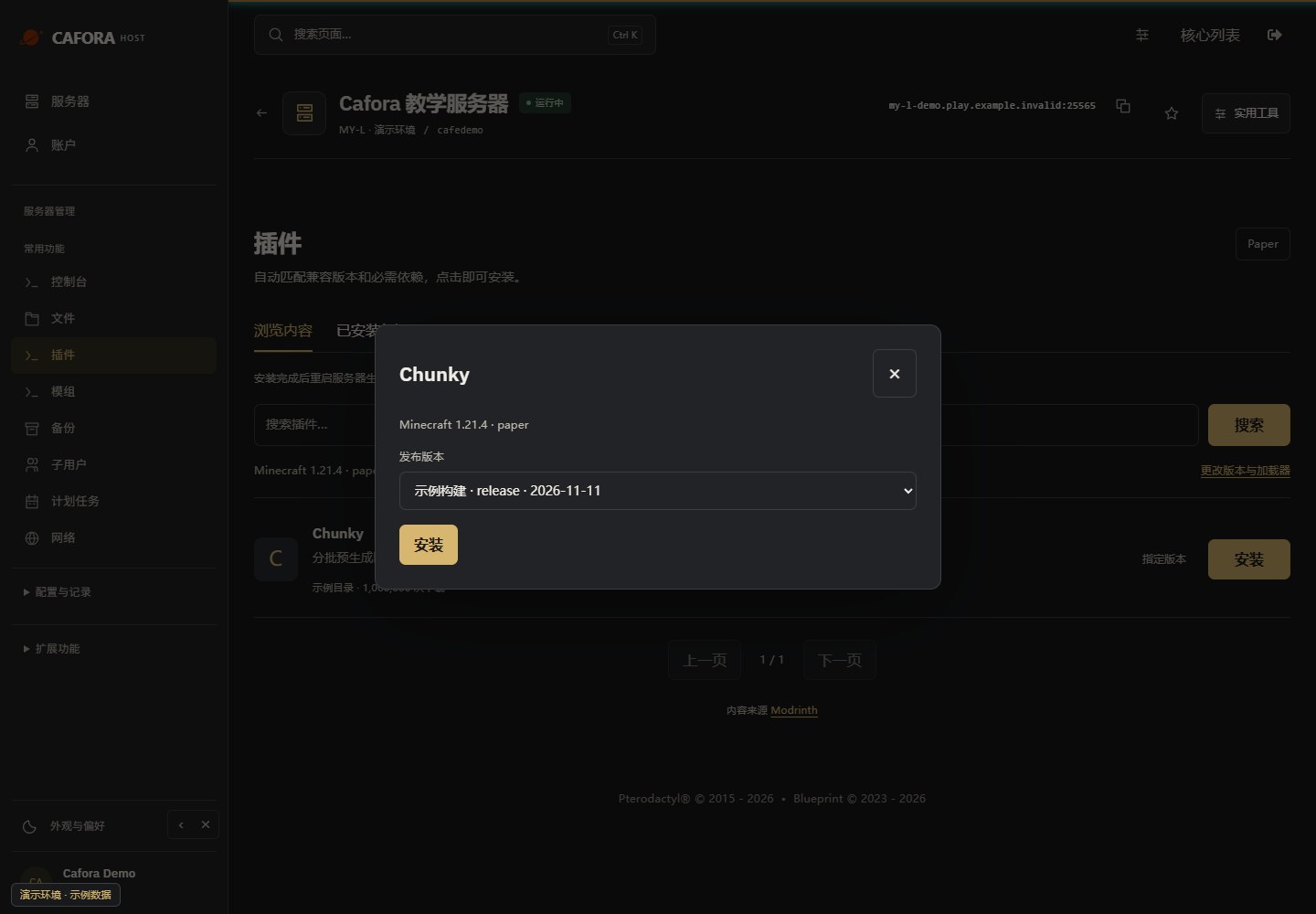
Select a compatible release
Choose Choose version, inspect the release, then use Install for that release. Required dependencies are handled by the current installer; review compatibility and keep a backup first.
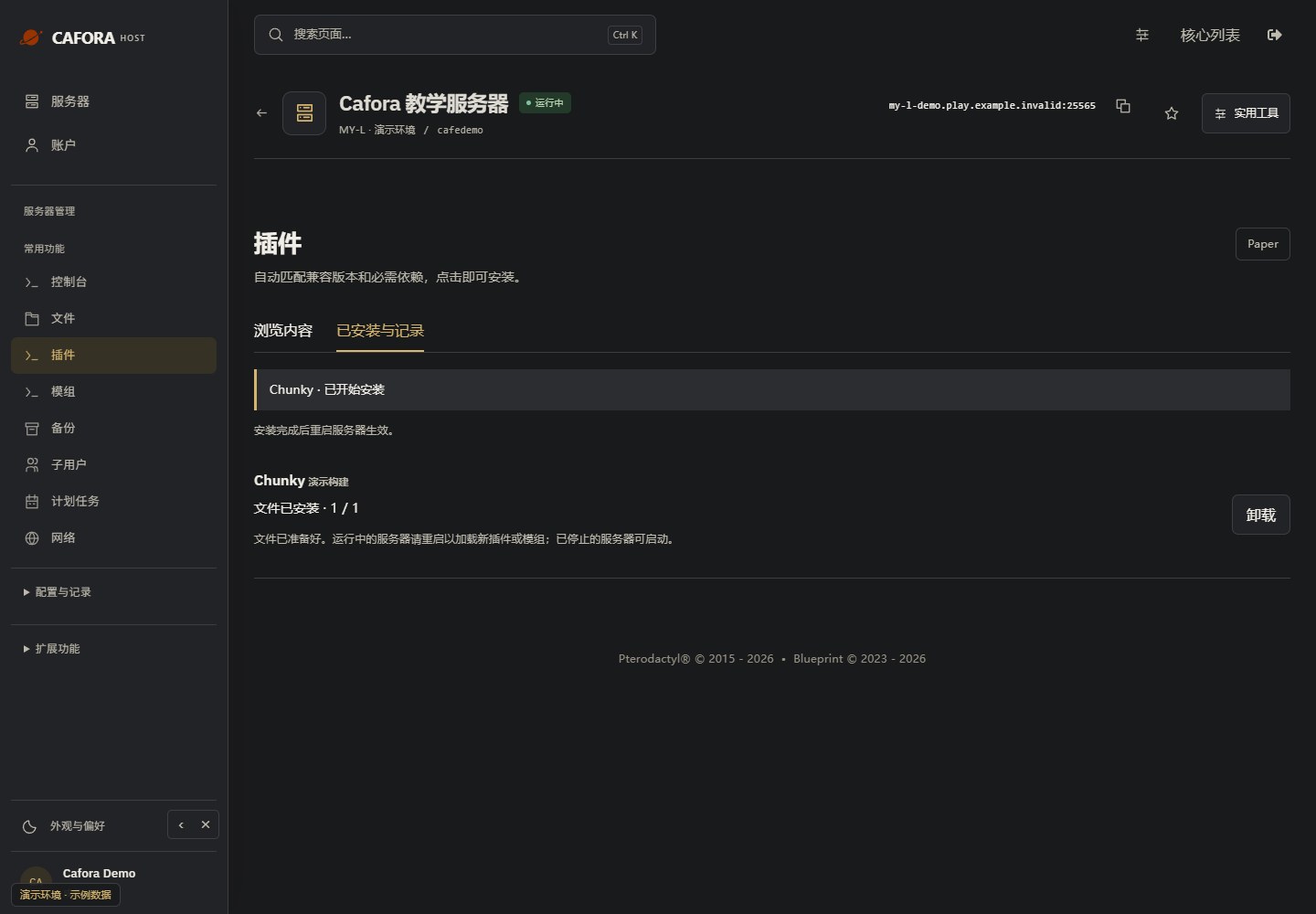
Check installation activity
Open Installed & activity and wait for completion. Restart a running server or start a stopped one, then verify the console and plugin or mod. A download alone does not prove it loaded.
Restart and verify the result
Choose Restart, then wait for the process to stop and start. Recheck the console and affected feature. A restart does not change the billing or cancellation status.