Java Edition
Running a Minecraft: Java Edition server on Cafora Host.
Illustrated procedure
Screenshots show the current application with demonstration data. Use your own service details; click an image to inspect it at full size.
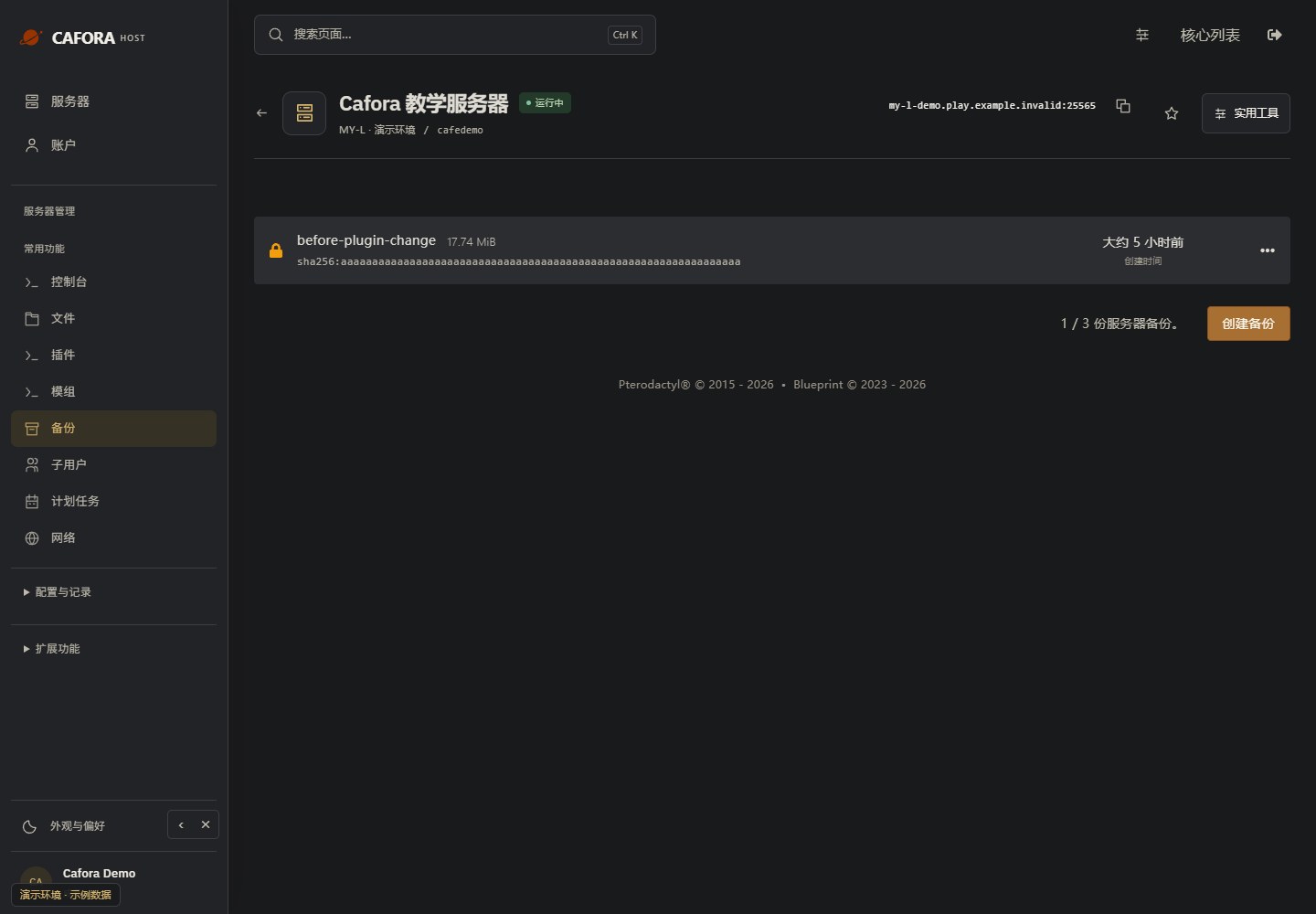
Check the backup allowance and entries
Open Backups and inspect the available allowance, names, dates and completion status. Use the limit of your own service; the example’s allowance is not a plan guarantee.
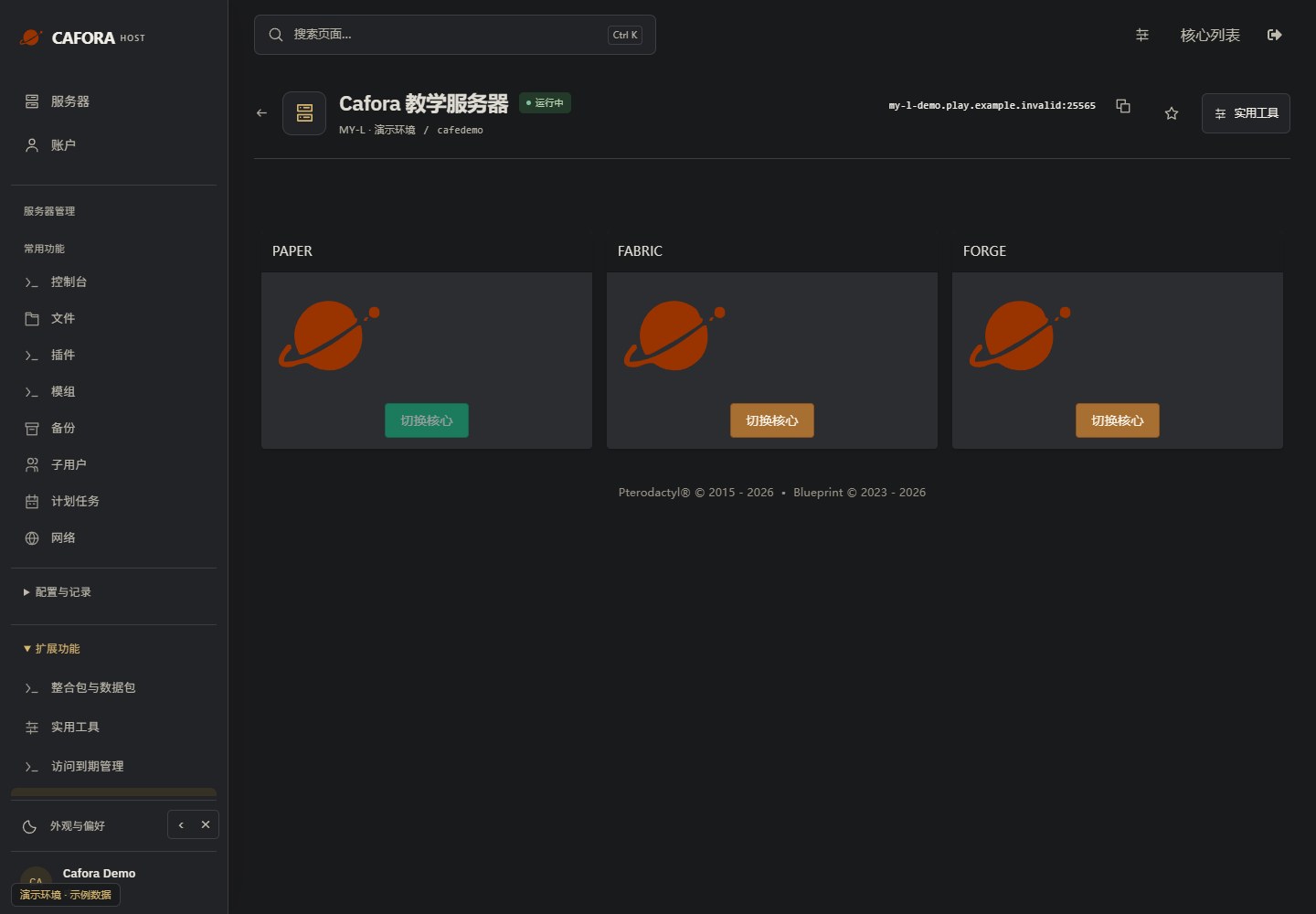
Review core choices before switching
Open Extensions → Egg Changer. Stop and back up before changing a core or reinstalling. Confirm Java, Minecraft, plugins, mods and world compatibility; switching a core is different from installing content.
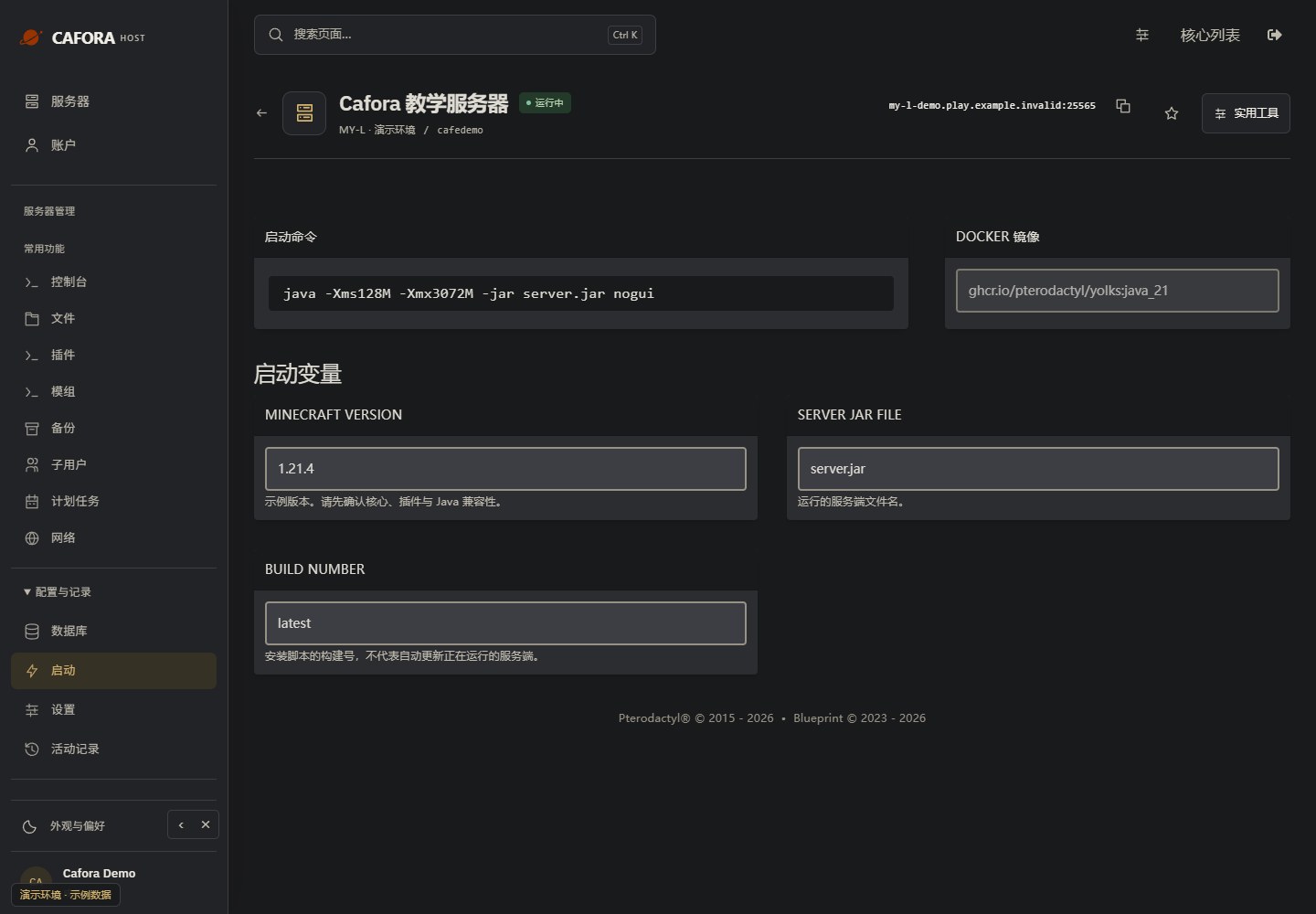
Inspect startup and runtime settings
Open Configuration & activity → Startup. Check the startup command, Docker image and editable variables. These fields depend on the assigned template; they do not add CPU or memory to the plan.
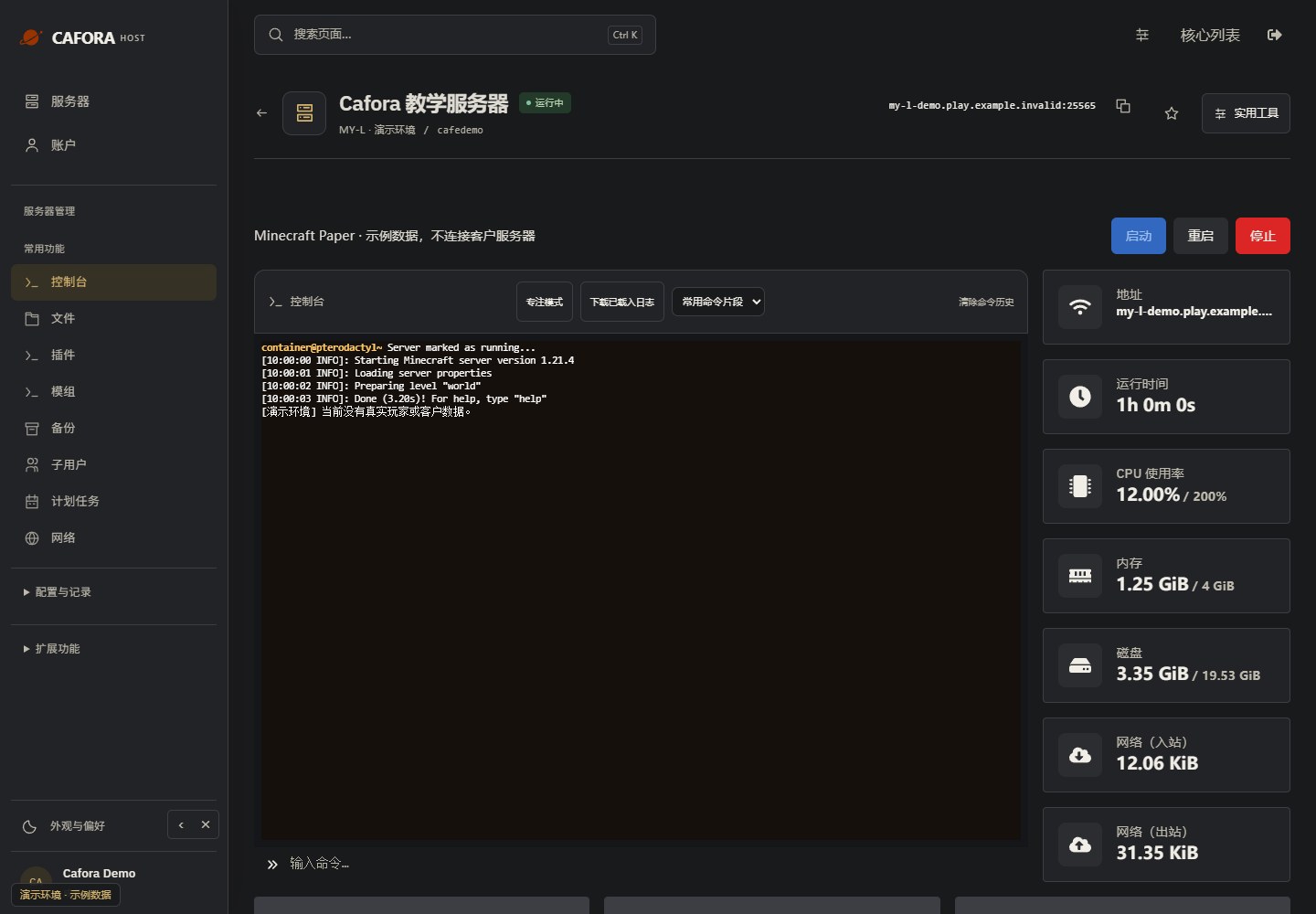
Check the console
Open Essentials → Console. Check the current state, startup output and errors before making changes. Wait for Done or your software’s ready message before joining.
Supported Software
| Software | Description |
|---|---|
| Paper | High-performance fork with plugin support — Recommended |
| Purpur | Extended Paper with additional configurability |
| Spigot | Classic Bukkit-compatible server |
| Fabric | Lightweight modding framework |
| Forge | Traditional modded Minecraft |
| NeoForge | Modern Forge fork |
| Vanilla | Official Mojang server |
Server Versions
See Server Versions for a complete list of supported versions.
Java Edition Features
- Plugin support via Paper, Spigot, Purpur
- Mod support via Fabric, Forge, NeoForge
- Custom world management
- Full console access
- Performance monitoring (TPS, MSPT, Spark)