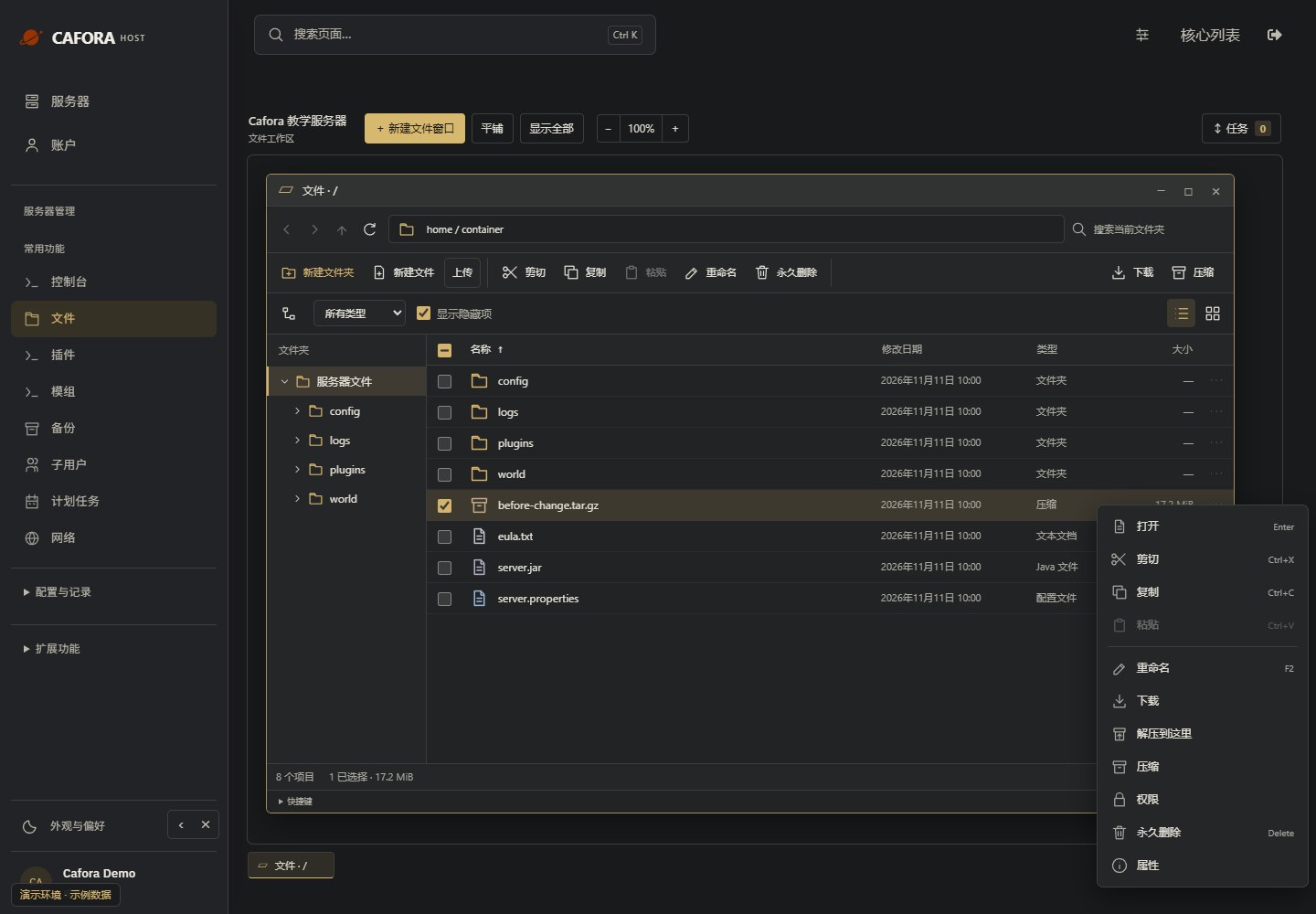
File manager
Updated steps and current-interface reference for file manager.
Illustrated procedure
Screenshots show the current application with demonstration data. Use your own service details; click an image to inspect it at full size.
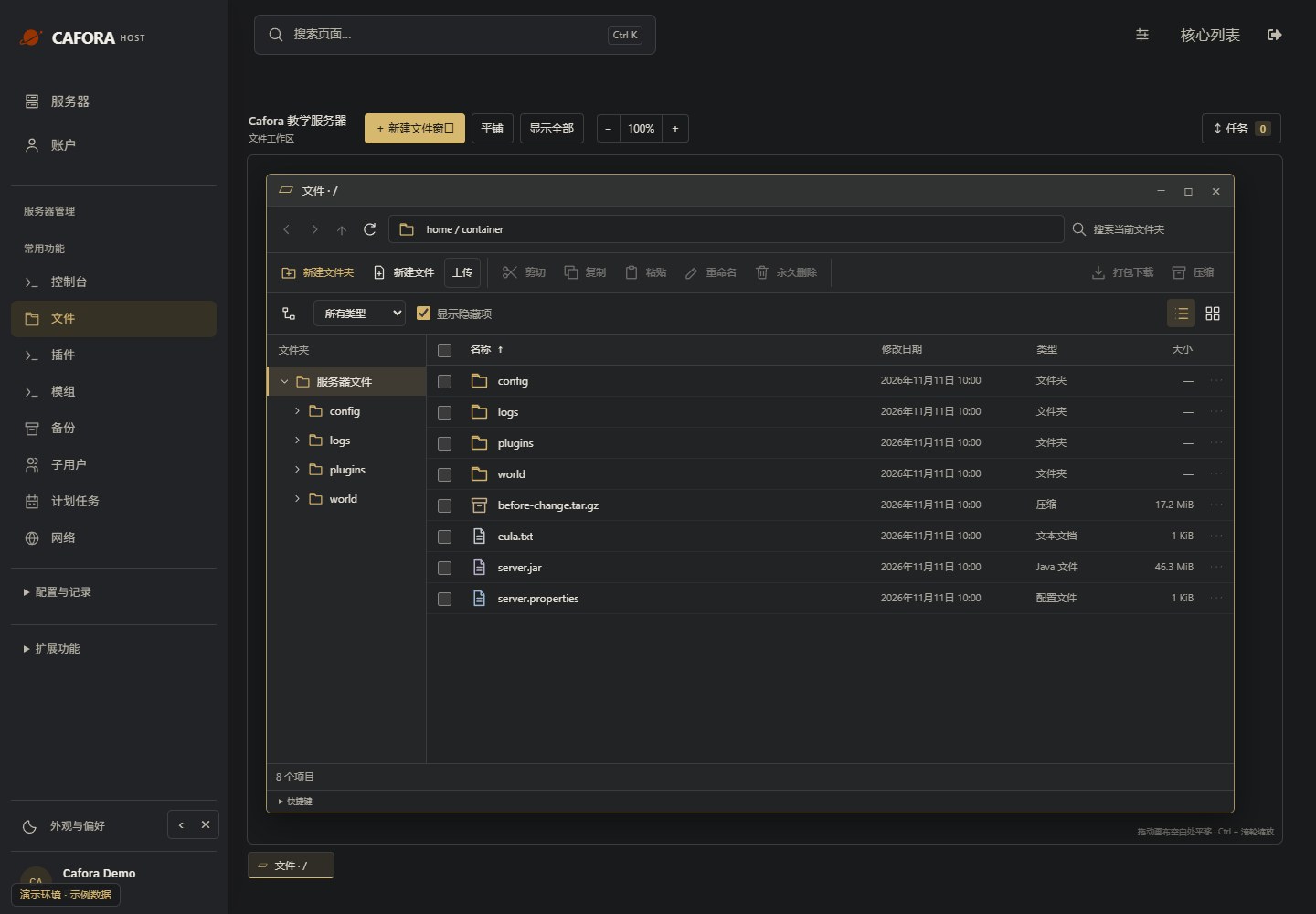
Open the file workspace
Choose Essentials → Files. The root is /home/container. Double-click a folder or editable file; a single click selects it. Work windows can remain open independently.
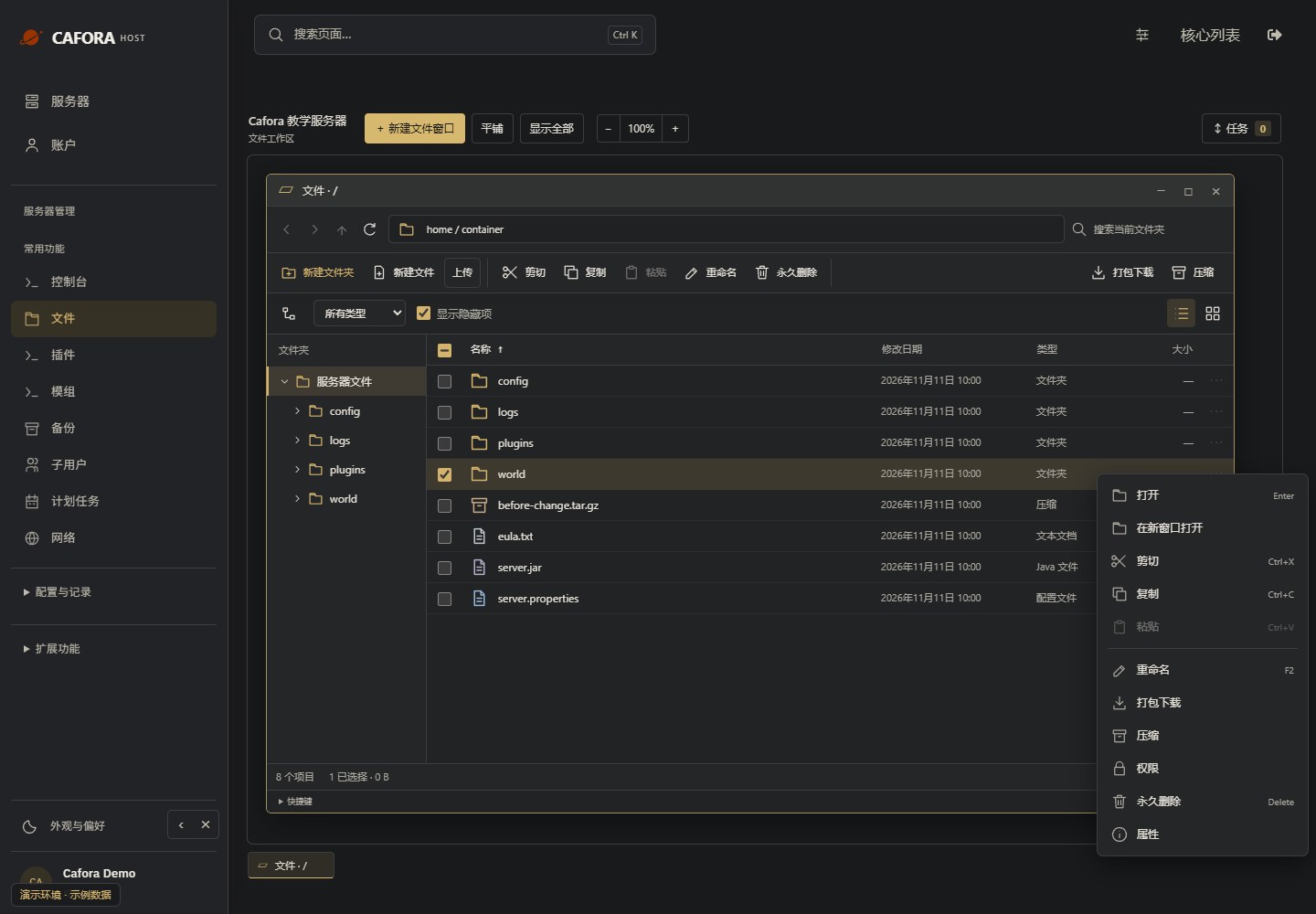
Open the selected folder’s actions
Select the intended folder and open File actions. Check the selection before using Compress or Download archive; these actions differ from permanent deletion.
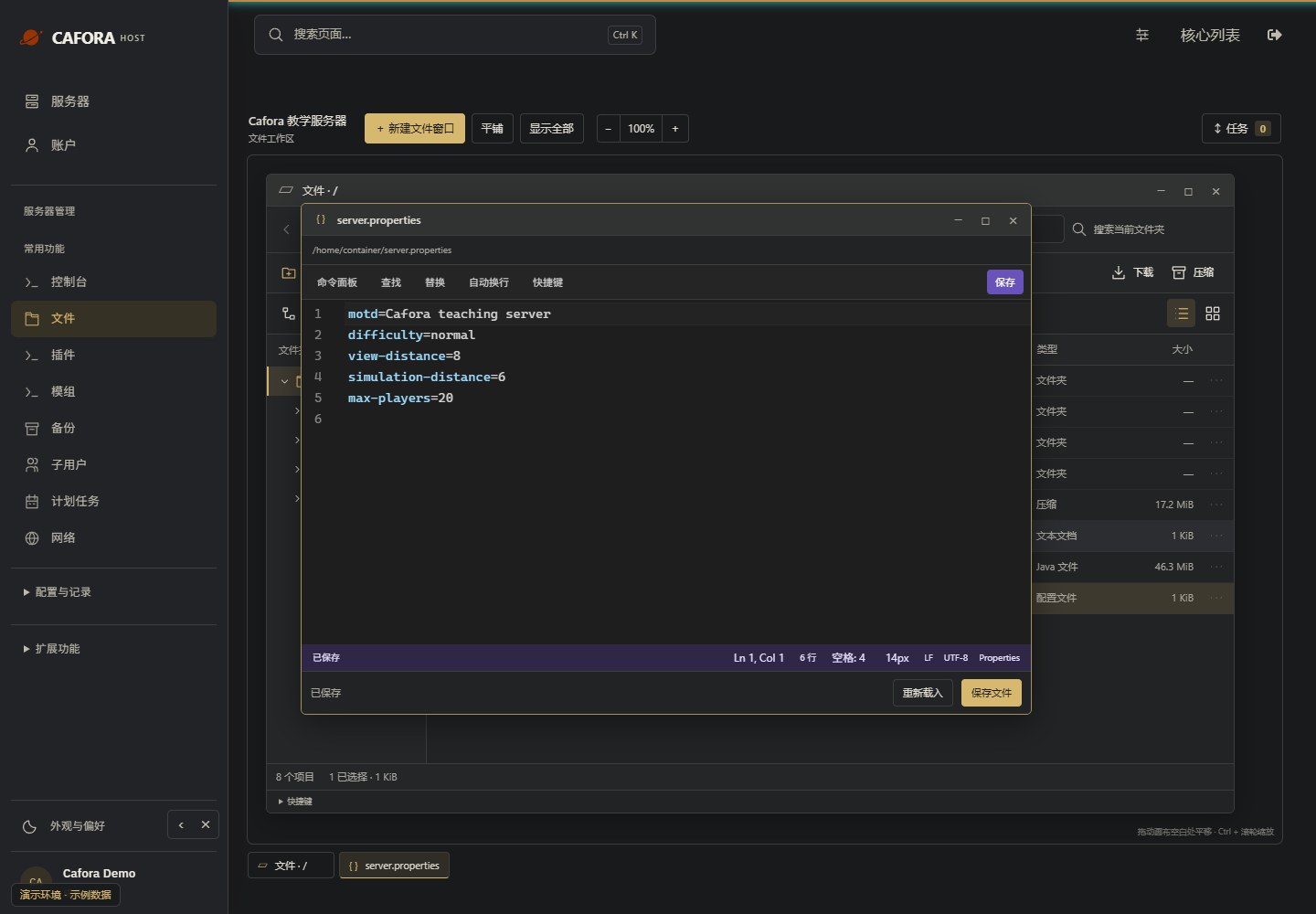
Open the existing text file
Double-click the original server.properties or another supported text file. Check its full path in the editor window; a JAR or binary world file is not a text configuration.
Download an independent copy
For an existing archive, open its file actions and choose Download. Check the browser download and that the archive opens. A copy kept only in the server directory is not an off-node backup.