Security
OP Security
Best practices for managing operator permissions on your Cafora Minecraft server.
Illustrated procedure
Screenshots show the current application with demonstration data. Use your own service details; click an image to inspect it at full size.
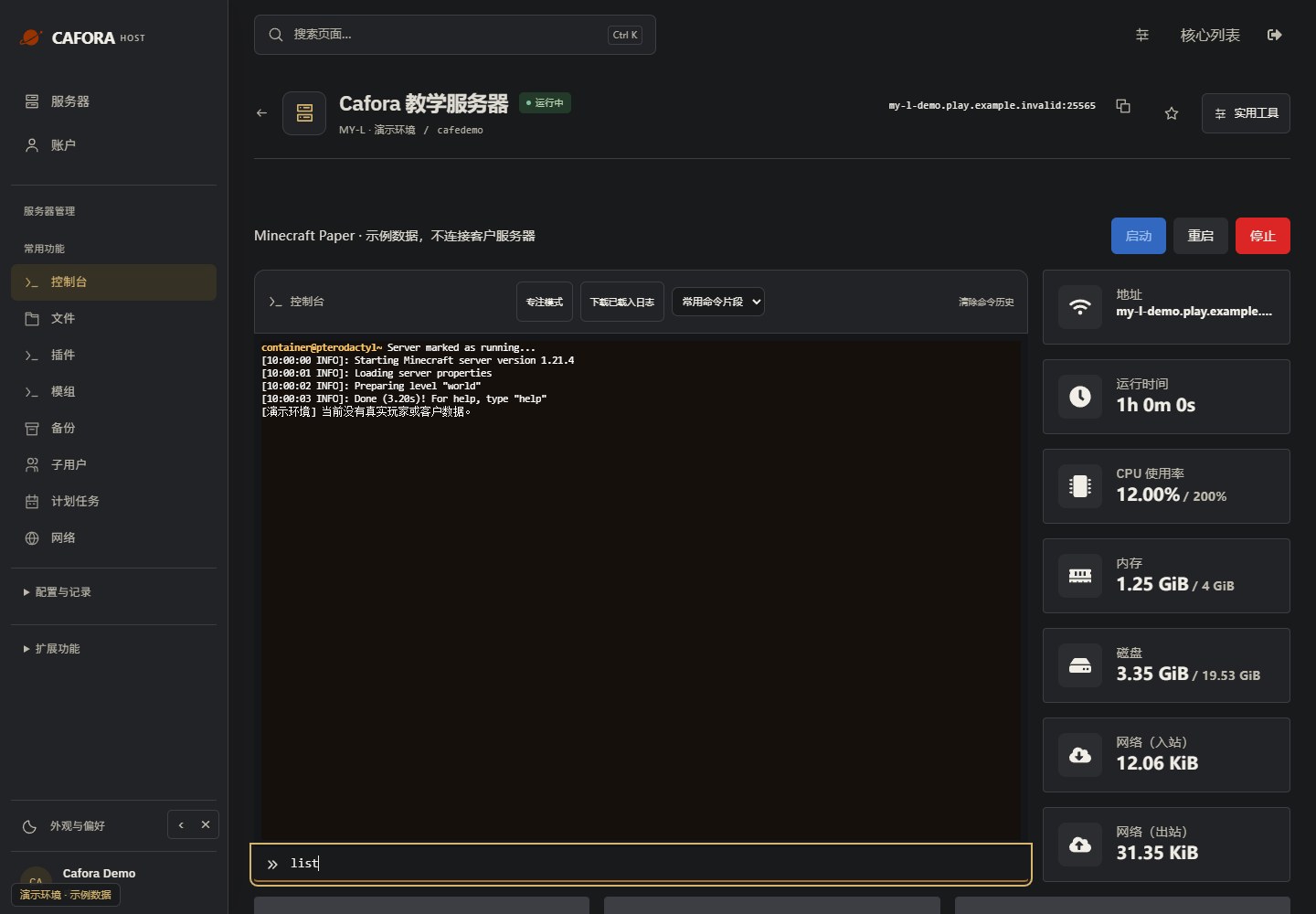
Enter a supported command
Use the command field beneath the console. Panel console commands normally omit the leading slash. This example uses the read-only command list; use commands supported by your core or plugin.
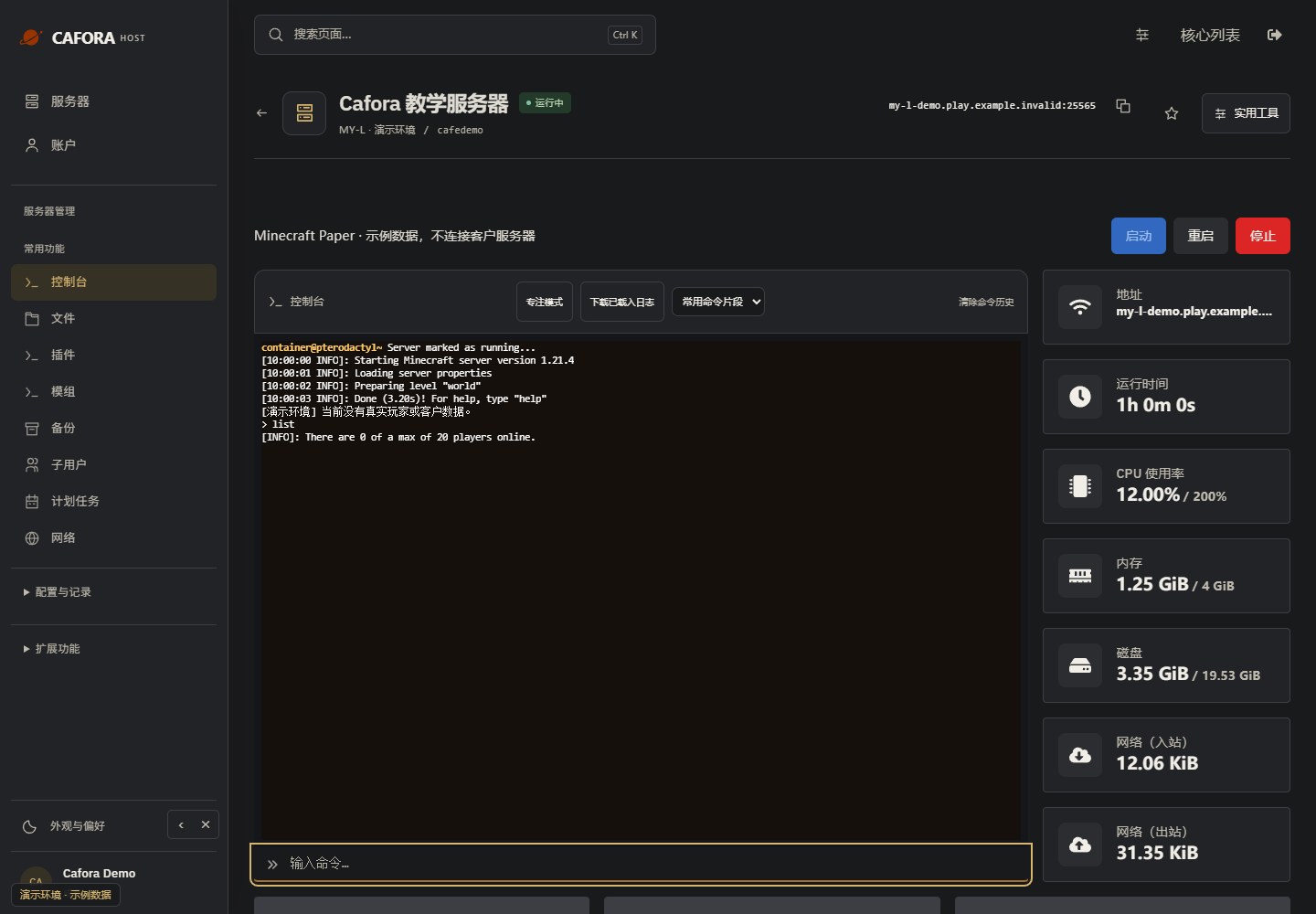
Check the command response
Press Enter once, then read the response in the console. Confirm the target and effect before sending an administrative command. Example output is not a performance measurement.
Best Practices
- Limit OP access — Only grant OP to people you absolutely trust
- Use permissions instead — A permissions plugin like LuckPerms gives you granular control
- Never give OP to strangers — Players you don't know personally should never have OP
- Audit OP list — Periodically review who has OP with or as needed
- Console access beats OP — Perform admin actions from the Cafora console instead
Why Not Use OP?
OP bypasses all permission checks. An OP player can:
- Run any command including , ,
- Access command blocks
- Bypass spawn protection
- Access all world data
Permission plugins give you fine-grained control without granting full server access.