Plugin Errors
Troubleshoot and fix plugin errors on your Cafora Minecraft server.
Illustrated procedure
Screenshots show the current application with demonstration data. Use your own service details; click an image to inspect it at full size.
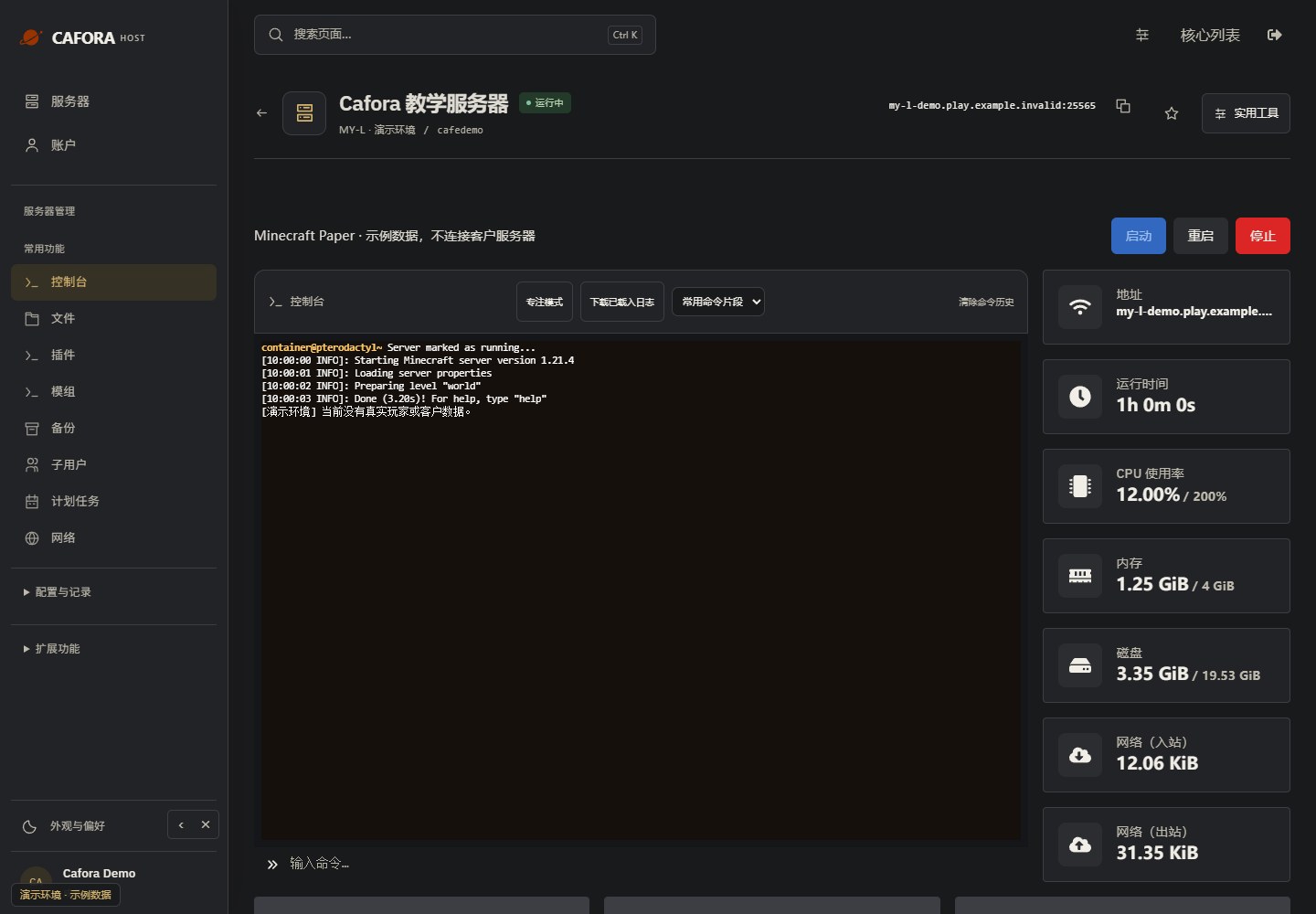
Check the console
Open Essentials → Console. Check the current state, startup output and errors before making changes. Wait for Done or your software’s ready message before joining.
Locate the file log
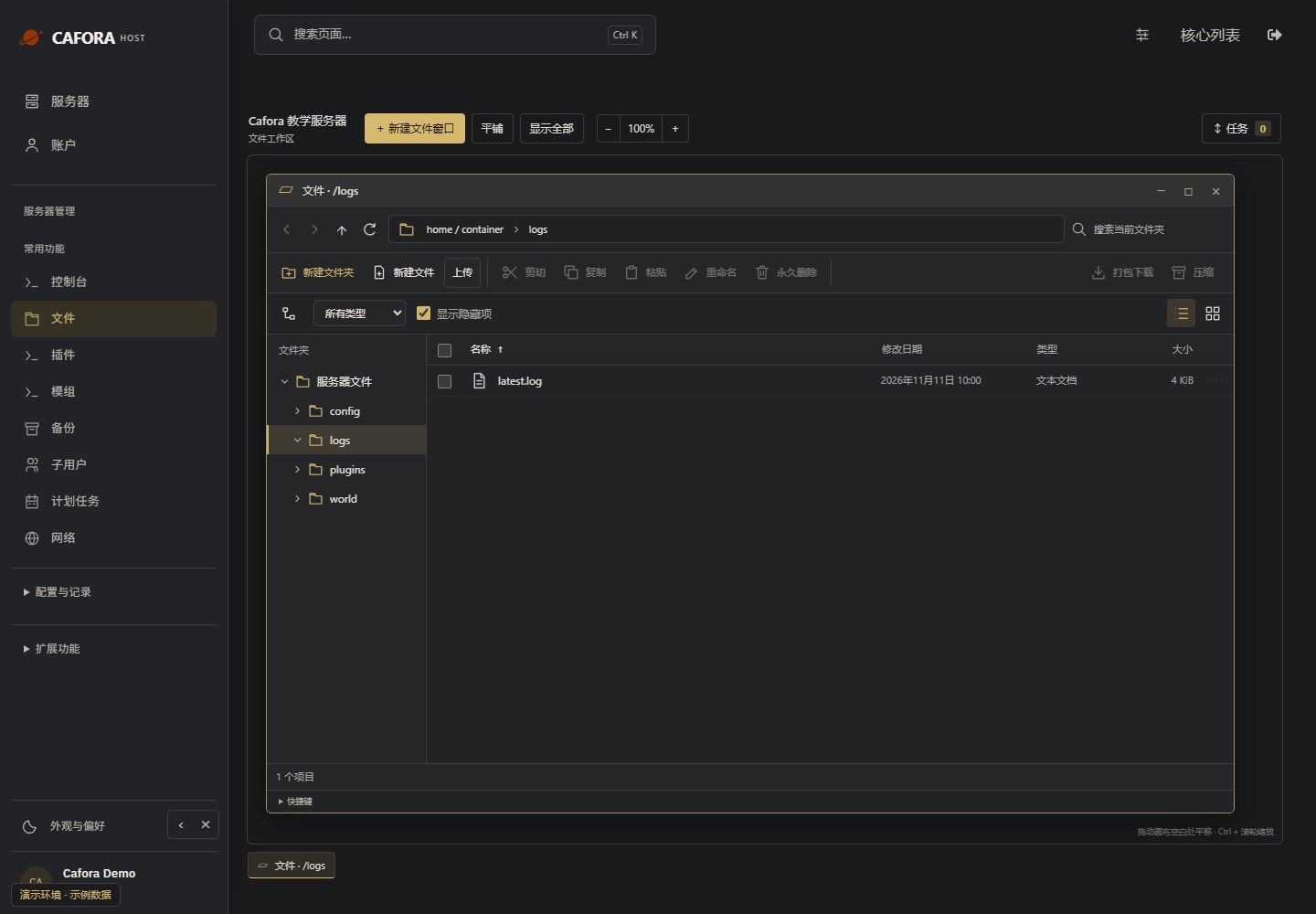
Under Files, double-click logs and locate latest.log. Check modification times. Preserve the relevant file before a restart replaces or rotates it.
Read the complete error context
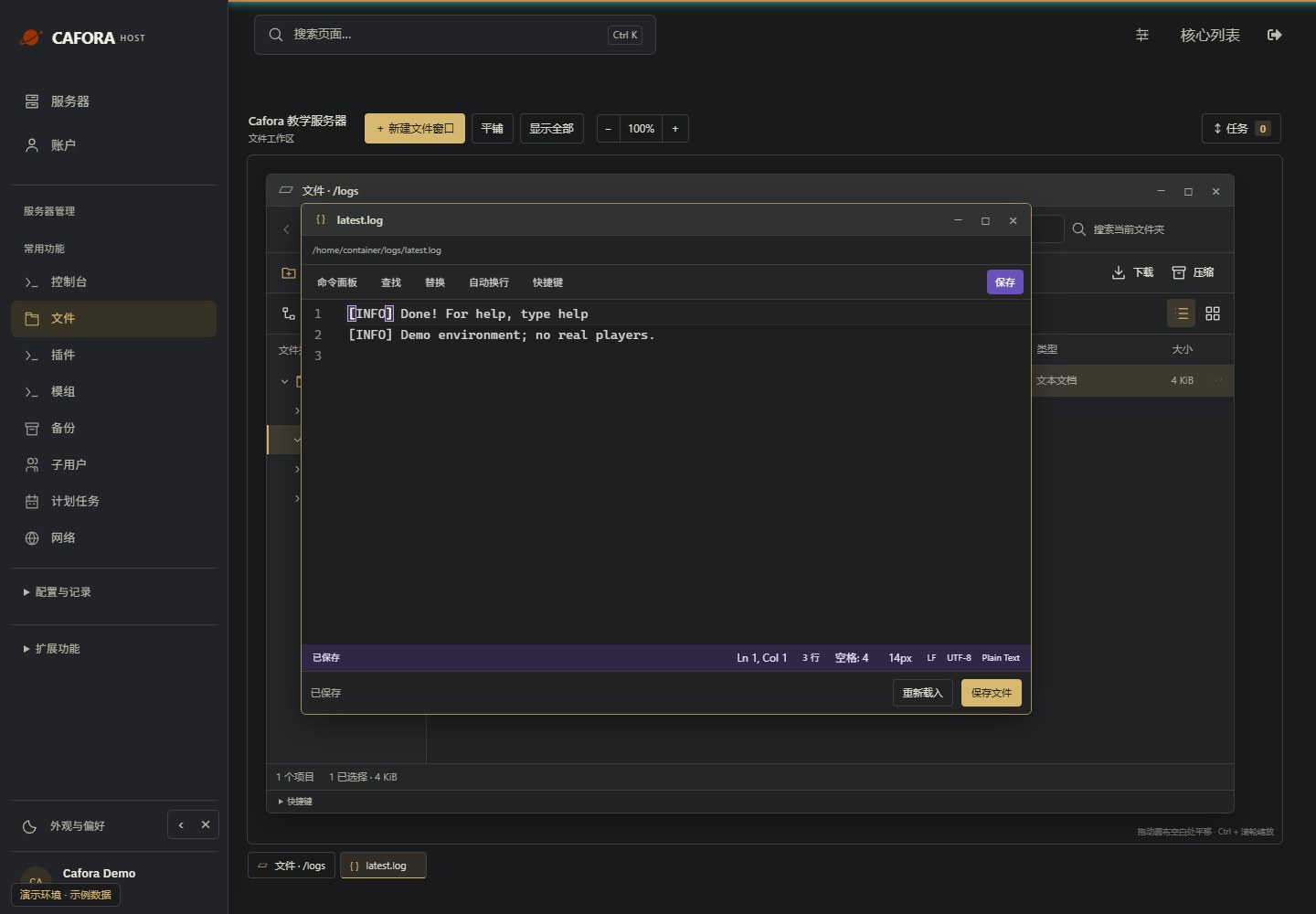
Open the log in the editor and inspect the earliest relevant error and surrounding lines. Remove tokens, passwords and private player details before sharing. Do not diagnose from the last line alone.
Describe the request to support
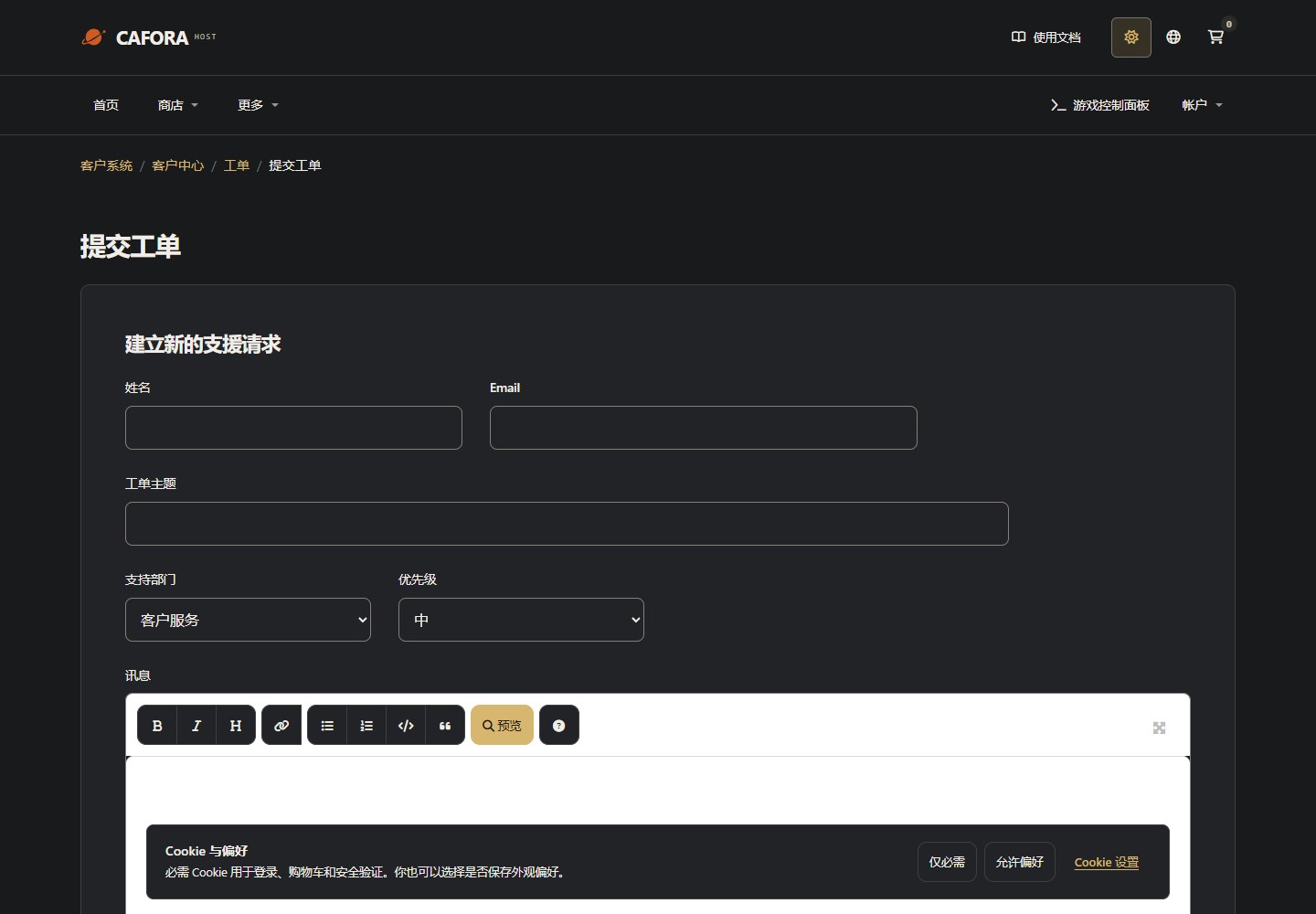
Open a support ticket with the service or invoice ID and the requested action. For connection issues include time, error and MTR evidence. Never include passwords, tokens or card details.
Match the failing plugin to its files
Read the full error and identify the plugin name/version, then open 文件 / Files → plugins. Compare its JAR with the intended release and dependency requirements. Do not assume every JAR shown in this test-server screenshot belongs on your server.
Retain the error log and back up the plugin configuration. Stop before replacing or temporarily moving a suspect JAR, change one item at a time, then start and reproduce the problem. Keep dependent plugins in mind; another failure can be a consequence rather than the original cause. Do not erase a plugin database or reset all configurations to silence an error. See logs and plugin installation.
Plugin errors can range from minor annoyances to server-crashing problems. This guide covers common plugin issues and solutions.
Types of Plugin Errors
Startup Errors
Plugin fails to load when the server starts:
- Missing dependencies (other plugins required)
- Wrong server software version (Bukkit vs Spigot vs Paper)
- Incompatible Minecraft version
- Corrupted plugin JAR file
Runtime Errors
Plugin loads but throws errors during gameplay:
- NullPointerException (accessing something that does not exist)
- ClassCastException (type mismatch)
- Configuration errors
- Database connection failures
Reading Plugin Errors
A typical plugin error in the log looks like:
[Server thread/ERROR]: Could not pass event PlayerJoinEvent to PluginName
java.lang.NullPointerException: Cannot invoke method because object is null
    at com.example.plugin.Listener.onJoin(Listener.java:42)
The last line shows the exact class and line number where the error occurred.
Troubleshooting Steps
Identify which plugin is causing the error from the log.
Check that the plugin is compatible with your server version.
Verify all dependencies are installed.
Review the plugin configuration for errors.
Try a clean install: remove plugin data, reinstall the JAR.
Contact the plugin developer if the issue persists.
Download plugins only from trusted sources like SpigotMC, Paper Hangar, or Modrinth. Unofficial downloads may contain malware or be outdated.