High Ping / Latency
Diagnose and reduce high ping and latency issues on your Cafora server.
Illustrated procedure
Screenshots show the current application with demonstration data. Use your own service details; click an image to inspect it at full size.
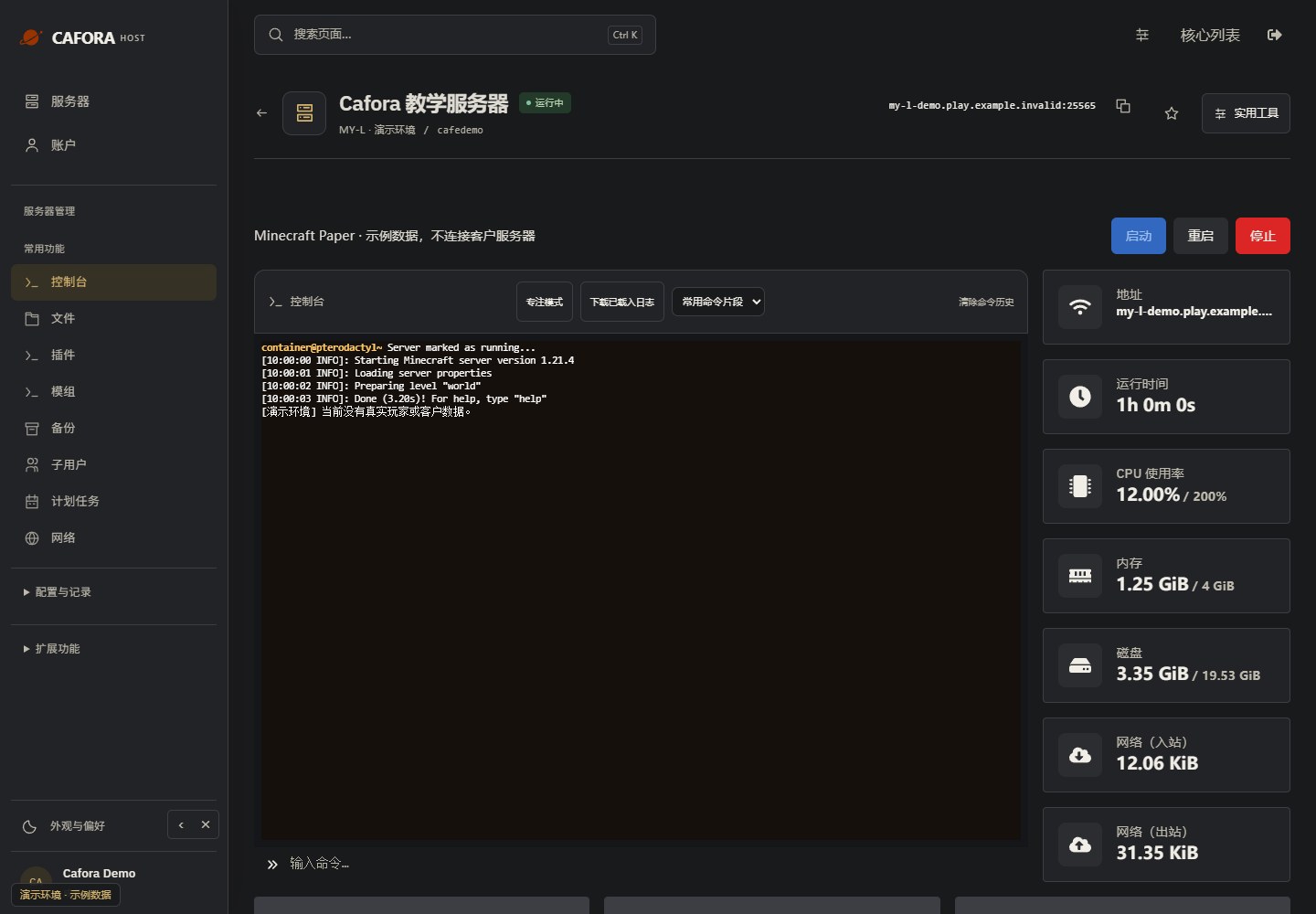
Check the console
Open Essentials → Console. Check the current state, startup output and errors before making changes. Wait for Done or your software’s ready message before joining.
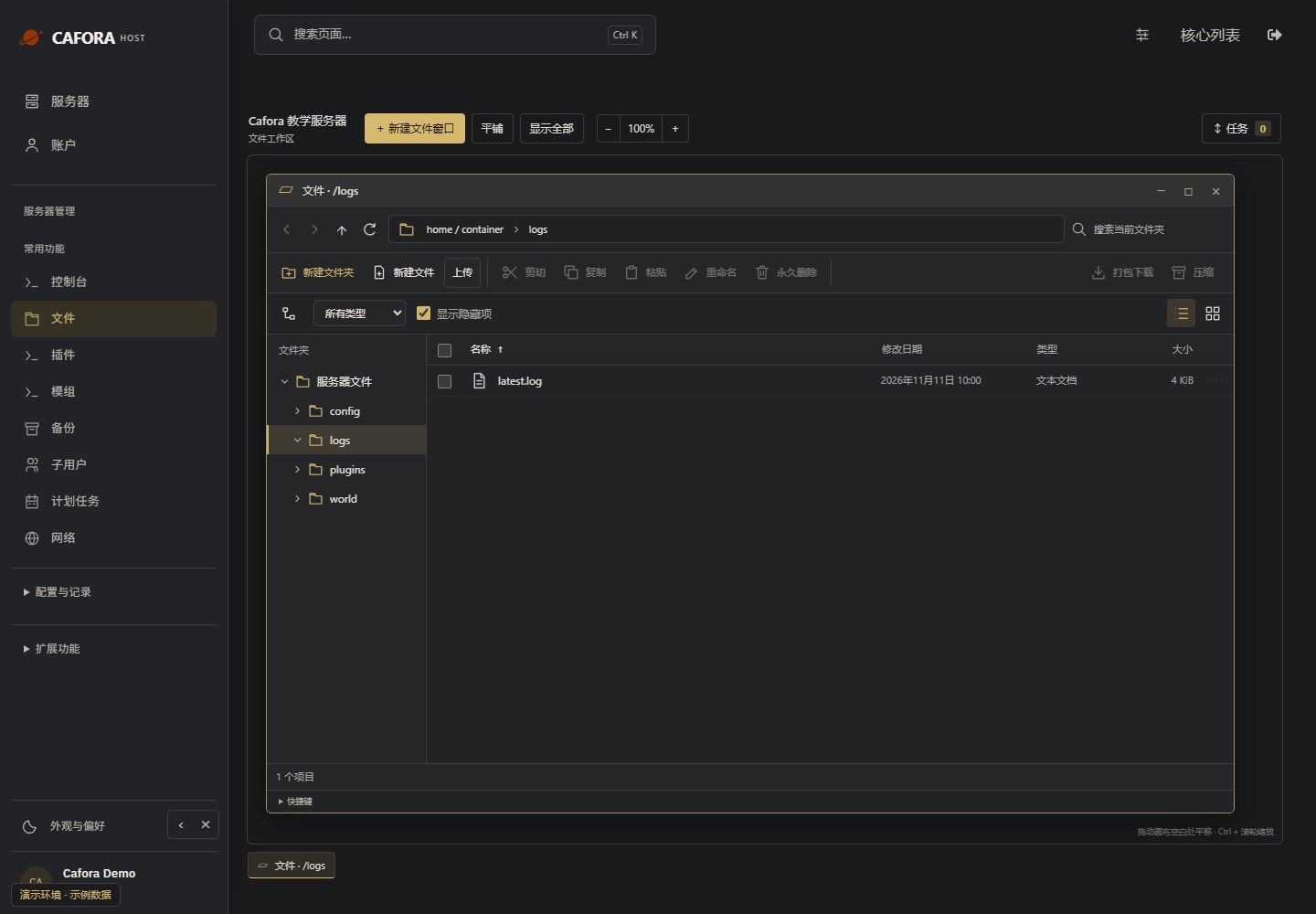
Locate the file log
Under Files, double-click logs and locate latest.log. Check modification times. Preserve the relevant file before a restart replaces or rotates it.
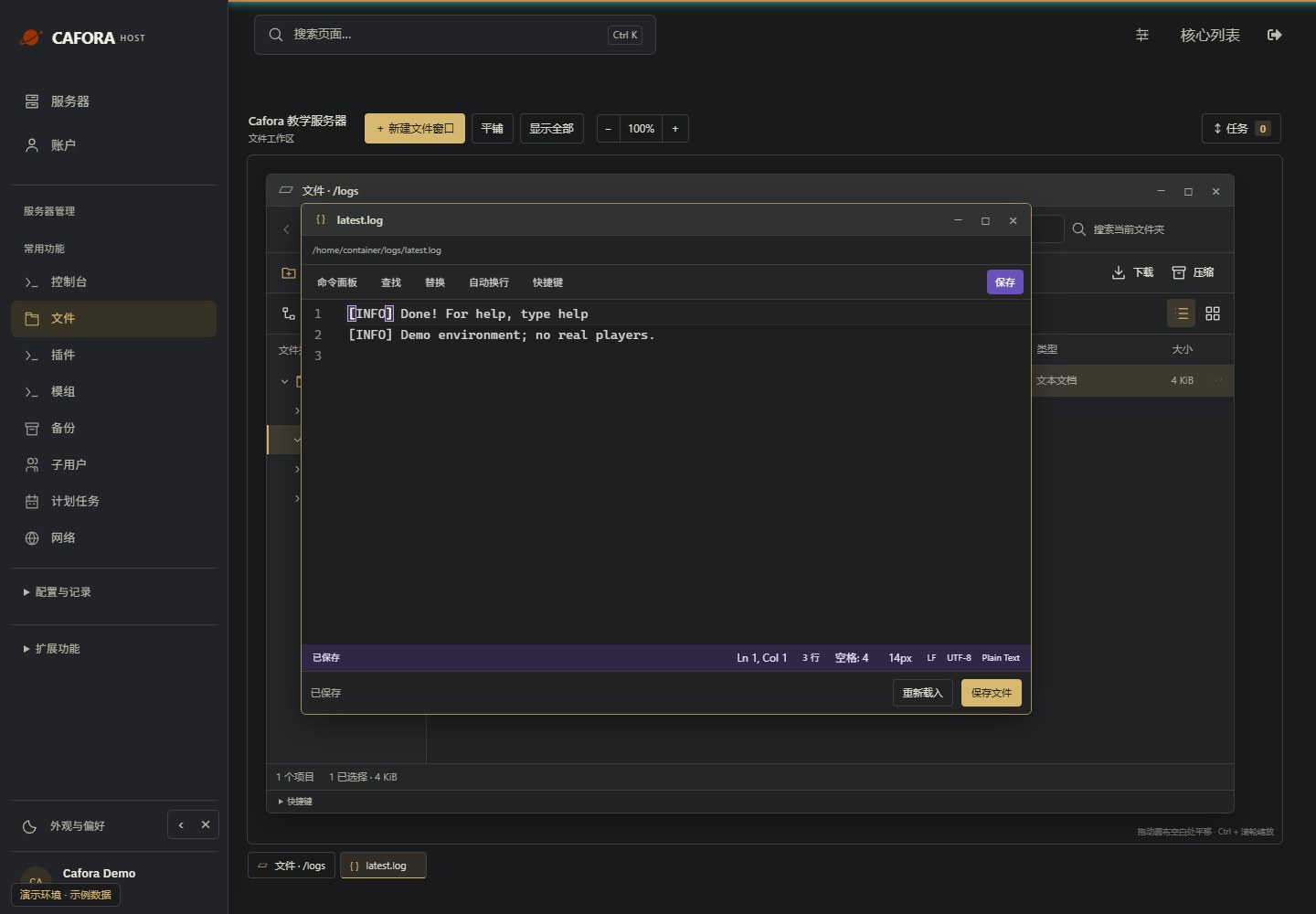
Read the complete error context
Open the log in the editor and inspect the earliest relevant error and surrounding lines. Remove tokens, passwords and private player details before sharing. Do not diagnose from the last line alone.
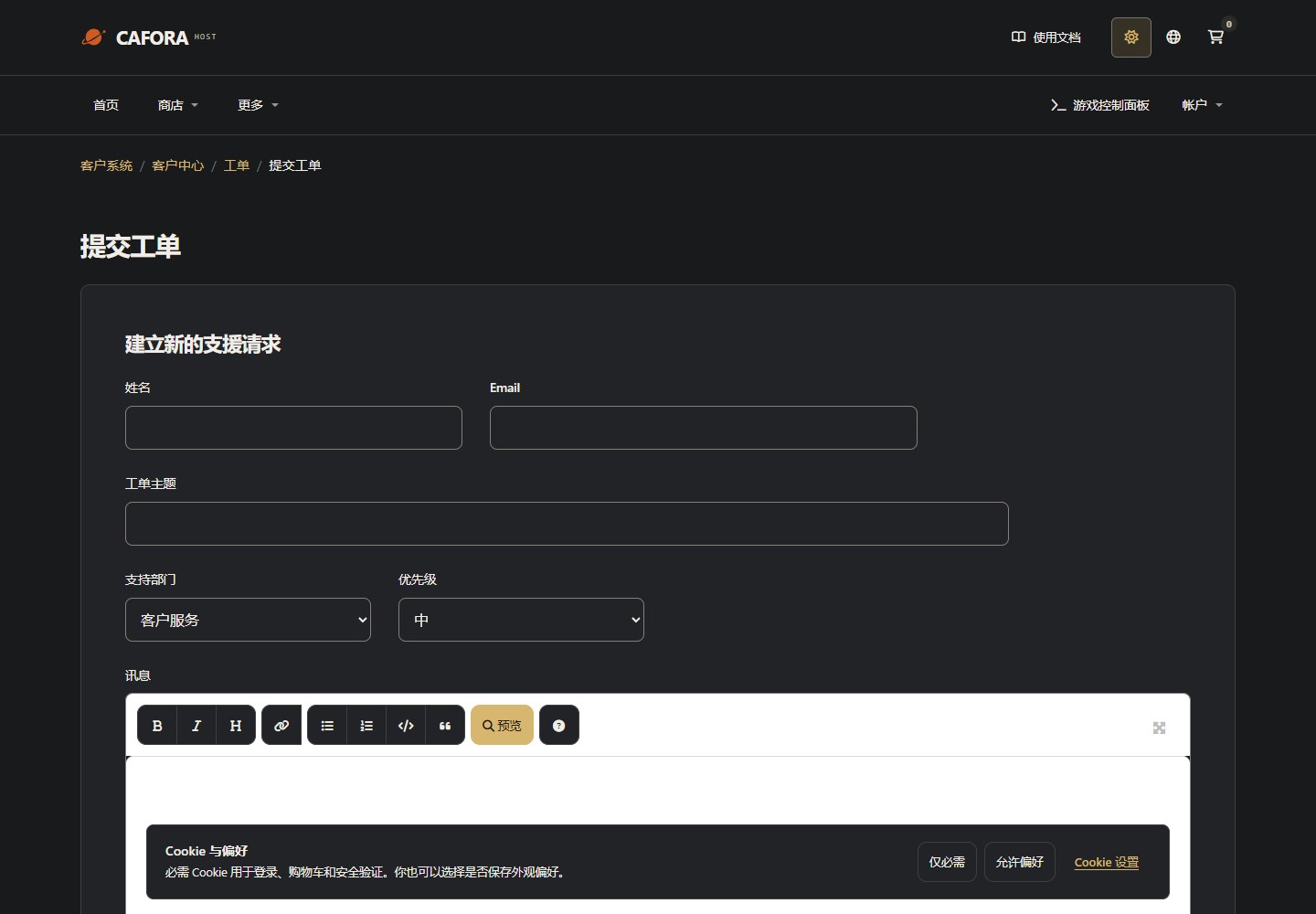
Describe the request to support
Open a support ticket with the service or invoice ID and the requested action. For connection issues include time, error and MTR evidence. Never include passwords, tokens or card details.
Understanding Ping
Ping measures the round-trip time for data between your client and the server. Lower is better:
| Ping | Experience |
|---|---|
| < 50ms | Excellent |
| 50-100ms | Very good |
| 100-200ms | Playable |
| 200-300ms | Noticeable delay |
| > 300ms | Difficult to play |
Server Location
MY-L servers are hosted in Malaysia. Players farther away will have higher ping due to physical distance. This is normal and not a server issue.
Diagnosing High Ping
For You
- Check your ping to the server (see Ping guide)
- Test from a different network (mobile data, different ISP)
- Use a wired connection instead of Wi-Fi
For Players
- Ask players to check their own connection
- Geographic distance is the primary factor
- Local ISP routing can cause issues for specific regions
Server-Side Factors
If all players report high ping:
- Check server TPS — low TPS can appear as lag
- Check CPU usage in the dashboard
- Verify no network saturation from DDoS or excessive traffic
- Check optimization settings
See Also
WinMTR Guide
Collect a packet loss and latency report with WinMTR for support.