Ping
Understanding network latency and ping for your Cafora Minecraft server.
Illustrated procedure
Screenshots show the current application with demonstration data. Use your own service details; click an image to inspect it at full size.
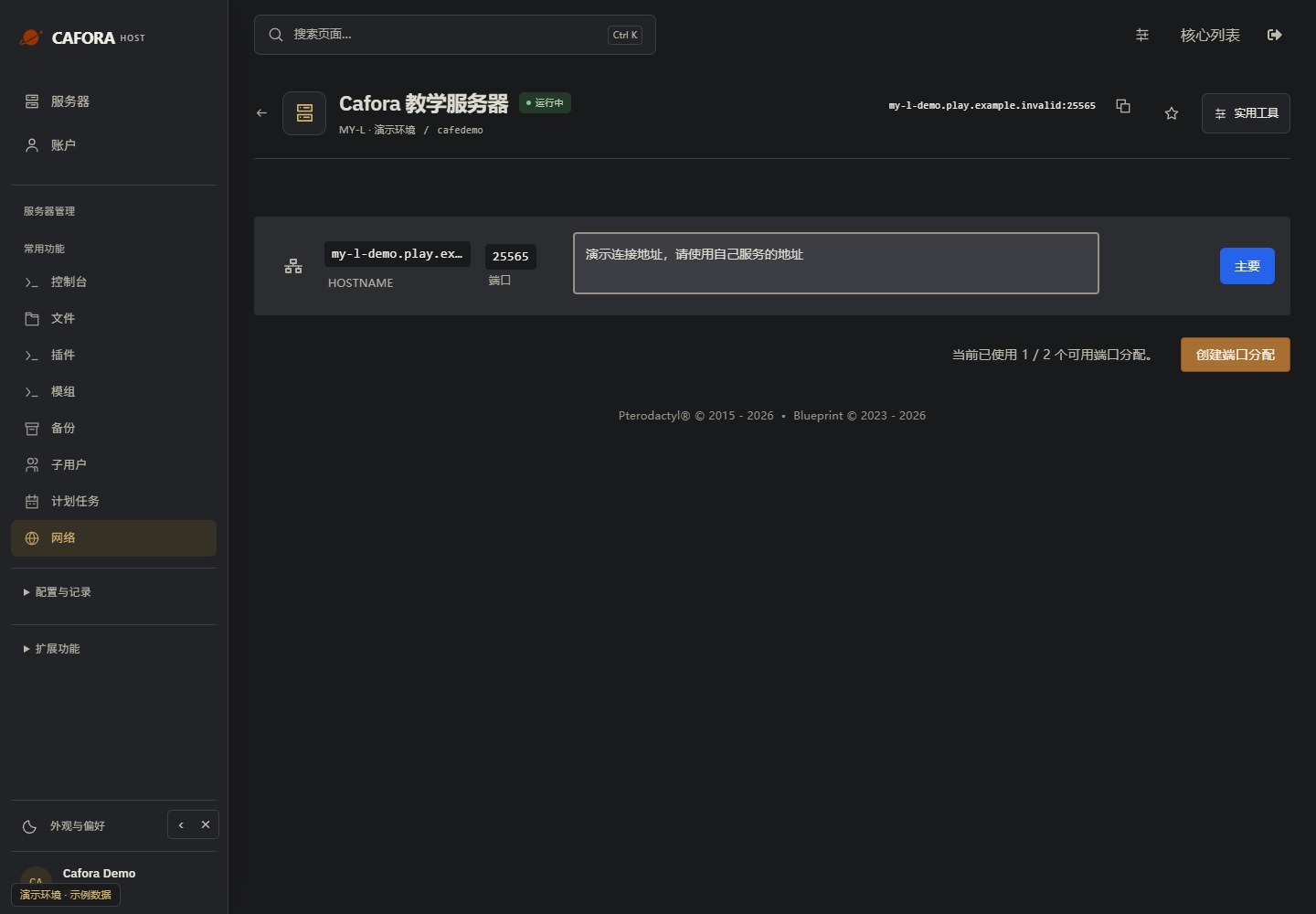
Copy the assigned game endpoint
Open Network and use your service’s primary hostname and port. Keep the port when joining Minecraft. Never copy the example.invalid address in this guide.
Check the console
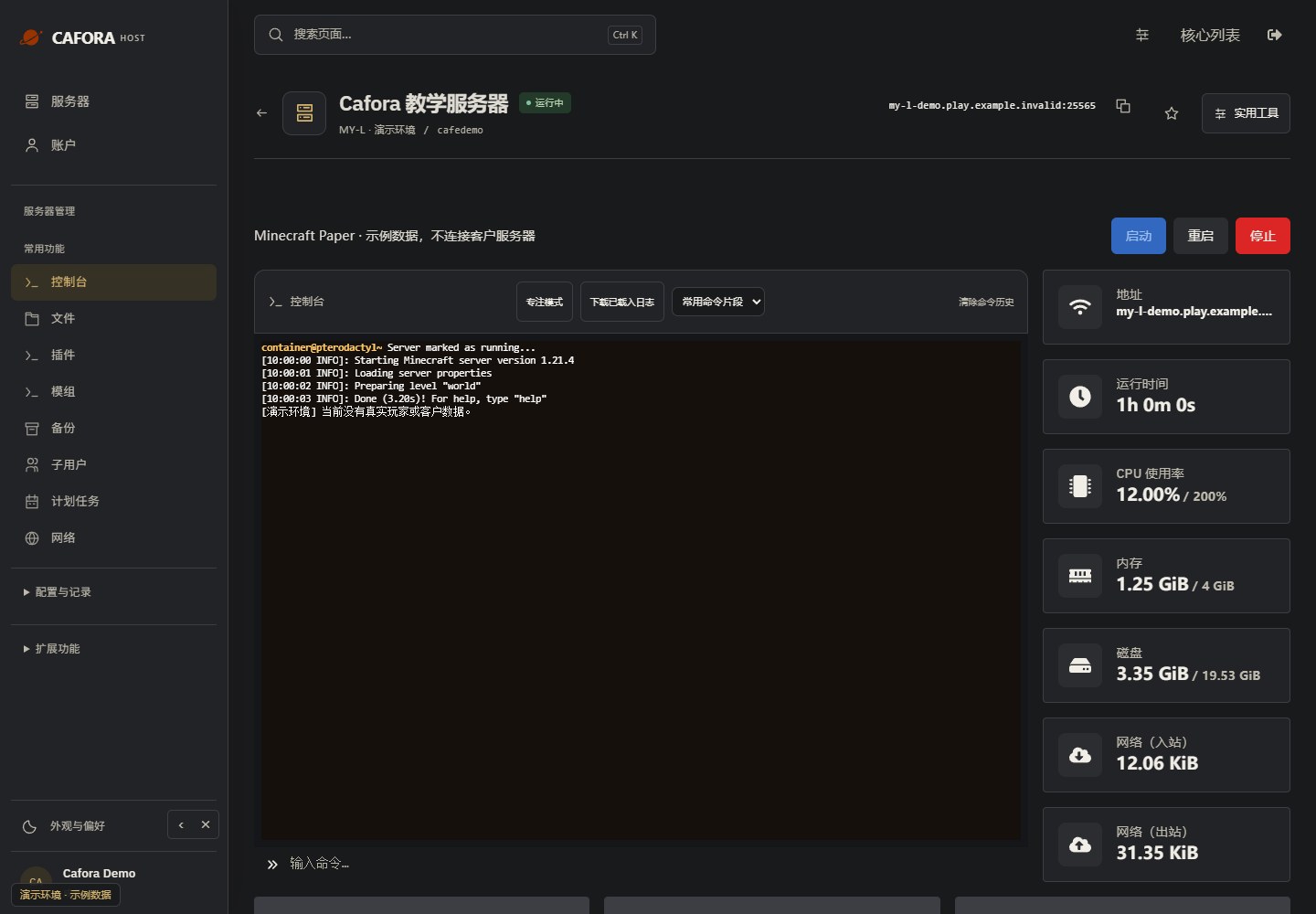
Open Essentials → Console. Check the current state, startup output and errors before making changes. Wait for Done or your software’s ready message before joining.
Describe the request to support
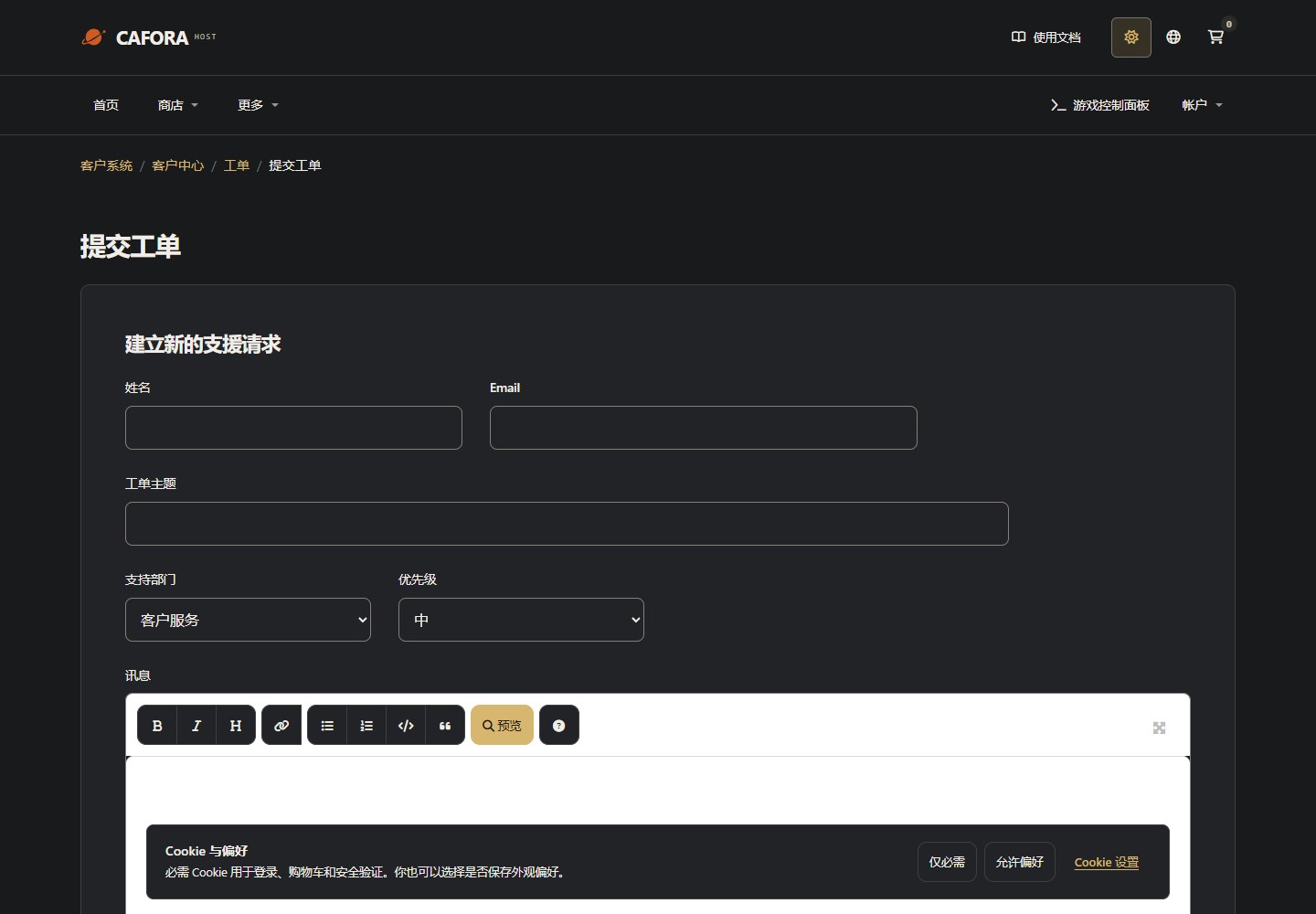
Open a support ticket with the service or invoice ID and the requested action. For connection issues include time, error and MTR evidence. Never include passwords, tokens or card details.
What Affects Ping
- Geographic distance — Physical distance between the player and the server
- Network routing — The path data takes through the internet
- Player's connection — The quality of the player's internet service
- Server performance — An overloaded server can increase perceived latency
Checking Ping
Players can check their ping in-game by hovering over the connection bars in the multiplayer server list.
Reducing Ping
- Choose a server region close to your players
- Keep your server within its performance limits
- See Optimization for server-side improvements
WinMTR Guide
Collect a packet loss and latency report with WinMTR for support.