DNS
Configure custom domains and DNS records for your Cafora Minecraft server.
Illustrated procedure
Screenshots show the current application with demonstration data. Use your own service details; click an image to inspect it at full size.
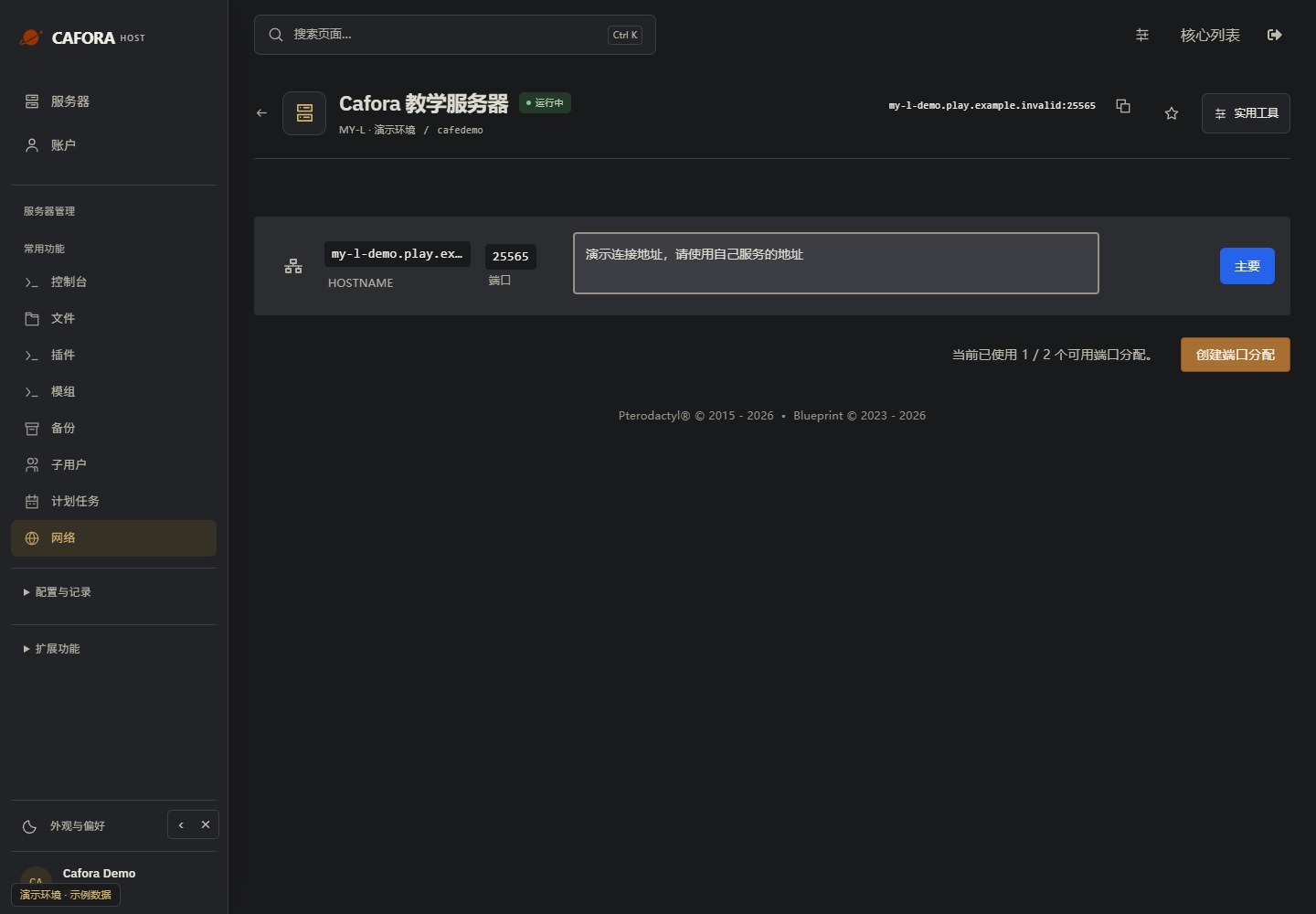
Copy the assigned game endpoint
Open Network and use your service’s primary hostname and port. Keep the port when joining Minecraft. Never copy the example.invalid address in this guide.
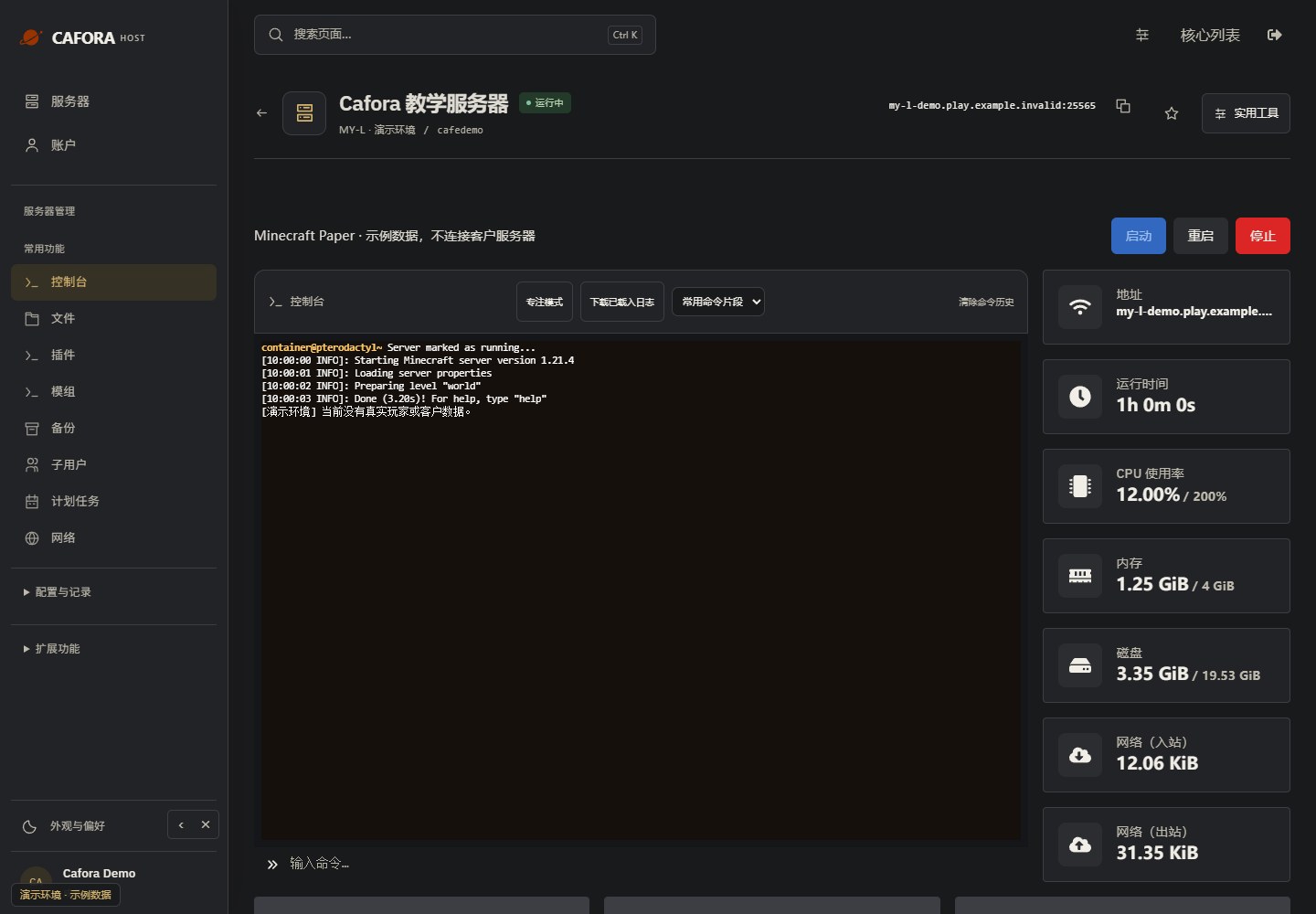
Check the console
Open Essentials → Console. Check the current state, startup output and errors before making changes. Wait for Done or your software’s ready message before joining.
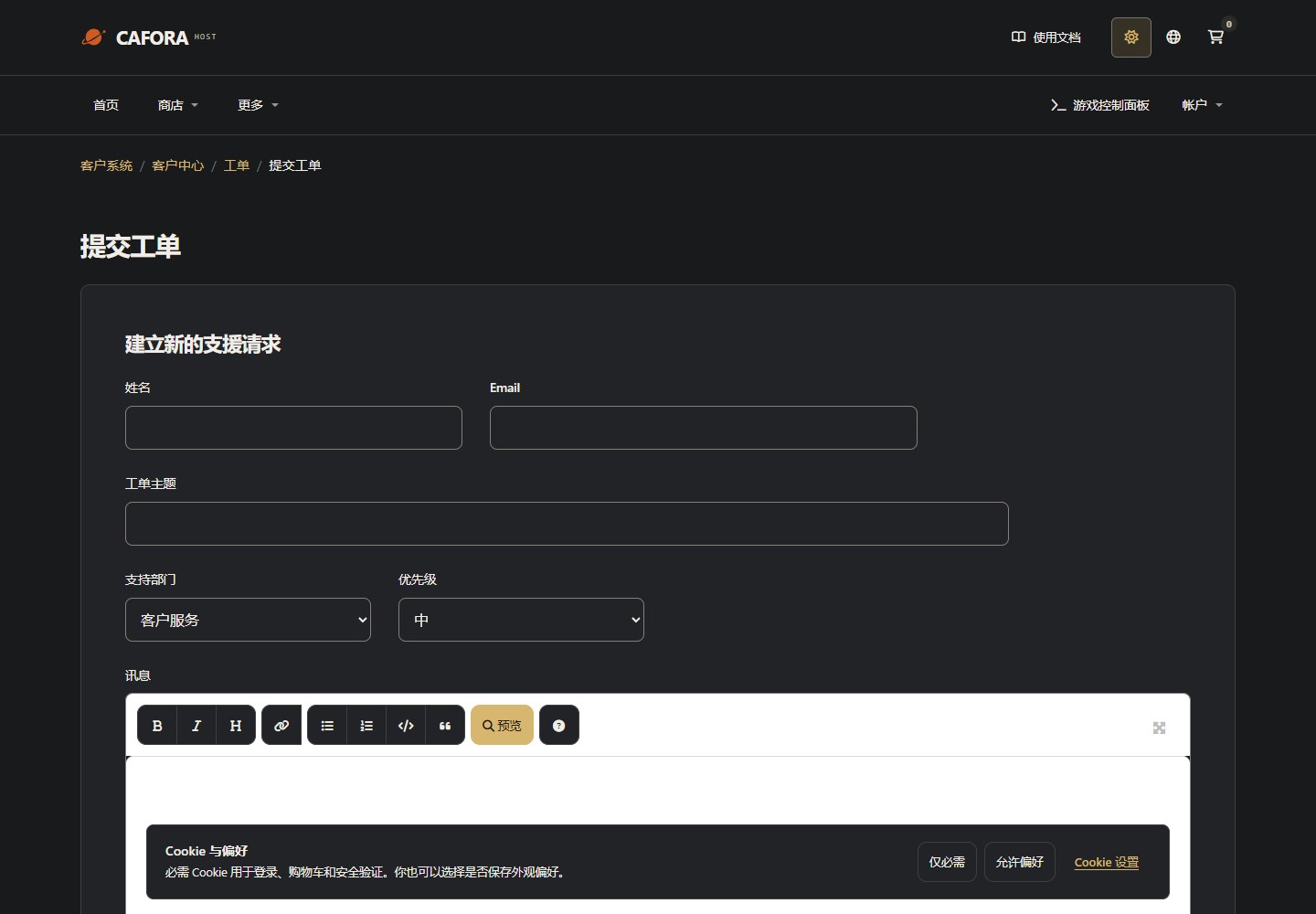
Describe the request to support
Open a support ticket with the service or invoice ID and the requested action. For connection issues include time, error and MTR evidence. Never include passwords, tokens or card details.
Using a Custom Domain
Option 1: SRV Record (Recommended)
An SRV record allows you to use a custom domain on the default Minecraft port:
Service:  _minecraft
Protocol: _tcp
Name:     play (or @ for root domain)
Target:   <server-type>.play.caforahost.com
Port:     25565
Priority: 0
Weight:   5
Players can then connect using: play.yourdomain.com
Option 2: A Record
If your server has a dedicated IP, you can use an A record:
Name:  play
Type:  A
Value: <your-server-ip>
TTL:   300
Bedrock Edition SRV Record
Service:  _minecraft
Protocol: _udp
Name:     play
Target:   <server-type>.play.caforahost.com
Port:     19132
Priority: 0
Weight:   5