Server IP
Understanding your Cafora server IP, the protected entry IP, and how the origin IP is shielded.
Illustrated procedure
Screenshots show the current application with demonstration data. Use your own service details; click an image to inspect it at full size.
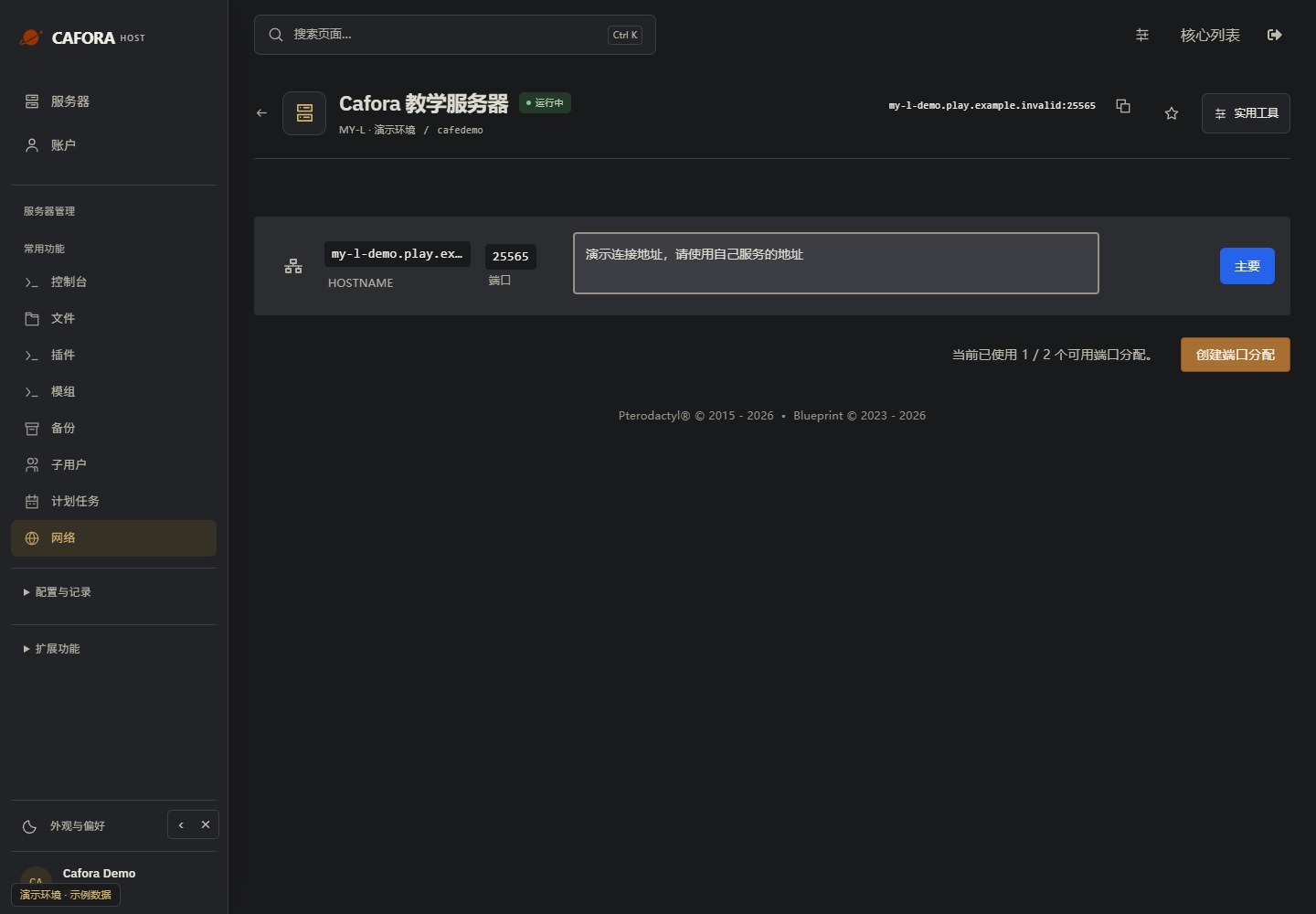
Copy the assigned game endpoint
Open Network and use your service’s primary hostname and port. Keep the port when joining Minecraft. Never copy the example.invalid address in this guide.
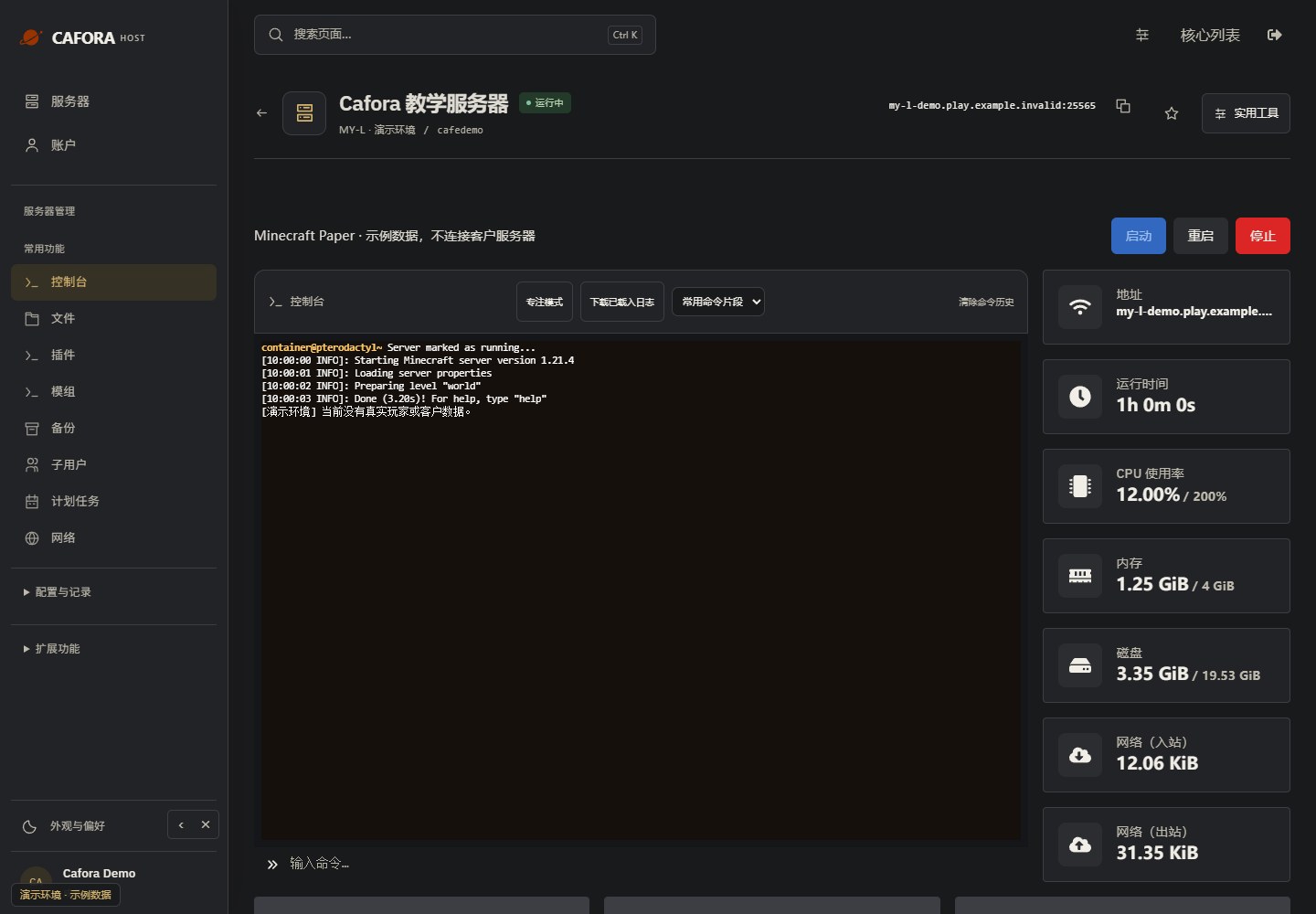
Check the console
Open Essentials → Console. Check the current state, startup output and errors before making changes. Wait for Done or your software’s ready message before joining.
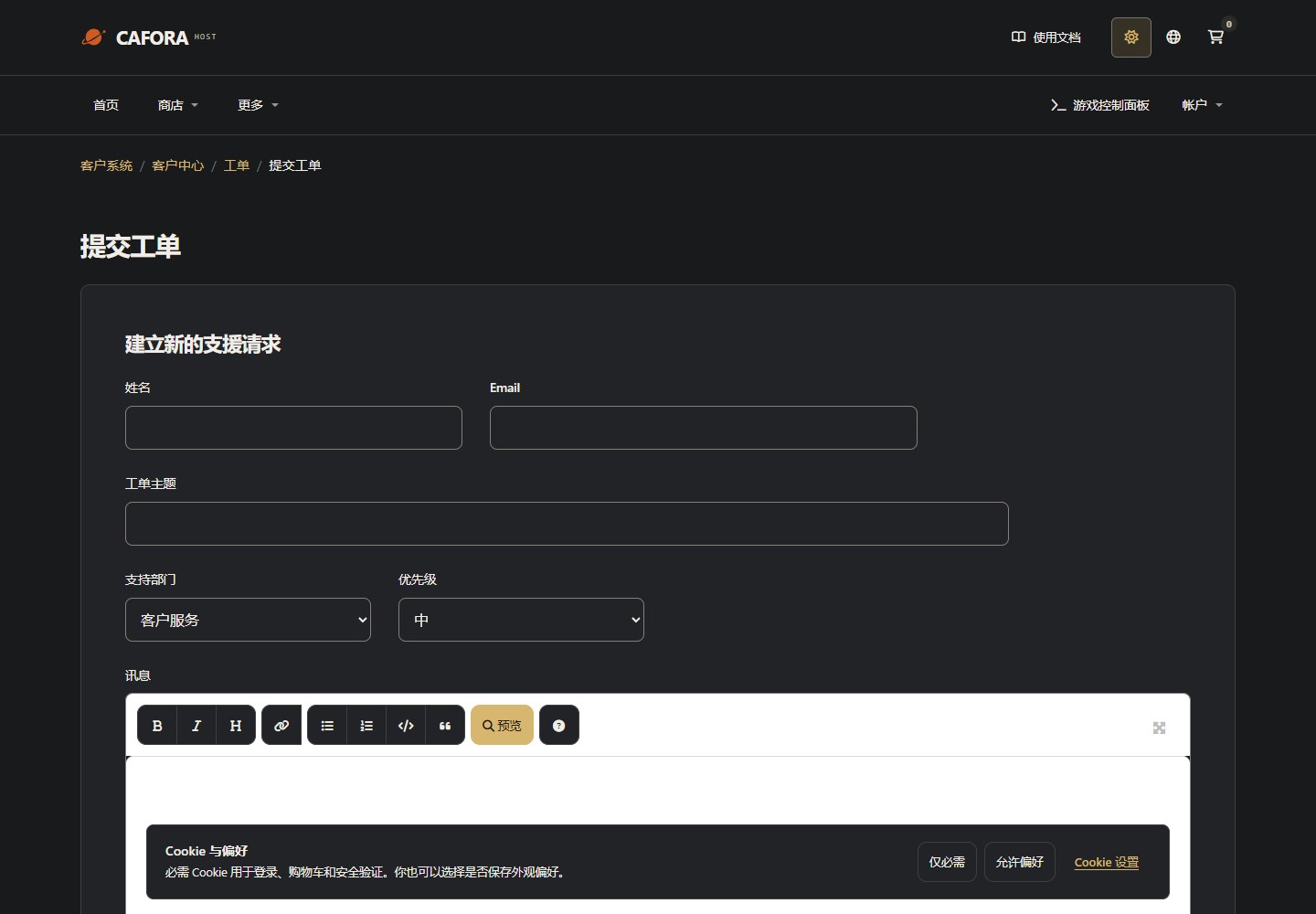
Describe the request to support
Open a support ticket with the service or invoice ID and the requested action. For connection issues include time, error and MTR evidence. Never include passwords, tokens or card details.
Finding Your Server IP
Your server address is displayed at the top of the server panel in the Pterodactyl Panel.
IP Address Types
Cafora uses DNS-based addressing. Your server is accessible through a hostname like:
<server-type>.play.caforahost.com<server-type> is the hostname prefix assigned to your server — always use the exact address shown in the Pterodactyl Panel.
Players do not need to know or use raw IP addresses.
Protected Entry IP vs. Origin IP
You may encounter two kinds of IP, and they behave very differently:
| Type | Connectable | Description |
|---|---|---|
| Protected entry IP (NXEON VPS) | ✅ | The public game entry point DNS resolves to; forwards to the backend over WireGuard |
| Origin IP (node public IP) | ❌ | The node's own address; Minecraft ports do not respond on it |
Cafora deliberately makes the origin IP refuse direct Minecraft connections. Current main game ports reach Minecraft containers through the NXEON VPS / WireGuard path. Players should use the hostname and port shown in the panel.
As a result, even if someone learns the node's public IP, they cannot bypass DDoS protection by attacking it directly. Please do not attempt to connect to the origin IP.