Payments and Confirmation
Check checkout totals, use Cat Payment and convenience-store payment, submit receipts, and handle an unpaid invoice after early activation.
Check your order and invoice first
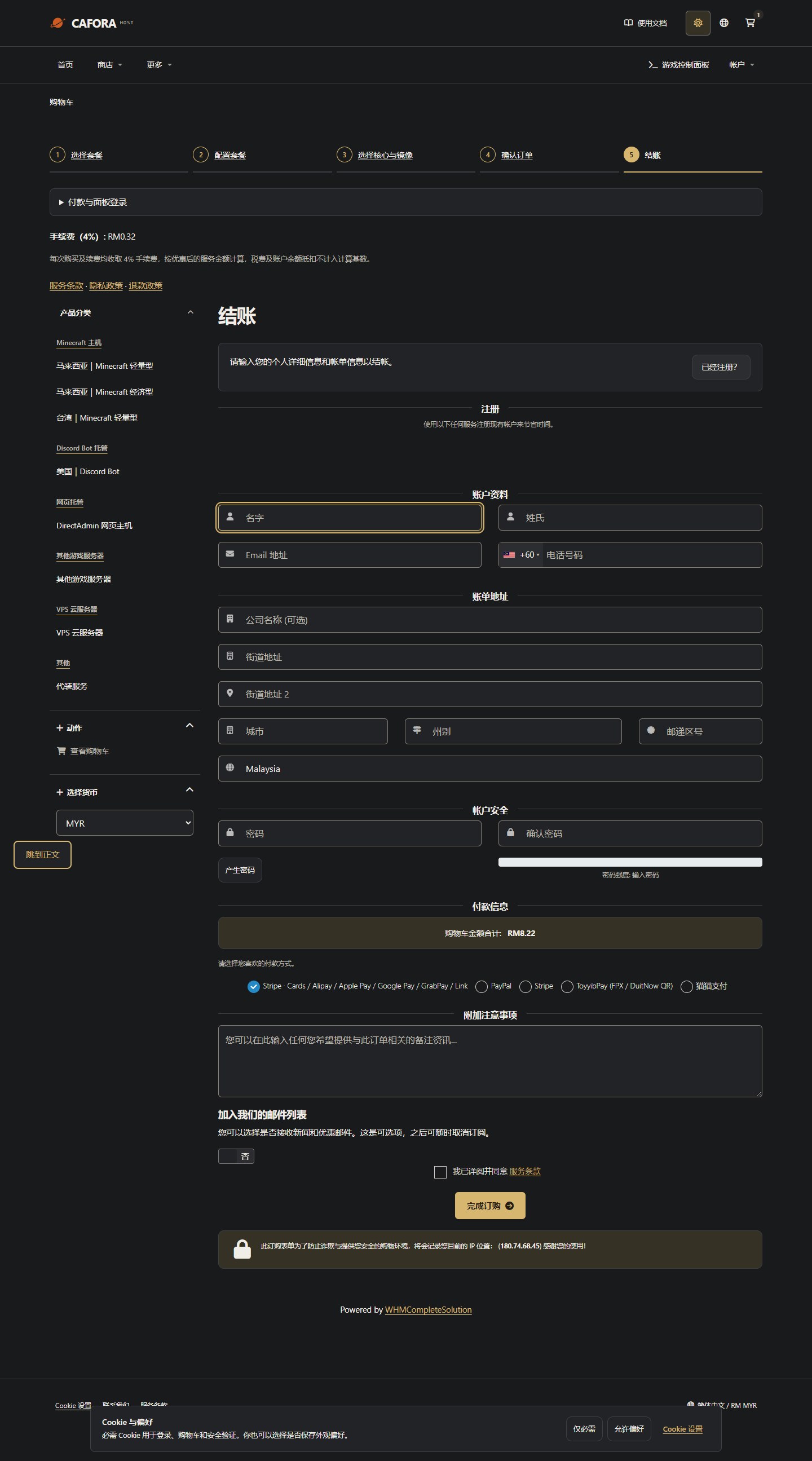
In the Store client area, open your unpaid invoice and check its number, currency, amount, payment method and due date. Available methods are those currently offered on that invoice or at checkout. Store and game Panel accounts are managed separately.
Cat Payment and convenience-store payments
- Provide your order/invoice number in a support ticket and ask staff for the current payment instructions.
- Follow those instructions. For convenience-store payments, check the amount, payment details and expiry for that specific payment request.
- After paying, provide the necessary receipt and payment time in the original ticket and wait for staff to confirm receipt. Hide unrelated personal/account information; do not send passwords, tokens or complete card details.
- Check the invoice again. Unpaid means settlement has not yet been confirmed. An activated service, receipt screenshot or notification title does not replace the invoice's actual payment status.
Convenience-store payments and manual checks take time. Do not pay again or place another order while payment or the status update is uncertain. Ask staff to check the original invoice. This guide does not promise a fixed confirmation time.
Invoices after early activation
If you need access early, explain the request in the original ticket and wait for staff to confirm capacity and arrangements. Approval is individual. A service may become Active while its invoice stays Unpaid; payment is still required, and activation does not automatically waive charges or extend the due date. Follow the invoice and arrangements confirmed by support for deadlines and overdue handling.
See Order, payment and activation statuses. If an invoice is Paid but the service has not been provisioned, provide the invoice and service number to support instead of paying again.
Compare billing periods and the full total
Monthly means one calendar month, not a fixed 30 days. Other periods follow your checkout and invoice. Compare the full-cycle total and its monthly equivalent; longer periods are not automatically cheaper. A 4% processing fee applies to new purchases and renewals on the discounted service amount before tax or account credit. Check the final currency, discounts, fees and amount due before submitting.