Invoices & Billing History
View and manage your Cafora Host invoices and billing records.
Illustrated procedure
Screenshots show the current application with demonstration data. Use your own service details; click an image to inspect it at full size.
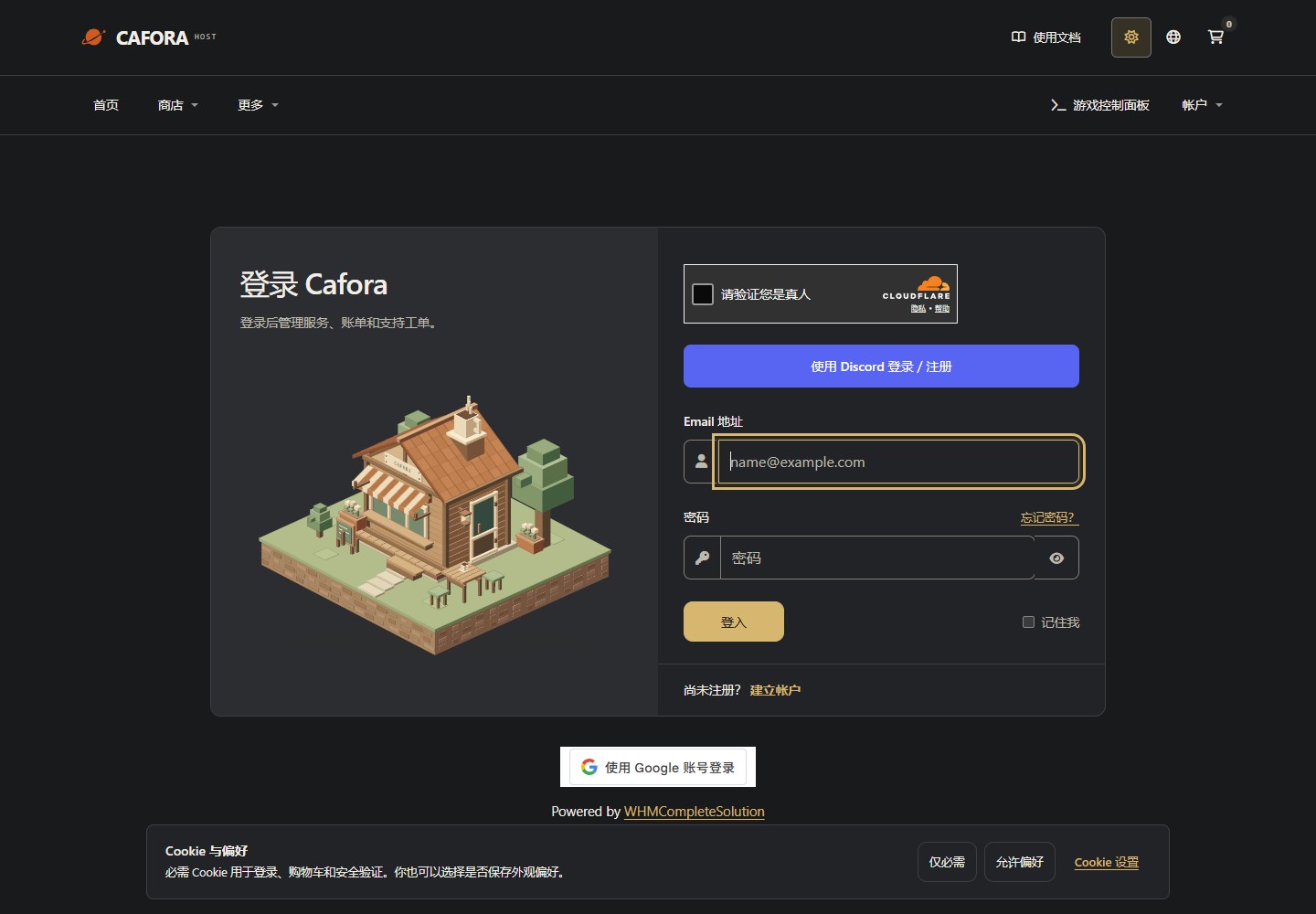
Sign in to the Store
Open the Store client area. Use your own account for orders, invoices and service requests; this is separate from game Panel.
Describe the request to support
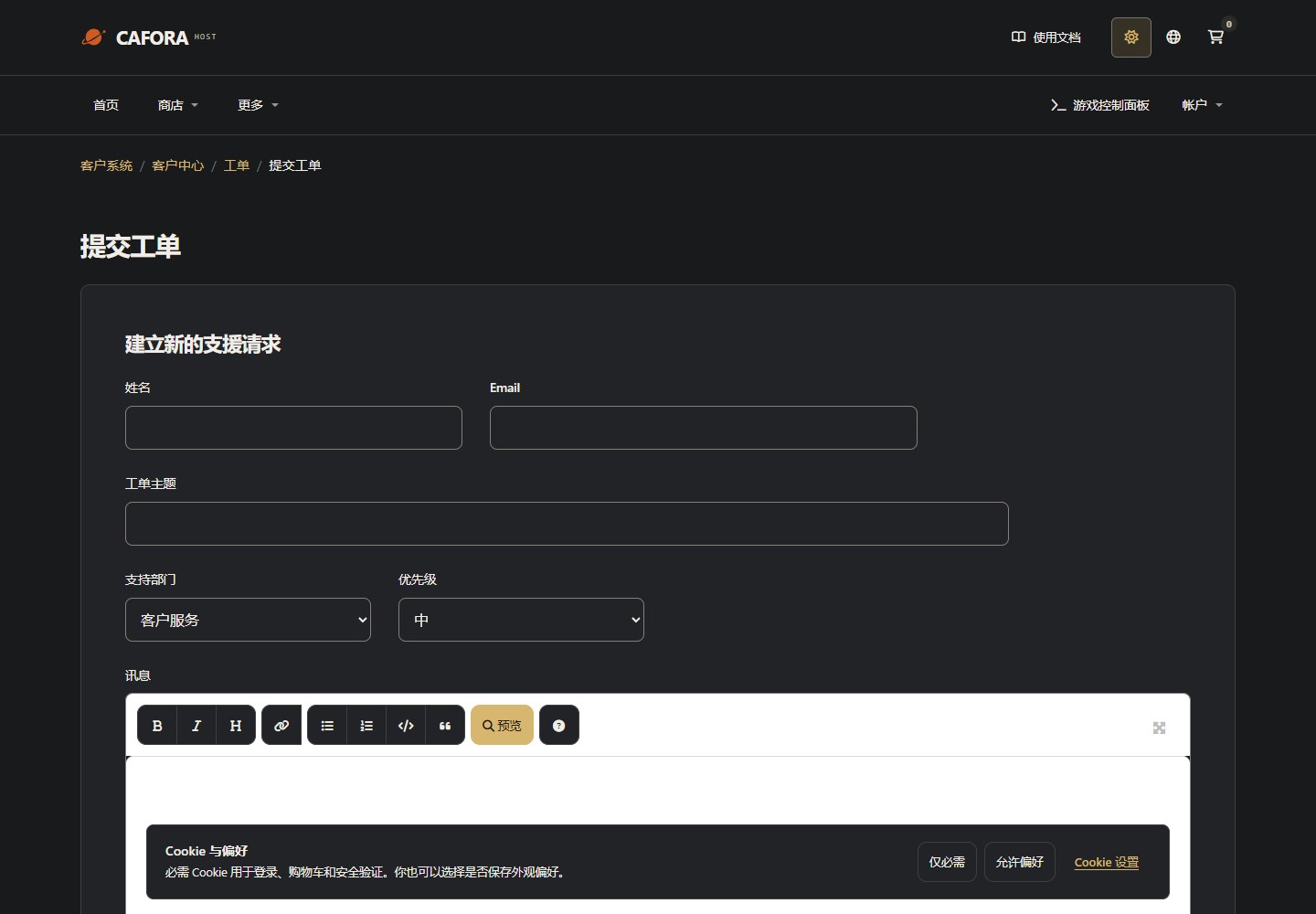
Open a support ticket with the service or invoice ID and the requested action. For connection issues include time, error and MTR evidence. Never include passwords, tokens or card details.
Viewing Invoices
Log into the Cafora Store.
Navigate to the Billing section.
Select Invoices to view your billing history.
Click any invoice to view details or download a copy.
Invoice Details
Each invoice includes:
- Invoice number and date
- Service period covered
- Plan and pricing details
- Payment status (paid, pending, overdue)
- Payment method used
Downloading Invoices
Invoices can typically be downloaded as PDF files for your records. Check the invoice detail view for download options.
Billing History
Your billing history shows all past transactions including:
- Successful payments
- Failed payments
- Refunds
- Plan changes and adjustments
Why is an Active service still Unpaid?
If support approved early activation, the service can be Active while the invoice remains Unpaid. The two statuses track the service and its payment separately. An activation notification is not a payment receipt.
For Cat Payment / convenience-store payment, follow the instructions provided by support and submit the necessary receipt in the original ticket. Use the invoice's actual status, amount and due date. If the receipt and status disagree, ask staff to investigate using the invoice number rather than paying again. Early activation does not automatically change renewal or overdue arrangements. See Payments and Order statuses.