Refund Policy
Understanding Cafora Host refund policy and eligibility.
Illustrated procedure
Screenshots show the current application with demonstration data. Use your own service details; click an image to inspect it at full size.
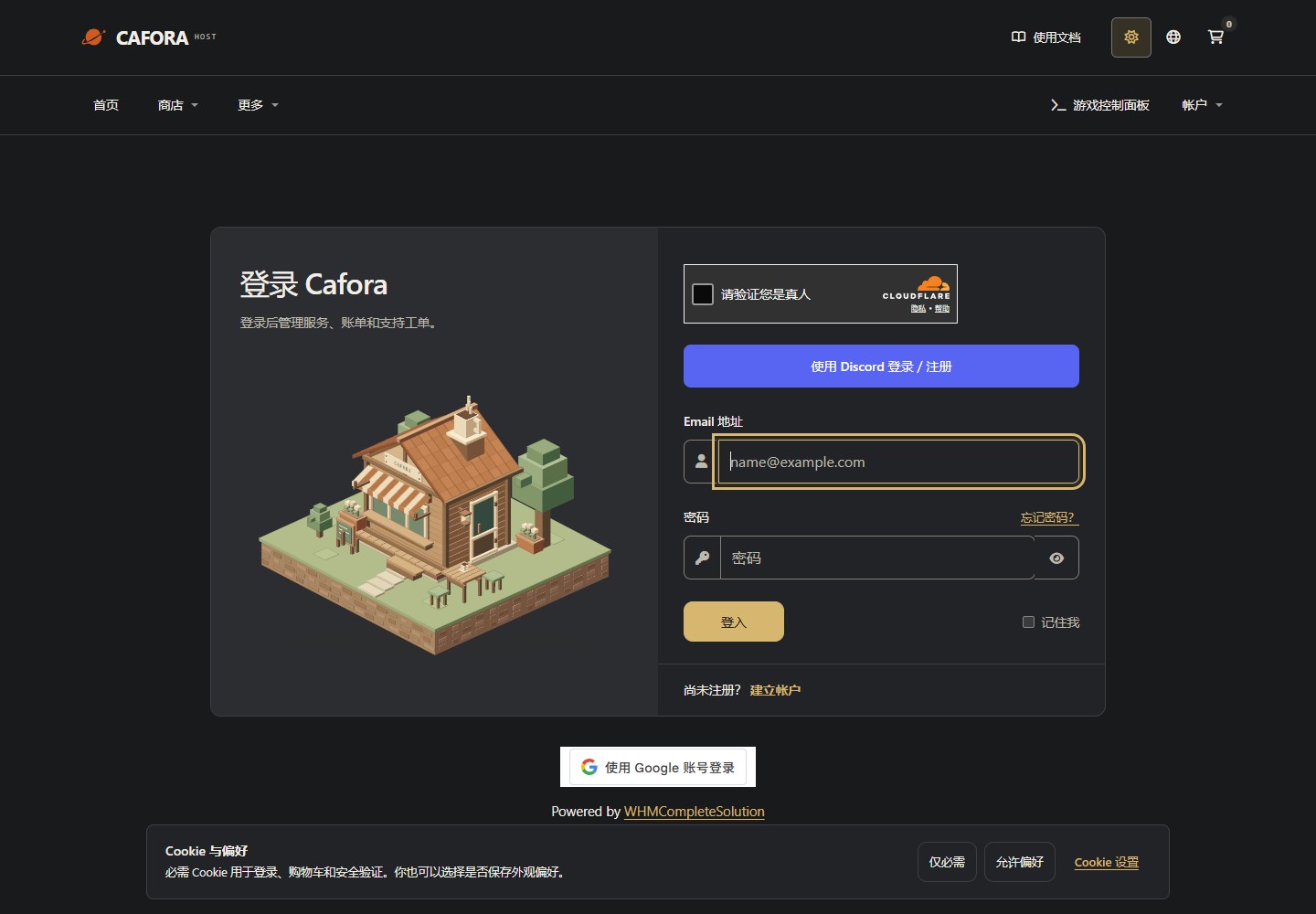
Sign in to the Store
Open the Store client area. Use your own account for orders, invoices and service requests; this is separate from game Panel.
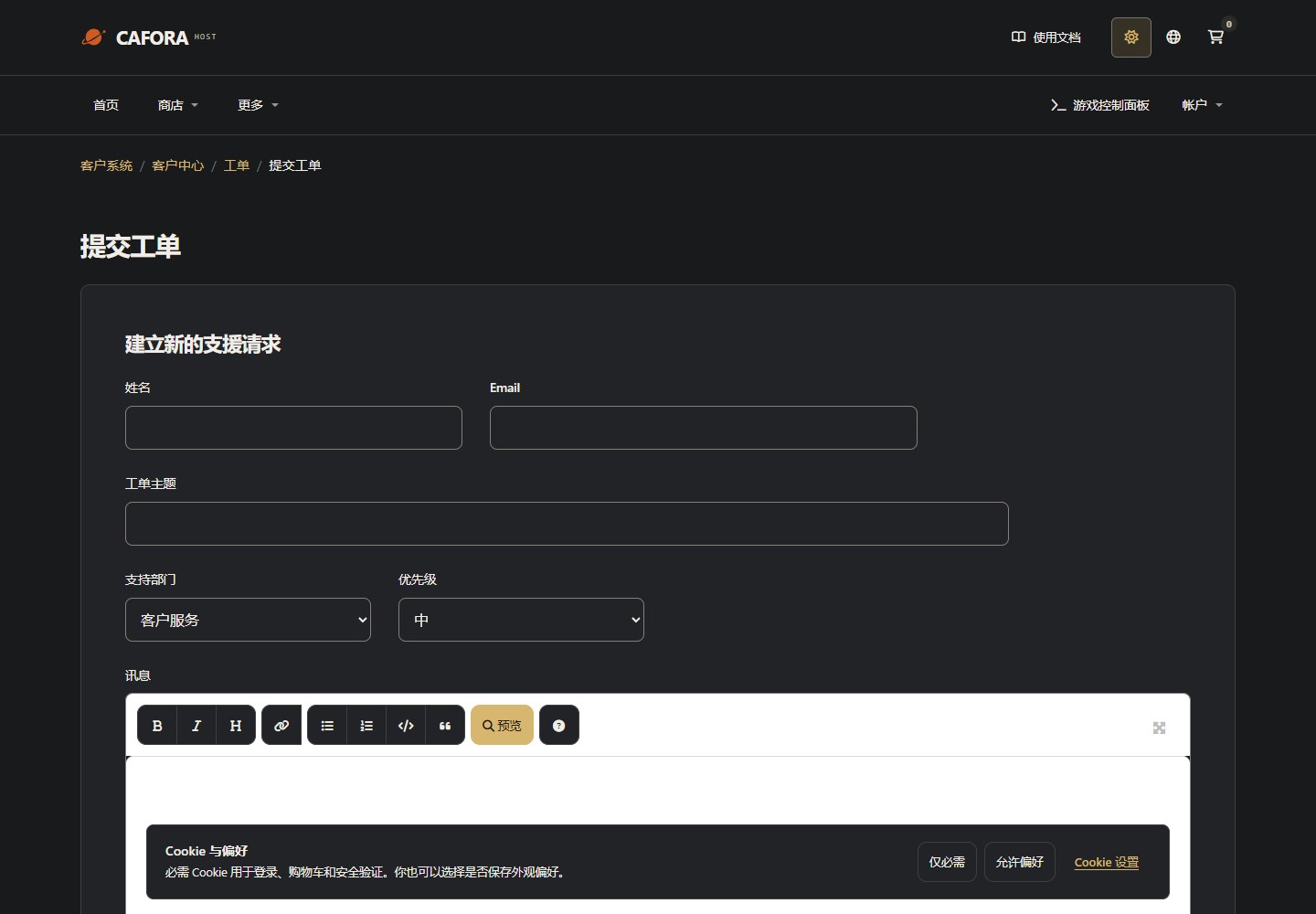
Describe the request to support
Open a support ticket with the service or invoice ID and the requested action. For connection issues include time, error and MTR evidence. Never include passwords, tokens or card details.
Confirm before paying
The current Terms of Service state that purchases are non-refundable. Confirm your plan, configuration, currency, billing period and final invoice total before making payment. Cancelling a service does not create a refund entitlement.
Billing errors and payment questions
If you believe a charge is incorrect, contact Customer Support through the Store. Include your invoice or order number, the issue and payment proof if payment has been made. Do not send passwords or full card details.
Staff can investigate incorrect billing or payment records; submitting a ticket does not mean a refund has been approved. For manual Cat Payment, receipt of funds must be confirmed before the invoice is marked paid.