Renewals
Understanding server renewal and keeping your Cafora service active.
Illustrated procedure
Screenshots show the current application with demonstration data. Use your own service details; click an image to inspect it at full size.
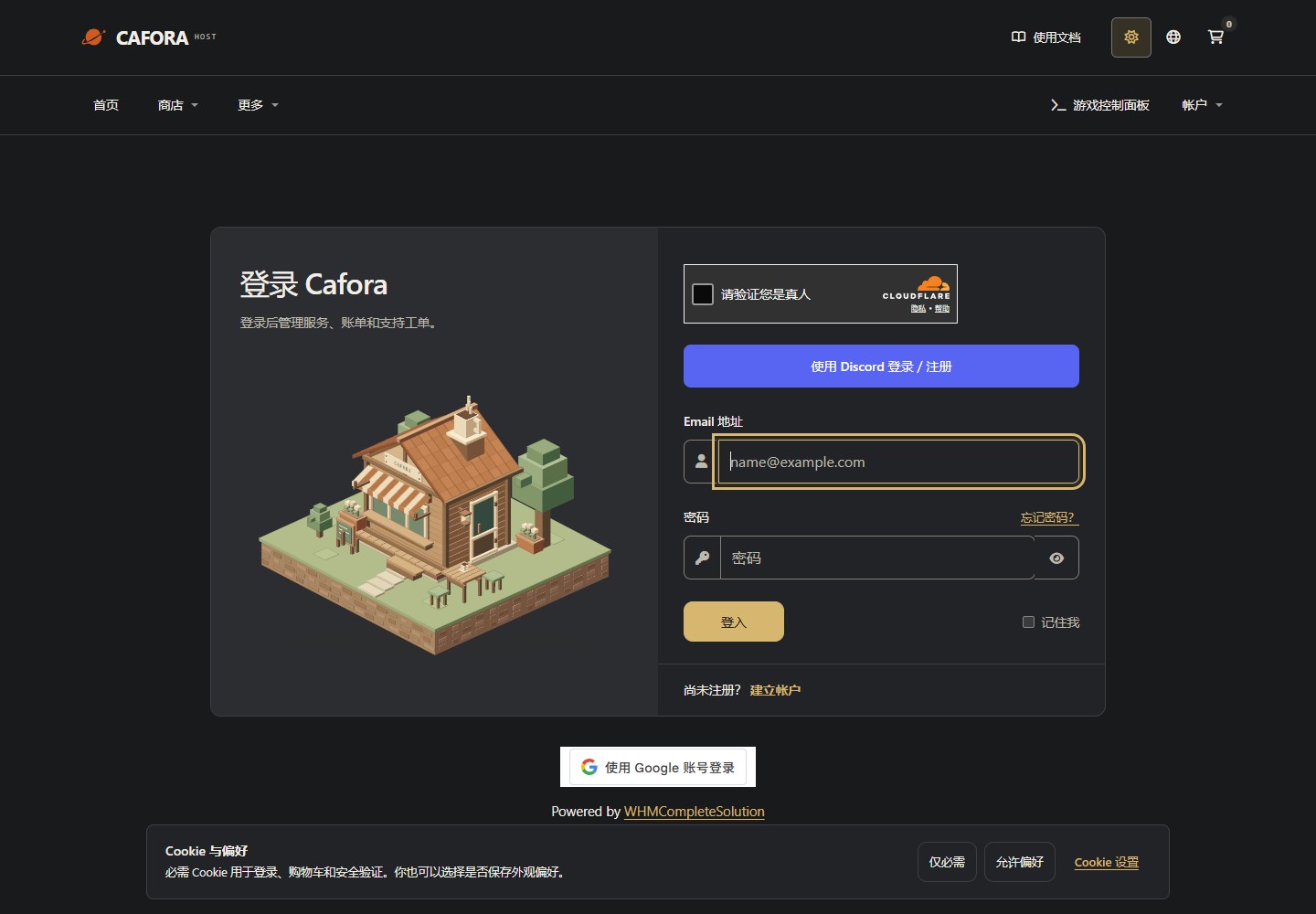
Sign in to the Store
Open the Store client area. Use your own account for orders, invoices and service requests; this is separate from game Panel.
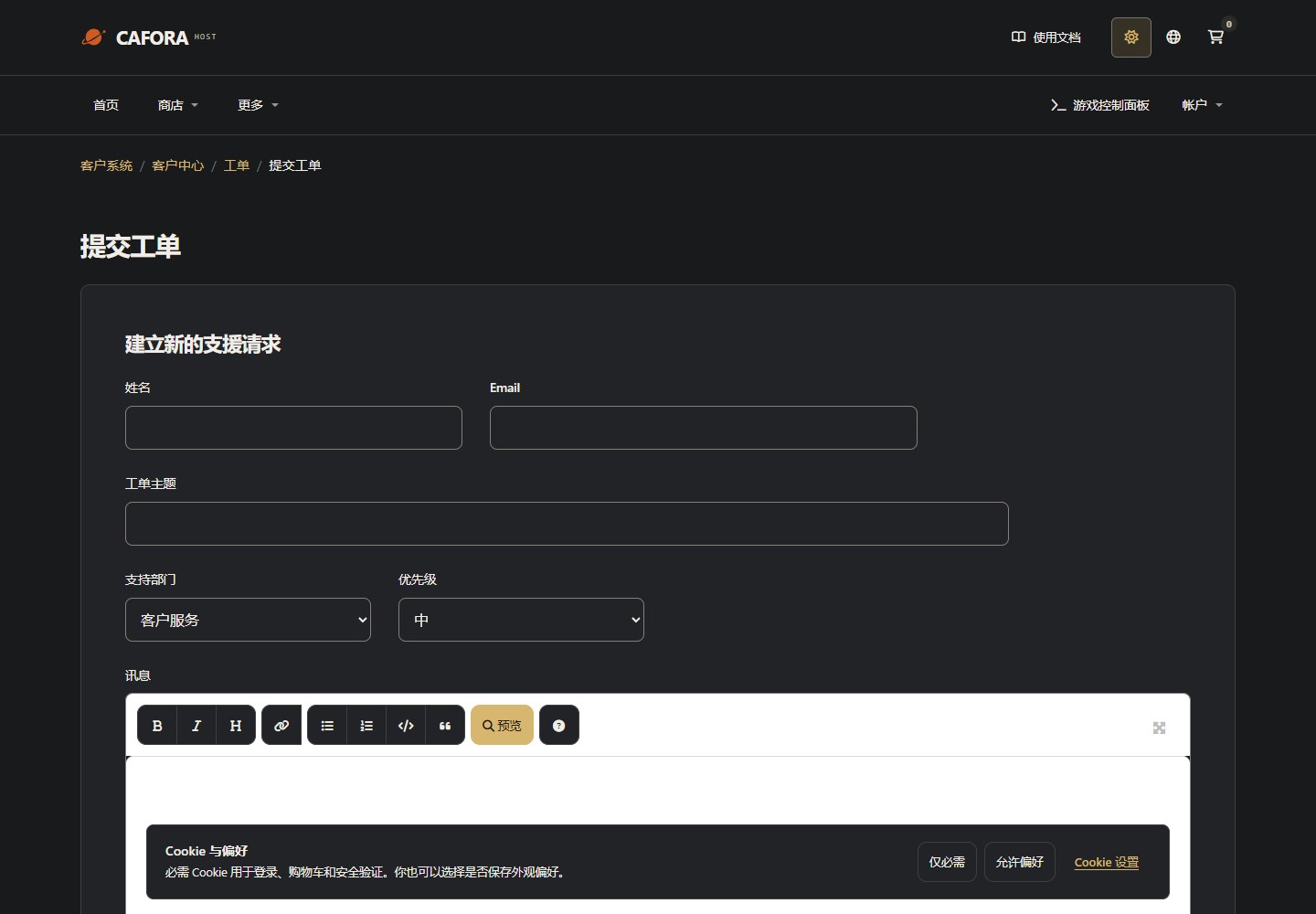
Describe the request to support
Open a support ticket with the service or invoice ID and the requested action. For connection issues include time, error and MTR evidence. Never include passwords, tokens or card details.
Billing and renewal
Your service is billed for the calendar period selected at checkout. A renewal invoice is generated 14 days before the due date. Check the invoice's currency, amount and due date in the Store.
PayPal or a saved card can collect automatically only when you have authorised the supported arrangement. ToyyibPay and Cat Payment (猫猫支付) require you to complete payment; a recurring invoice does not mean every method automatically charges you. For Cat Payment, submit your invoice number and proof of payment in a Customer Support ticket. Staff confirm receipt and record the payment in WHMCS.
If payment is overdue
The current Store setting suspends unpaid services after 5 days overdue, when daily automation runs. Automatic termination for nonpayment is currently disabled. This does not guarantee indefinite storage: contact support about payment difficulties and keep your own downloadable backups. Payment confirmed before termination can reactivate a service suspended for nonpayment.
Cancellation
Request cancellation from the service details in the Store. Choose Immediate only if you are ready to stop the service; choose End of Billing Period to use the remaining paid term. Termination removes server files, so download them first. See cancellation.